
Introduction
Running a small business means doing more with limited time, money, and people. AI can help—but choosing the right tools is often harder than using them.
The problem is not a lack of AI software. There are now AI assistants, design platforms, CRM systems, automation tools, writing assistants, accounting software, meeting note-takers, and research tools competing for the same business budget.
The right approach is to choose AI based on a specific business problem, not simply because a tool is popular.
For example, a business that needs better customer follow-up may benefit more from HubSpot than another writing assistant. A content-heavy business may get more value from ChatGPT or Jasper, while a company spending hours on repetitive workflows may benefit more from Zapier.
This guide compares 10 widely used AI-powered tools for small businesses in 2026, focusing on practical use cases, current pricing information, strengths, limitations, and the type of business problem each tool can solve.
Quick answer: For general-purpose work, ChatGPT is a flexible starting point. Canva is useful for visual content, Zapier for automation, HubSpot for CRM and customer management, Notion for knowledge and documentation, Jasper for marketing content, Grammarly for writing, QuickBooks for accounting, Fireflies.ai for meetings, and Perplexity for research.
Important: Pricing, AI features, usage limits, and plan names can change. Always confirm the current price on the vendor’s official website before purchasing.
What Should Small Businesses Look for in an AI Tool?
Before buying an AI subscription, consider five practical questions:
- What problem does the tool solve?
- How frequently will your business use it?
- Can the tool save meaningful time or reduce repetitive work?
- Does the pricing make sense for your workload?
- How will the tool handle your business data?
A $20 tool that solves a daily bottleneck can be more useful than a $100 tool that your team rarely uses.
AI should therefore be treated as a business tool—not as a collection of subscriptions to buy simply because they are popular.
How We Evaluated These AI Tools
This comparison focuses on practical business value rather than simply counting features.
Each tool is considered across these areas:
| Evaluation Area | What We Look At |
| Business Usefulness | Whether the tool solves a meaningful small-business problem |
| Ease of Use | How practical it is for non-technical users |
| AI Capabilities | What AI-powered features are actually available |
| Pricing | Entry-level and relevant paid-plan costs |
| Limitations | Important restrictions, costs, or learning curves |
| Use Cases | Where the tool can realistically fit into a business workflow |
Google recommends people-first content that provides original value, demonstrates experience where appropriate, avoids easily verifiable factual errors, and clearly communicates who created the content and how it was produced.
Quick Comparison: 10 AI Tools for Small Businesses
| Tool | Best For | Starting Point | Free Option? | Main Business Use |
| ChatGPT | General business tasks | $20/month for Plus | Yes | Writing, analysis, brainstorming, research |
| Canva | Design and visual content | Free / Pro available | Yes | Graphics, presentations, social content |
| HubSpot | CRM and customer management | Free CRM | Yes | Leads, contacts, sales and service |
| Zapier | Workflow automation | Free / $19.99+ paid | Yes | Connecting apps and automating tasks |
| Notion | Knowledge management | Free / $10+ paid | Yes | Docs, projects, databases, knowledge |
| Jasper | Marketing content | $49/month Creator | Trial available | Marketing copy and brand content |
| Grammarly | Writing and editing | Free | Yes | Grammar, clarity, rewriting |
| QuickBooks | Accounting | Plan-dependent | Trial/options vary | Bookkeeping, invoices, financial management |
| Fireflies.ai | Meetings | Free | Yes | Transcription, summaries, action items |
| Perplexity | AI-powered research | Free / Pro available | Yes | Research and source discovery |
Pricing note: Prices shown are representative starting prices or current public plan prices and can vary by billing cycle, region, taxes, promotions, seats, and product packaging.
ChatGPT — Best for General Business Tasks
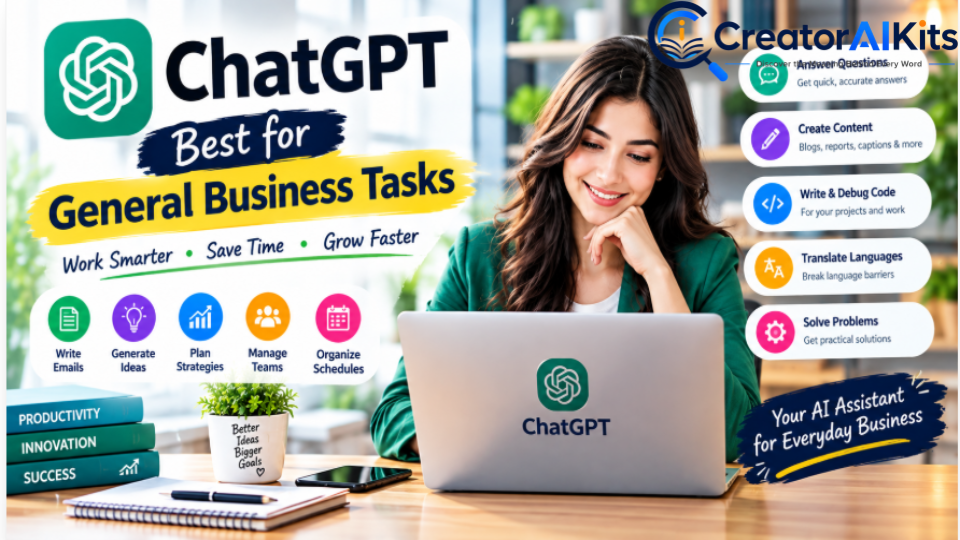
ChatGPT is a general-purpose AI assistant that can support many everyday business activities from one interface.
For a small business owner, that can include drafting emails, creating proposals, brainstorming content, summarizing documents, analyzing uploaded files, generating ideas, and helping with research.
Best For
- Business emails and customer responses
- Proposals and business documents
- Content ideas and social media drafts
- Brainstorming
- File analysis
- Data-related tasks
- Research assistance
- Creating repeatable workflows and prompts
Pricing
ChatGPT Plus is currently $20/month. OpenAI states that Plus provides broader access to models and features than the Free plan, including file uploads and analysis, image generation, voice, and Deep Research where available.
For organizations, ChatGPT Business currently starts at $20 per standard seat/month when billed annually or $25 monthly, with a two-seat minimum.
Practical Use Case
A small agency can use ChatGPT to turn rough client notes into a professional proposal, create a first draft of a follow-up email, and summarize a long PDF before a meeting.
Limitations
AI-generated information can be incorrect or incomplete. Important business, legal, financial, or technical information should be reviewed before it is used.
Best Fit
Choose ChatGPT when you need one flexible AI assistant for many different business tasks.
Pro Tip: To get the most out of ChatGPT for productivity, read our companion article, 15 Best AI Productivity Tools in 2026, where we explain which 14 other tools you can combine with ChatGPT to boost your productivity.
Canva — Best for Visual Content

Canva is a visual design platform that combines templates, graphics, presentations, video tools, and AI-powered creative features.
For small businesses without an in-house designer, it can reduce the complexity of producing marketing materials.
Best For
- Social media graphics
- Presentations
- Flyers and brochures
- Marketing visuals
- Short-form videos
- Branded content
- Simple visual advertisements
Pricing
Canva offers a Free plan. Its current public pricing page lists Canva Pro at US$144/year for one person on one displayed annual pricing view, while another current pricing view displays US$180/year, so pricing can vary by billing context or current offer. Canva also lists a Business plan at US$250/year per person on its current pricing page.
Because Canva pricing and offers can change, check the live pricing page before publishing a specific monthly-equivalent price.
Practical Use Case
A local business can create a consistent set of Instagram posts, promotional graphics, presentations, and simple videos using the same brand assets.
Limitations
Advanced AI usage can be subject to plan-specific limits or additional AI credits. Design automation also does not replace human review for brand consistency.
Best Fit
Choose Canva when your business regularly needs professional-looking visual content without a dedicated designer.
HubSpot — Best for CRM and Customer Management

HubSpot combines CRM, marketing, sales, customer service, content, and other business functions.
Its free tools can be useful for small businesses that want to organize contacts and sales activity before committing to more advanced software.
Best For
- Contact management
- Lead tracking
- Sales pipelines
- Customer communication
- Marketing workflows
- Customer service
- CRM organization
Pricing
HubSpot offers free foundational CRM tools. Its Starter Customer Platform normally lists at $20/month per seat, although HubSpot is currently advertising limited-time promotional pricing for eligible new customers.
HubSpot’s current pricing also uses credits for some AI agents. Its Customer Agent is priced at 50 HubSpot Credits per resolved conversation, while HubSpot separately describes the underlying pricing as $0.50 per resolved conversation under its outcome-based model.
Practical Use Case
A service business can use HubSpot to capture leads, organize contacts, track deals, and keep customer interactions in one place.
Limitations
Advanced marketing, sales, service, and AI capabilities can become significantly more expensive as requirements grow.
Best Fit
Choose HubSpot when customer and lead management is becoming difficult to handle with spreadsheets or scattered tools.
Zapier — Best for Workflow Automation
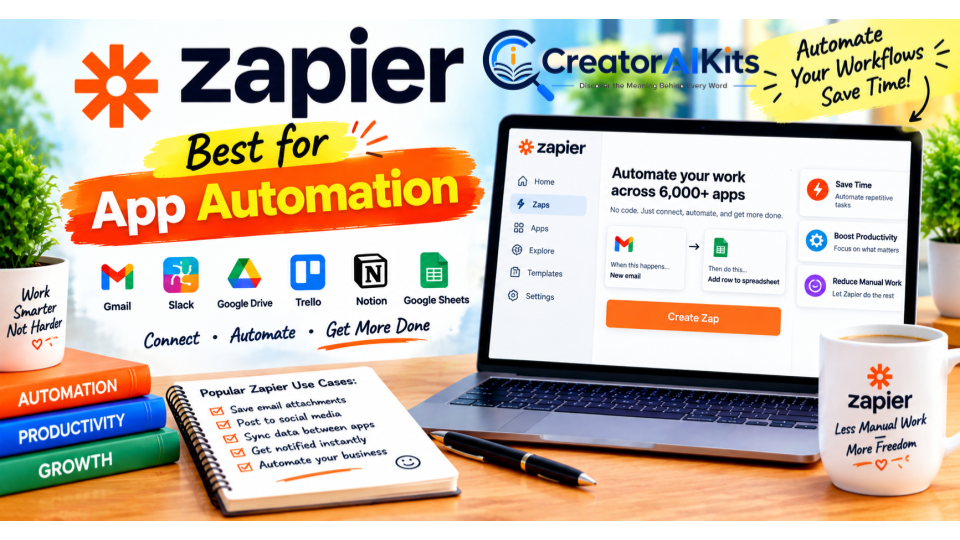
Zapier connects different applications so that repetitive actions can happen automatically.
For example, a new website form submission can trigger a spreadsheet update, notification, email, or task without someone manually copying information between systems.
Best For
- Lead routing
- Data entry automation
- Notifications
- Connecting business apps
- Multi-step workflows
- Repetitive administrative tasks
Pricing
Zapier currently offers a Free plan, while its Professional plan starts at $19.99/month and includes multi-step Zaps, premium apps, webhooks, and other advanced capabilities.
The exact cost can depend on the task volume and selected plan.
Practical Use Case
A business can connect a website form to Google Sheets and a communication platform so that a new lead automatically enters the company’s workflow.
Limitations
Complex automations require careful setup and testing. Usage-based limits can also affect cost as automation volume increases.
Best Fit
Choose Zapier when employees repeatedly move information between different apps.
Notion — Best for Knowledge Management

Notion combines documents, databases, project management, wikis, and workspace organization.
For small teams, it can become a central location for standard operating procedures, meeting notes, project information, and internal documentation.
Best For
- SOPs
- Internal documentation
- Project management
- Meeting notes
- Knowledge bases
- Databases
- Team collaboration
Pricing
Notion currently lists:
- Free: $0
- Plus: $10/user/month
- Business: $20/user/month
The Business plan includes expanded workspace capabilities and AI-related functionality.
Practical Use Case
A small agency can create one workspace containing client procedures, content calendars, project tasks, meeting notes, and internal documentation.
Limitations
Notion can require some setup before a team has a clean structure. A poorly organized workspace can become difficult to maintain.
Best Fit
Choose Notion when information is scattered across documents, messages, spreadsheets, and separate project tools.
Jasper — Best for Marketing Content

Jasper is designed specifically around marketing and brand content.
Its focus is different from a general-purpose AI assistant: businesses can use it for brand-oriented content workflows across marketing channels.
Best For
- Marketing copy
- Campaign content
- Brand voice
- Email marketing
- Social content
- SEO-oriented content workflows
- Multi-channel marketing
Pricing
Jasper currently lists its Creator plan at $49/month when billed monthly, with a lower annual-billing equivalent. Its Pro plan is listed at $69/month monthly or $59/seat/month when billed yearly.
Practical Use Case
A marketing team can provide its brand guidelines and previous content, then use Jasper to help develop consistent drafts for campaigns.
Limitations
Jasper is more specialized than a general AI assistant and can be difficult to justify for businesses that only need occasional AI writing.
Best Fit
Choose Jasper when marketing content and brand consistency are central to your business workflow.
Grammarly — Best for Writing and Communication
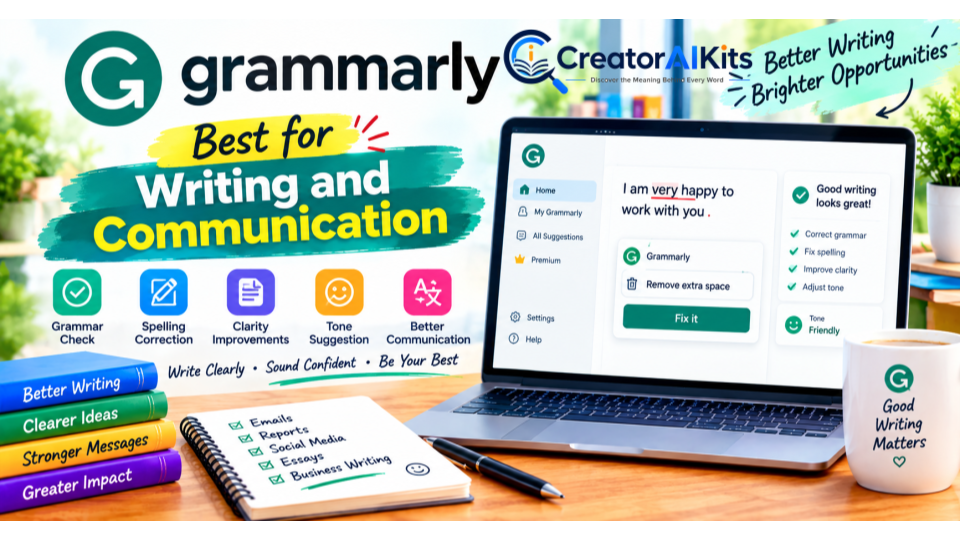
Grammarly focuses on writing quality, clarity, tone, rewriting, and related communication features.
It can be particularly useful for businesses where employees send large numbers of customer emails, proposals, reports, or other written communication.
Best For
- Grammar correction
- Clarity
- Tone
- Rewriting
- Professional communication
- Brand writing consistency
Important 2026 Update
Grammarly is now part of Superhuman, a broader AI productivity suite that includes Grammarly, Coda, Superhuman Go, and Mail. The Grammarly product itself continues to be available.
Grammarly’s current standalone Pro pricing page lists $30/member/month when billed monthly or $144/member/year, equivalent to $12/month on annual billing.
Practical Use Case
A business owner can use Grammarly while writing emails, proposals, website copy, and other customer-facing communication.
Limitations
AI suggestions should be reviewed rather than accepted automatically. A grammatically correct sentence can still be inaccurate or inappropriate for the situation.
Best Fit
Choose Grammarly when written communication quality is an important part of your customer experience.
QuickBooks — Best for Accounting and Financial Management
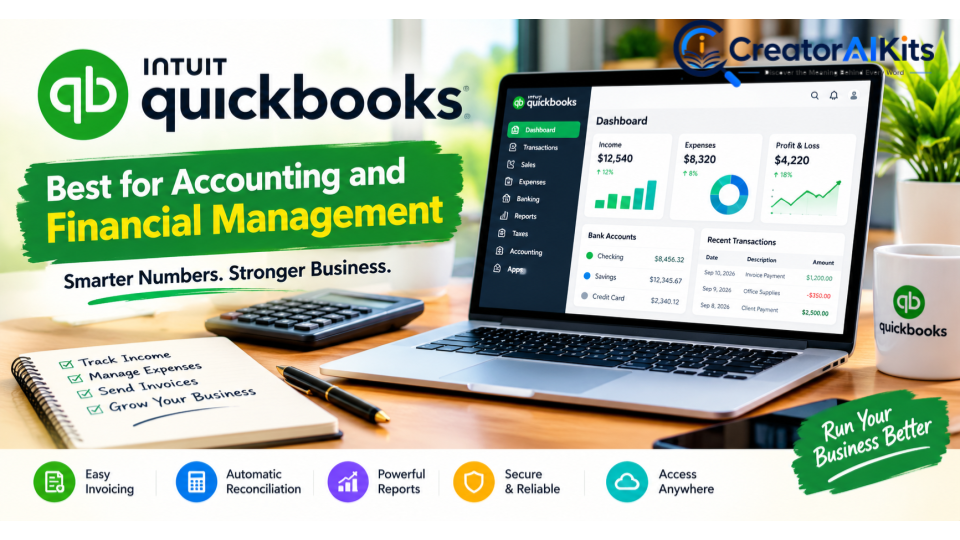
QuickBooks is designed for accounting and financial management rather than being a standalone AI assistant.
Its value for small businesses comes from combining accounting workflows with automation and AI-assisted capabilities.
Best For
- Invoicing
- Expense management
- Bookkeeping
- Financial reporting
- Cash-flow management
- Business accounting
Practical Use Case
A small business can use accounting software to organize transactions, create invoices, track expenses, and generate financial reports.
Important Limitation
Accounting software is highly dependent on the country, tax system, banking integrations, and business structure.
The original article’s statement that QuickBooks is designed for all small businesses should therefore be treated carefully. For businesses outside supported markets, a local accounting solution may be more appropriate.
Best Fit
Choose QuickBooks when your business needs structured accounting and financial management and QuickBooks supports your country and workflow.
Fireflies.ai — Best for AI Meeting Notes
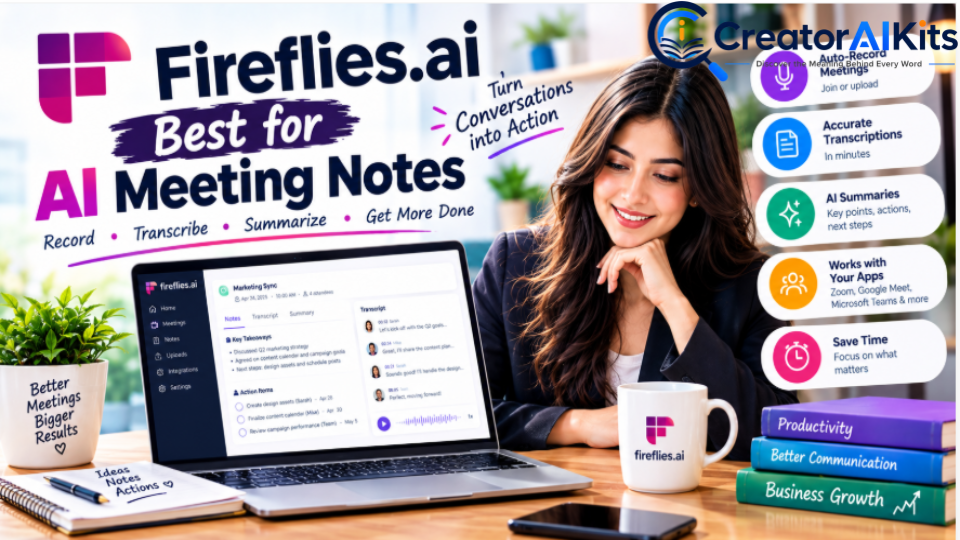
Fireflies.ai is designed to capture and analyze business meetings.
It can transcribe conversations, generate summaries, help identify action items, and make meeting information easier to search.
Best For
- Client meetings
- Sales calls
- Team meetings
- Interviews
- Meeting summaries
- Action-item tracking
Pricing
Fireflies currently lists:
- Free: $0
- Pro: $18/user/month when billed monthly or $10/user/month when billed annually
- Business: $29/user/month monthly or $19/user/month annually
The company also states that paid plans include unlimited transcription, with storage and other features varying by plan.
Practical Use Case
After a client meeting, Fireflies can help turn the conversation into a searchable transcript and summary so team members can review decisions and follow-up tasks.
Limitations
Transcription quality depends on audio quality, speakers, accents, background noise, and technical terminology. Sensitive meetings should also be handled according to your organization’s privacy and consent requirements.
Best Fit
Choose Fireflies when your team spends significant time in meetings and frequently needs to revisit what was discussed.
Perplexity — Best for AI-Powered Business Research
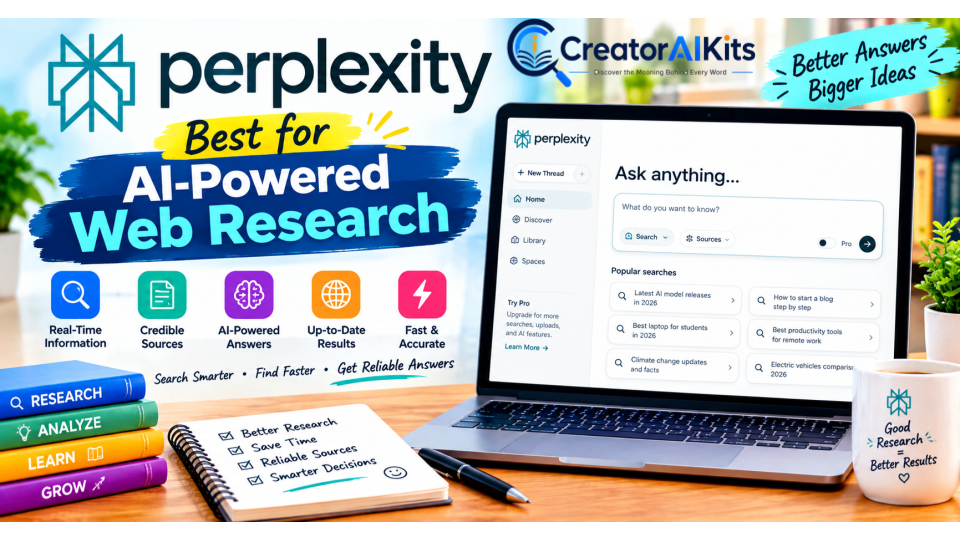
Perplexity is designed around AI-assisted search and research.
It can be useful when a business needs to explore a topic quickly while reviewing cited sources.
Best For
- Market research
- Competitor research
- Industry research
- Finding sources
- Researching products and services
- Exploring current developments
Pricing
Perplexity offers a free Standard plan and paid Pro and Max plans. Its current documentation describes Pro as providing expanded Pro Search, access to advanced AI models, increased file and image upload limits, and other advanced features.
Perplexity’s current documentation lists Max at $200/month or $2,000/year.
Practical Use Case
A business owner researching a new market can use Perplexity to identify relevant sources, compare information, and then open the original sources before making a business decision.
Limitations
Citations do not automatically make every AI-generated statement correct. Important claims should still be checked against the underlying source.
Best Fit
Choose Perplexity when source-based research and current information are a major part of your workflow.
How to Build a Simple AI Stack for a Small Business
You do not need all 10 tools.
A better approach is to build your stack around the business functions you actually need.
| Business Need | Possible Tool | Why |
| General AI assistance | ChatGPT | Broad range of tasks |
| Visual content | Canva | Design, social media and presentations |
| CRM | HubSpot | Contacts, leads and customer workflows |
| Automation | Zapier | Connects different apps |
| Internal knowledge | Notion | Documents and databases |
| Marketing content | Jasper | Brand-focused marketing workflows |
| Writing quality | Grammarly | Editing and communication |
| Accounting | QuickBooks | Financial workflows |
| Meetings | Fireflies.ai | Transcription and summaries |
| Research | Perplexity | AI-assisted source discovery |
The key is to avoid paying for several tools that perform essentially the same job.
How Much Should a Small Business Spend on AI?
There is no universal AI budget.
A solo business may need only one or two tools, while a growing team may require CRM, automation, accounting, collaboration, and communication software.
Instead of choosing a fixed budget, use this process:
Start With One Problem
Identify the task that consumes the most repetitive time.
Choose One Tool
Pick the tool that directly addresses that problem.
Test the Workflow
Use the free plan or trial where available and evaluate whether the tool actually improves your workflow.
Measure the Result
Track something concrete:
- Hours saved
- Tasks completed
- Response time
- Errors reduced
- Leads processed
- Content produced
- Administrative work reduced
Upgrade Only When Necessary
If the free version solves the problem, there may be no reason to upgrade immediately.
How to Calculate the Real ROI of an AI Tool
Avoid using generic ROI percentages because the value of AI depends heavily on the business.
Instead, calculate your own result.
Simple Formula
Estimated time value = Hours saved × hourly value of that work
Then:
Net benefit = Estimated time value − AI subscription cost
For example, if an AI tool saves 5 hours per month and you value that work at $30/hour:
5 × $30 = $150 of estimated monthly time value
If the subscription costs $20/month:
$150 − $20 = $130 estimated monthly net benefit
This is more meaningful than claiming that every business will achieve a specific percentage ROI.
Free AI Tools vs Paid AI Tools
Free plans are often enough to test whether a tool fits your workflow.
| Free Tools | Paid Tools |
| Lower financial risk | More advanced features |
| Good for testing | Higher usage limits |
| Often have usage restrictions | Better team functionality |
| Suitable for light workloads | Better for regular business use |
| Good starting point | Useful when the tool proves its value |
Best approach: Start free where practical, measure the benefit, and upgrade only when the additional capability is worth the cost.
Are AI Tools Safe for Small Businesses?
AI security depends on the specific product, plan, settings, data, and business requirements.
Before uploading sensitive information:
- Read the provider’s data-use and privacy documentation.
- Check whether business data is used for model training.
- Review retention policies.
- Use business or enterprise controls where appropriate.
- Avoid uploading confidential information unless you understand how it is handled.
- Limit access to sensitive business information.
- Review AI-generated outputs before sending them to customers.
Do not assume that every AI tool has the same privacy protections.
Can AI Replace Small-Business Employees?
AI can automate or accelerate some tasks, but the effect depends on the job.
AI is particularly useful for repetitive activities such as:
- Drafting
- Summarizing
- Transcription
- Data organization
- Customer-response drafts
- Content ideation
- Workflow automation
Human review remains important for decisions involving customers, finances, legal obligations, confidential information, brand reputation, and other high-impact areas.
The practical goal should usually be using AI to improve the workflow, rather than assuming that a single AI tool can replace an entire role.
What Is the Biggest Mistake Small Businesses Make With AI?
One common mistake is buying too many tools before establishing a clear workflow.
If a business buys separate tools for writing, research, design, automation, meetings, project management, CRM, and communication without defining how they work together, the result can be more complexity rather than less.
A simpler approach is:
Problem → Tool → Workflow → Measurement → Upgrade
Start with the bottleneck that matters most.
Frequently Asked Questions
What are the best free AI tools for small businesses?
Useful free starting points include ChatGPT’s Free plan, Canva Free, HubSpot’s free tools, Grammarly’s Free offering, Zapier’s Free plan, Notion Free, Fireflies Free, and Perplexity’s Standard plan.
The right choice depends on the specific business problem.
What is the best AI tool for a small business?
There is no single tool that is best for every business.
ChatGPT is designed for broad AI assistance, Canva focuses on visual creation, HubSpot on CRM and customer management, Zapier on automation, and Perplexity on AI-assisted research.
Choose according to the task you need to solve.
How many AI tools does a small business need?
There is no fixed number.
A solo business may need one or two tools, while a larger team may need several specialized systems. Start with the smallest stack that solves your current problems.
Are paid AI tools worth it?
They can be, but the answer depends on usage.
A paid tool is easier to justify when it regularly saves time, reduces repetitive work, improves output quality, or provides functionality that the free version does not.
Measure the result before committing to long-term subscriptions.
Should I use ChatGPT or specialized AI tools?
Use a general AI assistant when you need flexibility across many tasks.
Use specialized software when you need a dedicated workflow such as CRM, accounting, automation, design, or meeting management.
Many businesses can use both.
Is AI-generated content reliable enough for business?
AI-generated content should be reviewed before publication or customer delivery.
AI can produce incorrect facts, outdated information, inappropriate wording, or unsupported claims. Human review is especially important for financial, legal, medical, technical, and reputation-sensitive content.
Which AI tool is best for marketing?
Marketing requirements differ.
Jasper is specifically focused on marketing content, while ChatGPT can handle a broader range of content and brainstorming tasks. Canva is particularly useful when visual content is part of the marketing workflow.
Which AI tool is best for automation?
Zapier is designed specifically to connect applications and automate workflows.
It is most useful when your business repeatedly performs the same multi-step process across different software platforms.
Is AI research always accurate?
No.
AI research tools can make mistakes or misunderstand sources. Perplexity’s cited-source approach can make source discovery easier, but important claims should still be checked against the original source.
How to Choose Your First AI Tool
If you are completely new to AI, do not start by buying everything on this list.
Start by identifying your biggest repetitive task.
If you mainly need writing, brainstorming, analysis, or general assistance: start with ChatGPT.
If you mainly need graphics and social media content: consider Canva.
If you mainly need customer and lead management: consider HubSpot.
If you mainly need automation between apps: consider Zapier.
If you mainly need internal documentation: consider Notion.
If you mainly need marketing-focused content: consider Jasper.
If you mainly need writing improvement: consider Grammarly.
If you mainly need accounting: consider QuickBooks, provided it fits your country and accounting requirements.
If you mainly need meeting transcription: consider Fireflies.ai.
If you mainly need research: consider Perplexity.
Final Takeaway
The best AI strategy for a small business is not to collect as many AI subscriptions as possible.
It is to identify the tasks that consume the most time, select tools that directly address those tasks, test them in real workflows, and measure the results.
Start small.
Use free plans when they are sufficient. Upgrade when you can identify a clear business benefit. Review AI-generated work before relying on it, especially when accuracy, privacy, money, or customer trust is involved.
The 10 tools covered in this guide serve different purposes:
- ChatGPT — general AI assistance
- Canva — visual content
- HubSpot — CRM and customer management
- Zapier — automation
- Notion — knowledge management
- Jasper — marketing content
- Grammarly — writing and communication
- QuickBooks — accounting
- Fireflies.ai — meeting intelligence
- Perplexity — research
The right choice is the one that solves a real business problem and provides enough value to justify its cost.
Sources and Verification
For publication, pricing and product claims should be linked to the vendors’ current official documentation rather than relying on third-party “best tools” lists.
- OpenAI — ChatGPT Plus and Business pricing
- Canva — current plans and pricing
- HubSpot — current CRM, Customer Platform and AI-agent pricing
- Zapier — current plans and pricing
- Notion — current plans and pricing
- Jasper — current Creator and Pro pricing
- Grammarly/Superhuman — current product and pricing information
- Fireflies.ai — current plans and billing information
- Perplexity — current Pro and Max information
- Google Search Central — people-first content and E-E-A-T guidance

Welcome to CreatorAIKits! I’m passionate about learning and exploring AI tools, creativity, and technology.
I’m continuously researching and gaining hands-on experience with different AI tools and technologies.
My goal is to share simple, useful, and practical AI information for beginners and everyday users.
Thanks for visiting CreatorAIKits!