
Introduction
The best AI productivity tool is not necessarily the one with the most features. It is the one that removes a real bottleneck from your daily workflow.
In 2026, AI tools can help with far more than writing text. They can research information, summarize documents, organize knowledge, automate repetitive tasks, capture meetings, manage schedules, assist with coding, create designs, generate voice content, and edit video.
But there is a problem: there are now too many choices.
Some tools overlap heavily, while others are built for a very specific job. Paying for several tools that do the same thing can quickly become expensive without making your workflow simpler.
This guide compares 15 leading AI productivity tools across different categories, including general AI assistants, research, writing, knowledge management, automation, meetings, scheduling, coding, voice, design, and video.
You will find:
- The main purpose of each tool
- Key AI features
- Who should use it
- Important limitations
- Current starting pricing
- Free-plan information where applicable
- How each tool can fit into a practical workflow
Quick Answer
If you want a general AI assistant, ChatGPT and Claude are strong starting points. For AI-powered web research, Perplexity is built around cited answers and current web information. Grammarly focuses on writing and communication, while Notion combines workspace, knowledge management, and AI features.
For automation, Zapier and Make connect apps and automate workflows. Otter.ai and Fireflies.ai focus on meetings. Motion combines AI scheduling, tasks, projects, and calendars. Cursor is designed for AI-assisted coding.
For creative work, Canva covers design and content creation, ElevenLabs focuses on AI audio and voice, and Descript combines video/audio editing with AI tools.
Prices and features can change, so check the provider’s official pricing page before purchasing.
Comparison Table: 15 Best AI Productivity Tools in 2026
| Tool | Best For | Category | Free Option | Paid Starting Point* |
| ChatGPT | General AI assistance | AI Assistant | Yes | $20/month |
| Claude | Long documents, reasoning & research | AI Assistant | Yes | $20/month |
| Notion | Knowledge, docs & workspace | Productivity Workspace | Yes | $10/member/month for Plus; AI capabilities vary by plan |
| Perplexity | Web research with citations | AI Search | Yes | $20/month |
| Grammarly | Writing & communication | AI Writing | Yes | $30/month or $12/month annual equivalent |
| Zapier | App automation | Automation | Yes | From $19.99/month |
| Otter.ai | Meeting transcription & notes | Meetings | Yes | $16.99/month or $8.33/month annual equivalent |
| Motion | AI scheduling & task planning | Scheduling | Trial | $19/seat/month |
| Cursor | AI-assisted coding | Coding | Yes | $20/month |
| ElevenLabs | AI voice & audio | Voice | Yes | $6/month |
| Make | Visual workflow automation | Automation | Yes | $12/month |
| Gemini | Google ecosystem & AI assistance | AI Assistant | Yes | $19.99/month for Google AI Pro |
| Fireflies.ai | Meeting intelligence | Meetings | Yes | $18/seat/month or $10 annual equivalent |
| Canva | AI design & content creation | Design | Yes | $15/month or $120/year |
| Descript | AI video/audio editing | Video & Audio | Yes | $16/month annual equivalent |
*Pricing shown in USD and can vary by billing cycle, region, taxes, promotions, and plan changes. Always verify the current price on the provider’s official pricing page before subscribing.
ChatGPT — Best for General AI Productivity
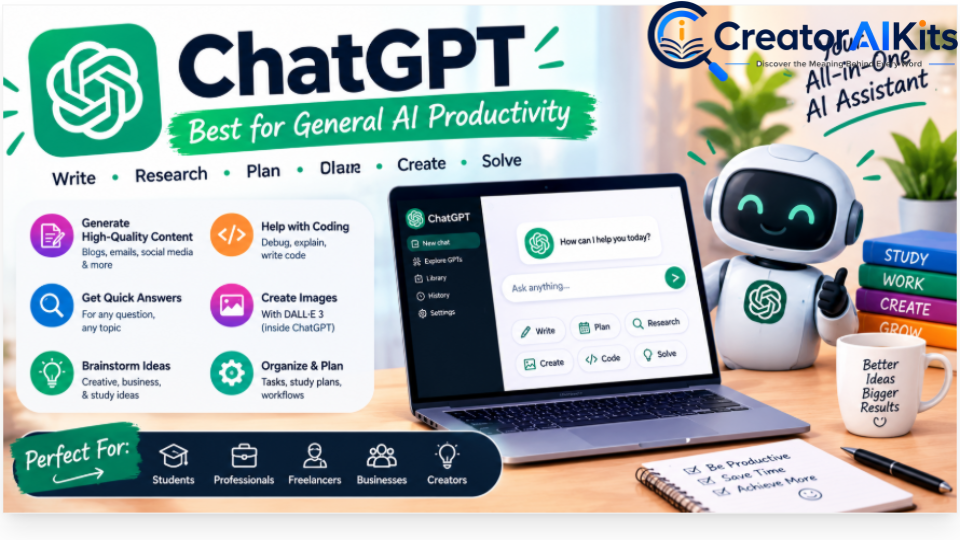
ChatGPT is one of the most versatile AI productivity platforms for everyday work.
Instead of using separate tools for brainstorming, drafting, summarizing, research, coding, file analysis, and idea development, many users can handle several of these tasks inside one AI assistant.
What you can use ChatGPT for
- Writing and rewriting
- Brainstorming
- Research assistance
- Summarizing documents
- Data analysis
- Coding assistance
- Creating outlines and plans
- Analyzing uploaded files
- Generating images
- Voice conversations
- Multi-step reasoning and planning
The exact models and feature availability can change over time and may depend on your plan.
Pricing
ChatGPT has a free option. ChatGPT Plus is $20/month in the United States. API usage is billed separately.
Best for
ChatGPT is particularly useful for people who want one flexible AI assistant for many different types of work.
Limitation
Because it can do so many things, it can be tempting to use it for everything. Important information should still be checked, especially for research, business, legal, financial, or technical decisions.
Best use: Use ChatGPT as your general-purpose AI layer, then add specialist tools only when they solve a specific workflow problem.
Claude — Best for Long Documents and Complex Work

Claude is Anthropic’s AI assistant and is particularly useful for users who regularly work with substantial documents, writing projects, analysis, and complex instructions.
Claude also supports projects, research capabilities, integrations, and coding-related workflows depending on the plan.
Key features
- Long-form writing
- Document analysis
- Research
- Brainstorming
- Coding
- Content editing
- Complex instruction following
- Projects and organized workspaces
- Claude Code on supported plans
Pricing
Claude has a free plan.
Claude Pro costs $20/month when billed monthly, or an annual subscription equivalent of $17/month with $200 billed upfront.
Best for
- Writers
- Researchers
- Students
- Developers
- Professionals working with long documents
Limitation
Claude is not necessarily the right choice for every workflow. If your work depends heavily on a particular ecosystem or integration, another platform may fit better.
Best use: Use Claude when document-heavy work, structured writing, analysis, or extended reasoning is central to your workflow.
Notion — Best for AI-Powered Knowledge Management
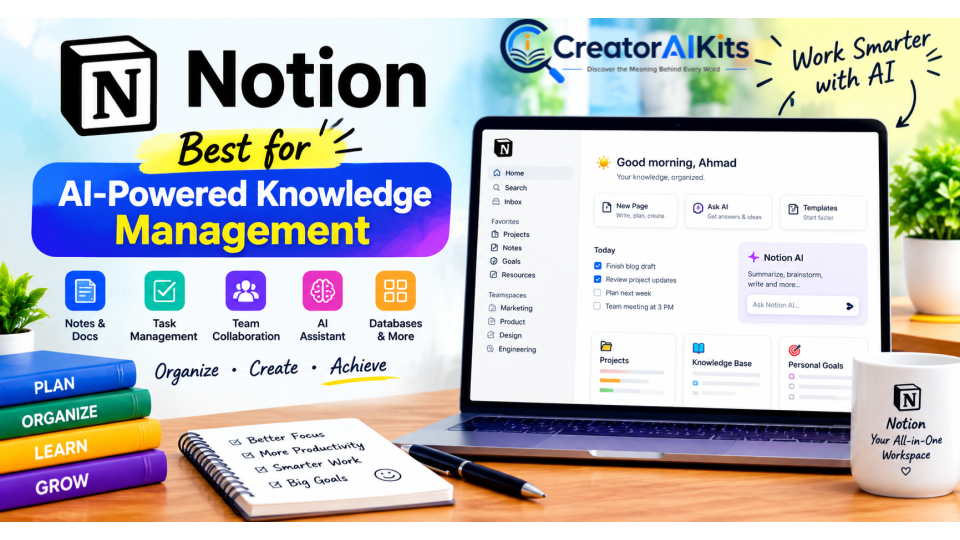
Notion combines documents, databases, tasks, projects, notes, and knowledge management in one workspace.
Its AI features can help users work with information already stored inside their workspace and, depending on the plan, connected information and web-based tasks.
Key features
- AI-assisted writing
- Document creation
- Summaries
- Workspace search
- Databases
- Project management
- Notes
- Task management
- Knowledge management
- AI-assisted research and work
Pricing
Notion offers a free plan.
The Plus plan starts at $10/member/month, while the Business plan is $20/member/month. AI capabilities vary by plan and current offering, so check Notion’s pricing page before subscribing.
Best for
- Content teams
- Freelancers
- Students
- Small businesses
- Project managers
- Anyone building a centralized knowledge base
Limitation
Notion can become complicated when a workspace contains too many databases, templates, and workflows.
Best use: Build one central workspace for documents, tasks, research, content planning, and internal knowledge instead of scattering information across multiple apps.
Perplexity — Best for AI-Powered Web Research
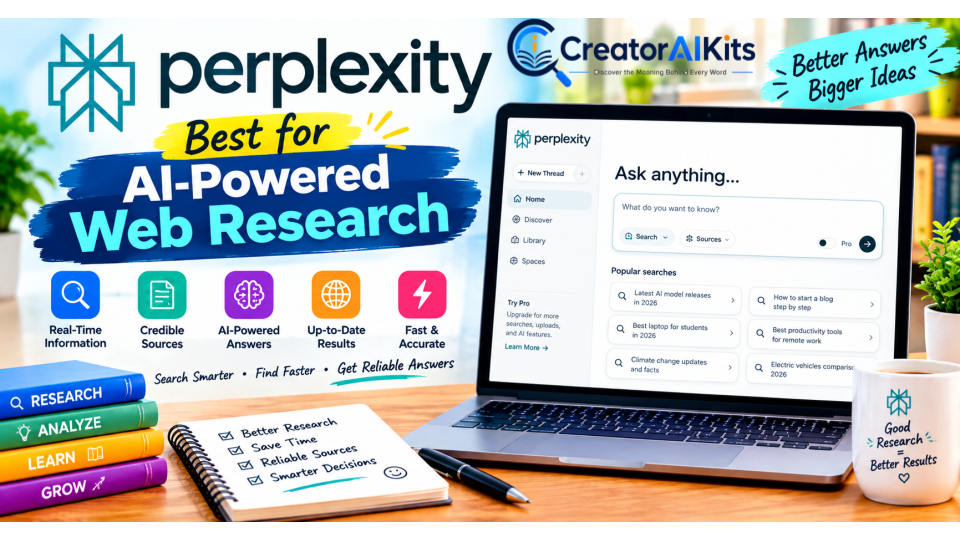
Perplexity is designed around AI-powered search and research.
A major difference is its focus on providing answers with citations and allowing users to investigate topics through the web rather than relying only on a static knowledge base.
Key features
- Web search
- Cited answers
- Research workflows
- File analysis
- Image generation
- Projects
- Access to multiple AI models
- Deep research capabilities
Pricing
Perplexity offers a free option.
Perplexity Pro costs $20/month or $200/year.
Best for
- Research
- Market research
- Competitive research
- Content research
- Current information
- Source discovery
Limitation
Citations make research easier to verify, but users should still open important sources and check whether the cited evidence actually supports the claim.
Best use: Use Perplexity to discover current information and sources, then verify important claims against the original source.
Grammarly — Best for Writing and Communication
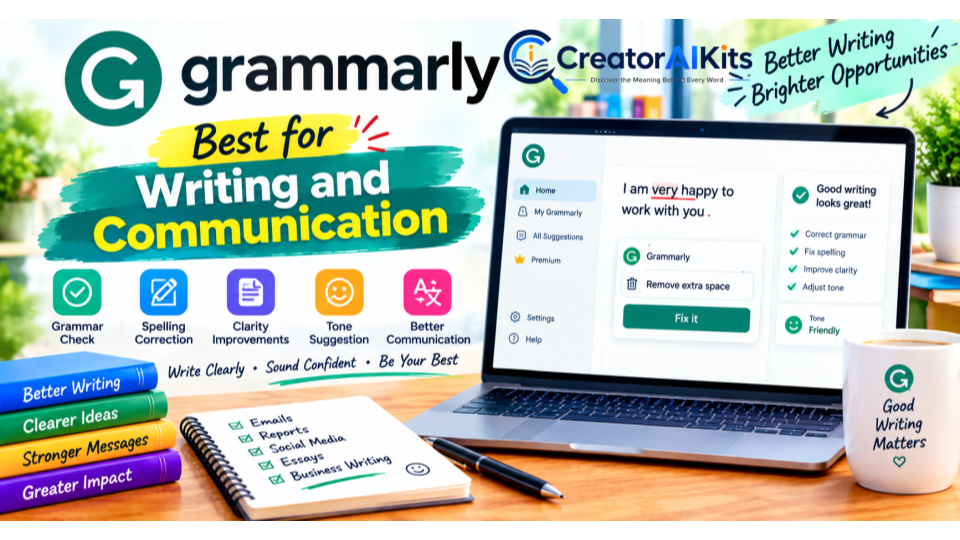
Grammarly has evolved from a traditional grammar checker into a broader AI writing assistant.
It can help improve clarity, tone, sentence structure, rewrites, and other aspects of professional communication.
Key features
- Grammar checking
- Spelling correction
- Rewriting
- Tone adjustment
- Sentence improvement
- AI text generation
- Plagiarism detection on supported plans
- Writing support across many applications
Pricing
Grammarly offers a free plan.
Grammarly Pro costs $30/member/month when billed monthly or $144/year, equivalent to $12/member/month, when billed annually.
Best for
- Bloggers
- Freelancers
- Business professionals
- Students
- Marketers
- Anyone who writes frequently
Limitation
AI writing assistance should improve your original thinking rather than replace it. Always review rewritten text for meaning, accuracy, tone, and originality.
Best use: Use Grammarly as a final communication layer after creating the substance of your content.
Zapier — Best for App Automation
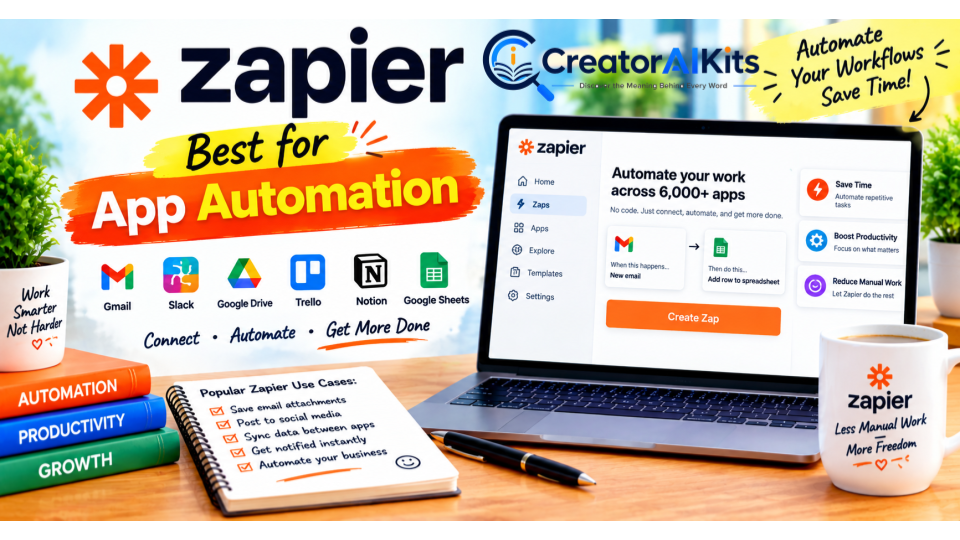
Zapier connects applications and automates repetitive workflows.
For example, a workflow can take information submitted through one application and automatically send it to another application, trigger an action, or organize the information.
Key features
- Multi-step workflows
- App integrations
- Automated triggers and actions
- AI-powered workflow capabilities
- Forms
- Tables
- Webhooks
- Workflow templates
- AI orchestration
Zapier currently supports a very large ecosystem of connected applications.
Pricing
Zapier has a free plan with limited usage.
The Professional plan starts from $19.99/month, with pricing depending on usage and billing configuration.
Best for
- Small businesses
- Marketing teams
- Freelancers
- Operations teams
- No-code automation
Limitation
Automation becomes more complicated as workflows grow. Poorly designed automations can create errors that are harder to notice than manual work.
Best use: Automate repetitive, predictable tasks before attempting complex AI-driven workflows.
Otter.ai — Best for AI Meeting Notes
Otter.ai focuses on recording, transcription, meeting notes, and meeting intelligence.
It supports common meeting platforms and can turn conversations into searchable information.
Key features
- Live transcription
- Speaker identification
- Meeting summaries
- AI meeting workflows
- Search across meetings
- Meeting templates
- Mobile applications
- Integrations
Pricing
Otter offers a free Basic plan with 300 transcription minutes per month.
The Pro plan is $16.99/user/month when billed monthly or about $8.33/user/month when billed annually.
Best for
- Remote teams
- Sales teams
- Students
- Managers
- Consultants
- Frequent meeting participants
Limitation
Automatic transcription is not perfect. Accents, background noise, overlapping speakers, and technical terminology can affect accuracy.
Best use: Let Otter create the first draft of your meeting record, then review important names, numbers, decisions, and action items.
Motion — Best for AI Scheduling and Task Planning
Motion combines calendars, tasks, projects, scheduling, and AI planning.
Rather than simply storing tasks, Motion is designed to help organize work around available time.
Key features
- AI calendar
- Task management
- Project management
- Automated scheduling
- Meeting scheduling
- AI writing
- AI meeting notes
- Dashboards
- Gantt charts
- Workflows
Pricing
Motion’s Pro AI plan costs $19/seat/month.
The Business AI plan costs $29/seat/month.
Best for
- Solopreneurs
- Consultants
- Managers
- Busy professionals
- Teams managing multiple deadlines
Limitation
Motion is most useful when you are willing to let the system actively structure your calendar and tasks.
Best use: Give Motion your deadlines and priorities, then use its scheduling capabilities to create a realistic workday.
Cursor — Best for AI-Assisted Coding
Cursor is an AI-powered code editor built for developers.
It combines a development environment with AI assistance for understanding code, generating changes, debugging, and working across a codebase.
Key features
- AI code generation
- Code editing
- Agent workflows
- Codebase understanding
- Multiple AI models
- Cloud agents
- MCP support
- Bug-fixing assistance
- AI-powered development workflows
Pricing
Cursor offers a free Hobby plan.
Cursor Pro costs $20/month. Higher Pro+ and Ultra plans are available for users who need substantially more usage.
Best for
- Software developers
- Web developers
- Technical founders
- Students learning programming
- Teams using AI-assisted development
Limitation
AI-generated code still requires testing and review. Developers should not blindly accept changes simply because they compile.
Best use: Use Cursor to accelerate coding while keeping human review, testing, security checks, and architecture decisions in the loop.
ElevenLabs — Best for AI Voice and Audio
ElevenLabs specializes in AI-generated speech, voice technology, audio production, and related creative tools.
It is useful when written content needs to become natural-sounding audio.
Key features
- Text-to-speech
- Speech-to-text
- Voice design
- Instant voice cloning
- Professional voice cloning on supported plans
- Dubbing
- Music
- Sound effects
- AI image and video capabilities
- Studio workflows
Pricing
ElevenLabs has a free plan.
Current monthly pricing starts at:
- Free: $0
- Starter: $6/month
- Creator: $22/month
- Pro: $99/month
Promotional pricing may temporarily change what appears on the pricing page.
Best for
- YouTube creators
- Podcasters
- Video producers
- Audiobook creators
- Voiceover projects
- Multilingual content
Limitation
Voice cloning and generated speech should be used responsibly and only with appropriate rights and permission.
Best use: Turn articles, scripts, tutorials, and educational content into professional voiceovers.
Make — Best for Visual Workflow Automation
Make is another powerful automation platform, but it takes a more visual approach to workflow design.
Instead of simply connecting one trigger to one action, users can visually build more complicated scenarios.
Key features
- Visual workflow builder
- App integrations
- Routers
- Filters
- Scheduling
- API access
- AI automation
- Multi-step workflows
Pricing
Make has a free plan with limited usage.
The Core plan starts at $12/month for 10,000 credits/month.
The Pro plan starts at $21/month for the same 10,000-credit tier, while Teams starts at $38/month.
Best for
- Advanced no-code automation
- Marketing workflows
- Operations
- Data movement
- Businesses needing visual automation
Limitation
Make’s flexibility can also make it more complicated for beginners.
Best use: Start with simple scenarios and add routers, filters, and advanced logic only when your workflow requires them.
Gemini — Best for Google-Centered Workflows
Gemini is Google’s AI assistant and is particularly relevant for people already working heavily inside Google’s ecosystem.
Google’s AI plans connect Gemini with services such as Gmail, Docs, and other Google products, depending on the plan and region.
Key features
- AI conversations
- Research
- Writing
- Google Workspace integration
- Gmail assistance
- Google Docs assistance
- Deep Research
- Image and creative capabilities
- Gemini Notebook
- Google ecosystem integration
Pricing
Google offers free access to Gemini with usage limits.
Google AI Pro costs $19.99/month and includes additional AI access and 5 TB of Google One storage, subject to availability and regional restrictions.
Best for
- Google Workspace users
- Students
- Researchers
- Professionals using Gmail and Docs
- People who want AI integrated into Google’s ecosystem
Limitation
Feature availability can differ by country, account type, and plan.
Best use: Choose Gemini when your daily workflow already revolves around Google services.
Fireflies.ai — Best for Meeting Intelligence
Fireflies.ai is an AI meeting assistant designed to record, transcribe, summarize, search, and analyze conversations.
It is particularly useful for teams that need more than a basic meeting transcript.
Key features
- Meeting transcription
- AI summaries
- Meeting search
- Action items
- Meeting intelligence
- Integrations
- AI assistant
- Workflow automation
- CRM-related capabilities on supported plans
Pricing
Fireflies offers a free plan.
The Pro plan is listed at $18/seat/month, with an annual-billing price of about $10/seat/month.
The Business plan is listed at $29/seat/month, with an annual-billing price of about $19/seat/month.
Best for
- Sales teams
- Managers
- Customer meetings
- Remote teams
- Organizations with many meetings
Limitation
Meeting intelligence is only useful when transcripts and summaries are accurate enough for the decisions being made. Important commitments should always be verified.
Best use: Turn meetings into searchable organizational knowledge and automatically capture follow-up tasks.
Canva — Best for AI Design and Content Creation
Canva combines graphic design, presentations, social content, video creation, templates, and AI-powered creative features.
Its major advantage is accessibility: users do not need advanced graphic-design skills to create professional-looking visual content.
Key features
- AI design tools
- Presentations
- Social media graphics
- Video editing
- Templates
- Brand tools
- Image generation
- AI writing features
- Background removal
- Content creation workflows
Pricing
Canva has a free plan.
Canva Pro is commonly listed at $15/month or $120/year for one person, although pricing can vary by market and plan structure.
Best for
- Content creators
- Bloggers
- Social media managers
- Small businesses
- Students
- Freelancers
Limitation
Canva is powerful for fast visual creation, but highly specialized design work may still require professional design software.
Best use: Create blog graphics, social posts, presentations, thumbnails, marketing materials, and branded visual content from one platform.
Descript — Best for AI Video and Audio Editing
Descript approaches video and audio editing differently by making the transcript an important part of the editing workflow.
Instead of relying only on a traditional timeline, users can edit spoken content by editing text.
Key features
- Text-based video editing
- Transcription
- AI video editing
- AI audio enhancement
- Remove filler words
- Create clips
- Voice cloning
- Screen recording
- AI co-editing
- Video generation features
Pricing
Descript offers a free plan.
Its current paid plans include:
- Hobbyist: about $16/month with annual billing or $24 monthly
- Creator: about $24/month with annual billing or $35 monthly
- Business: about $50/month with annual billing or $65 monthly
Plan limits include different amounts of media hours and AI credits.
Best for
- YouTubers
- Podcasters
- Video creators
- Educators
- Content marketers
- Teams producing educational or marketing videos
Limitation
Descript’s pricing and AI usage are tied to media hours and AI credits, so heavy users should review the plan limits before subscribing.
Best use: Record, transcribe, edit, caption, and repurpose spoken content without relying entirely on a traditional video-editing workflow.
How to Choose the Right AI Productivity Tool
You do not need all 15 tools.
In fact, subscribing to too many overlapping AI services can make your workflow more complicated.
Use this five-step framework instead.
1. Identify Your Biggest Bottleneck
Ask:
What task takes too much time every week?
For example:
- Writing → ChatGPT or Grammarly
- Research → Perplexity
- Meetings → Otter or Fireflies
- Scheduling → Motion
- Automation → Zapier or Make
- Coding → Cursor
- Design → Canva
- Voice → ElevenLabs
- Video → Descript
- Knowledge management → Notion
2. Choose One Primary Tool
Do not subscribe to three tools that perform essentially the same job on day one.
Start with one.
Use it long enough to understand whether it actually improves your workflow.
3. Measure the Result
Instead of assuming an AI tool saves time, measure the result yourself.
Track:
- Time spent before using the tool
- Time spent after using the tool
- Number of manual steps removed
- Quality of the final result
- Monthly subscription cost
- Frequency of use
This creates a much more reliable picture of your personal ROI than generic “hours saved” claims.
4. Add Specialized Tools Only When Necessary
Once your primary AI tool becomes part of your workflow, add another tool only when it solves a problem the first tool cannot handle efficiently.
For example:
ChatGPT + Canva + Zapier
may be enough for a content creator.
A developer may prefer:
ChatGPT/Claude + Cursor + automation
while a sales team may need:
Fireflies/Otter + CRM + Zapier
5. Review Your Stack Regularly
AI software changes quickly.
A feature that once required a separate subscription may eventually become available inside another tool.
Review your subscriptions every few months and cancel tools that no longer provide enough value.
Best AI Productivity Stacks by User Type
For Beginners
A simple starting stack could be:
- ChatGPT Free
- Gemini Free
- Canva Free
- Grammarly Free
- Notion Free
Estimated software cost: $0/month
The goal at this stage is not to collect AI tools. It is to learn how AI fits into your workflow.
For Content Creators
A practical content-creation stack could include:
- ChatGPT for ideas, outlines, drafts, and research assistance
- Grammarly for editing
- Canva for graphics
- ElevenLabs for voiceovers
- Descript for video and audio editing
You do not necessarily need paid versions of every tool.
Start with the free plans and upgrade only when their limits become a real constraint.
For Freelancers and Solopreneurs
A freelancer might combine:
- ChatGPT or Claude
- Grammarly
- Canva
- Notion
- Zapier or Make
This combination covers writing, organization, design, and automation without requiring a large collection of specialized applications.
For Developers
A developer-focused stack might include:
- ChatGPT or Claude for planning and reasoning
- Cursor for coding
- Notion for documentation
- Zapier or Make for automation
The important point is to keep AI assistance inside a controlled development process with testing and code review.
For Teams
Teams should focus more heavily on:
- Administration
- Permissions
- Data protection
- Centralized billing
- Integrations
- Auditability
- Workflow consistency
A tool that is excellent for an individual may not be the right choice for an organization.
Are AI Productivity Tools Worth Paying For?
It depends on how frequently you use them and what problem they solve.
A $20/month tool that you use every day for meaningful work can be more valuable than a $5/month tool that you rarely open.
A simple way to evaluate a subscription is:
Practical value = time or effort saved + quality improvement + workflow improvement − subscription cost
Do not assume that every hour saved is guaranteed or that every AI tool produces a specific ROI.
Your results depend on:
- Your workflow
- Skill level
- Task complexity
- Frequency of use
- Output quality
- Required human review
- Integration with your existing tools
The most useful AI productivity stack is usually the one that removes your biggest bottlenecks—not the one with the largest number of subscriptions.
Privacy and Security: What to Consider
AI productivity tools often process information that may be sensitive.
Before uploading business or personal information, review the provider’s current privacy and data-use policies.
Good practices include:
- Do not paste passwords into AI tools.
- Avoid uploading confidential information unless your organization permits it.
- Check whether your plan has appropriate data controls.
- Review retention and training policies.
- Use business or enterprise plans when organizational controls are required.
- Remove unnecessary personal information from documents before uploading them.
- Verify AI-generated information before using it in important decisions.
The right privacy setup depends on the tool, plan, organization, and type of information being processed.
How to Build an AI Productivity Workflow
Here is a simple workflow you can use with almost any combination of tools:
Step 1: Capture
Collect the information, task, meeting, idea, or document.
Step 2: Process
Use the appropriate AI tool to summarize, organize, analyze, or transform it.
Step 3: Review
Check the AI output for mistakes, missing context, incorrect assumptions, and unsupported claims.
Step 4: Apply
Move the approved result into your real workflow.
Step 5: Automate
If the task happens repeatedly, consider automating it with Zapier or Make.
Step 6: Measure
Track whether the new workflow actually improves your work.
This human-review step is important. AI can accelerate work, but acceleration is only useful when the output is reliable enough for the task.
Frequently Asked Questions
What is the best AI productivity tool in 2026?
There is no single tool that is best for every workflow. ChatGPT and Claude are broad AI assistants, Perplexity focuses on AI-powered research, Zapier and Make focus on automation, Motion focuses on scheduling, Cursor focuses on coding, and tools such as Canva, ElevenLabs, and Descript focus on creative work.
The right choice depends on the task you need to improve.
Which AI productivity tools have free plans?
Several tools on this list offer free options, including ChatGPT, Claude, Perplexity, Grammarly, Notion, Zapier, Otter.ai, Cursor, ElevenLabs, Make, Gemini, Fireflies.ai, Canva, and Descript.
Free-plan limits vary considerably, so check each provider’s current terms before relying on a free tier.
Is ChatGPT enough for productivity?
For many individual users, ChatGPT can handle a wide range of productivity tasks without requiring several separate AI subscriptions.
However, specialized tools can be more efficient for certain workflows such as automation, meetings, scheduling, coding, design, and video editing.
Is Perplexity better for research than a general AI chatbot?
Perplexity is specifically designed around web research and cited answers, making it useful when source discovery and current information are important.
A general AI assistant can still be useful for analyzing the information you find, creating a structure, or transforming research into another format.
For important claims, verify the original source.
Which AI tool is best for automation?
Zapier and Make are both designed for workflow automation.
Zapier emphasizes broad app connectivity and approachable automation, while Make provides a highly visual workflow-building environment.
The better fit depends on the complexity of your workflows and the applications you need to connect.
Which AI tool is best for meetings?
Otter.ai and Fireflies.ai are both designed around meeting transcription, summaries, search, and meeting intelligence.
Consider your meeting platform, integrations, transcription requirements, storage needs, and team features before choosing.
Which AI productivity tool is best for coding?
Cursor is specifically designed as an AI-powered code editor and is therefore a natural choice for developers who want AI deeply integrated into the coding environment.
ChatGPT and Claude can also assist with coding, architecture, debugging, and explanation.
Can AI productivity tools replace human work?
AI productivity tools can automate and accelerate many tasks, but they still require human judgment for many important workflows.
Human review remains particularly important when work involves accuracy, confidential information, legal or financial consequences, security, or decisions affecting other people.
How many AI tools should I use?
There is no universal number.
Start with one or two tools that solve your biggest problems. Add another tool only when you have a clear reason for it.
A smaller, well-integrated stack is often easier to manage than a large collection of overlapping subscriptions.
How often should AI tool pricing be checked?
AI pricing and features can change frequently.
For a current article, check the official pricing page immediately before publishing and periodically after publication.
Final Takeaway
AI productivity is not about collecting the largest number of AI subscriptions.
It is about building a workflow in which the right tool handles the right task.
ChatGPT and Claude can serve as general AI assistants. Perplexity can support web research. Grammarly can improve communication. Notion can organize knowledge. Zapier and Make can automate repetitive workflows. Otter and Fireflies can capture meetings. Motion can organize schedules and tasks. Cursor can assist developers. ElevenLabs can create AI audio. Gemini can fit naturally into Google-centered workflows. Canva can simplify visual content creation, while Descript can streamline video and audio production.
Start small.
Choose one tool that solves a genuine bottleneck. Learn how to use it properly. Measure the result. Then add another tool only when it provides a clear benefit.
The goal is not to use more AI.
The goal is to do better work with less unnecessary friction.

Welcome to CreatorAIKits! I’m passionate about learning and exploring AI tools, creativity, and technology.
I’m continuously researching and gaining hands-on experience with different AI tools and technologies.
My goal is to share simple, useful, and practical AI information for beginners and everyday users.
Thanks for visiting CreatorAIKits!