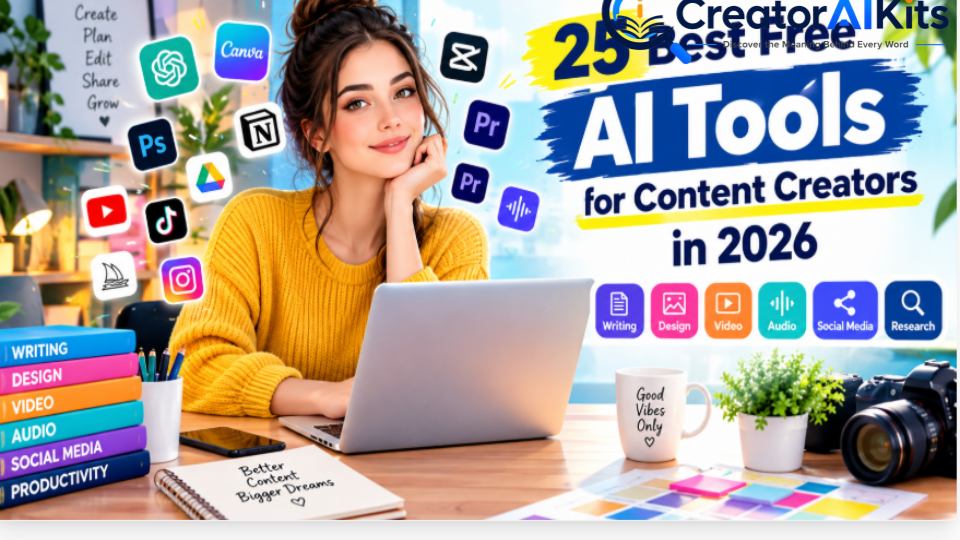
Creating content in 2026 often means doing the work of a writer, designer, video editor, researcher, and social media manager at the same time. The right AI tools can reduce repetitive work—but choosing the wrong tools can leave you dealing with usage limits, watermarks, poor-quality outputs, or unnecessary subscriptions.
This guide focuses on 25 AI tools with free access or free tiers that can help content creators with writing, research, graphics, video, audio, presentations, and content management.
Quick answer: For a practical free creator stack, start with ChatGPT or Claude for ideas and writing, Canva for graphics, CapCut for short-form video, Perplexity for web research, Grammarly for editing, and Descript for transcript-based audio and video editing. If you need AI-generated images, video, voice, presentations, or social scheduling, the additional tools below can fill those specific gaps. Free access usually comes with limits, so always check the current plan before relying on a tool for client or commercial work.
Best Free AI Tools for Content Creators at a Glance
| Tool | Best for | Free access | Main limitation |
| ChatGPT | Ideas, writing, scripts, repurposing | Yes | Usage limits |
| Claude | Long-form writing and editing | Yes | Usage limits |
| Canva | Graphics, thumbnails, social posts | Yes | Premium assets and AI limits |
| CapCut | Shorts, Reels, quick video editing | Yes | Some features are paid |
| Perplexity | Research and source discovery | Yes | Advanced usage is limited |
| Gemini | Brainstorming and Google workflows | Yes | Features vary by account/region |
| Grammarly | Grammar and clarity | Yes | Advanced features are paid |
| Notion | Content planning and organization | Free plan | AI access is limited on Free |
| Adobe Express | Branded graphics and social content | Yes | Premium features require upgrade |
| Descript | Podcast and transcript-based editing | Yes | Free usage/export limits |
| Gemini Notebook | Source-based research and summaries | Free access | Features vary by plan |
| Runway | AI video and image generation | Limited free access | Credits are limited |
| Adobe Firefly | AI images, video and creative generation | Limited free access | Generative credits/limits |
| ElevenLabs | AI voice and narration | Free tier | Usage limits |
| Gamma | AI presentations and visual documents | Free access | AI credits/export limits |
| Buffer | Social media planning | Free plan | Limited channels/features |
| VEED | Online video editing | Free option | Export/features may be limited |
| Photoroom | Product images and background editing | Free option | Premium tools are restricted |
| Leonardo AI | AI image generation | Free tier | Generation limits |
| Ideogram | AI images and typography | Free tier | Generation limits |
| Suno | AI music creation | Free tier | Usage and licensing limits |
| Riverside | Recording podcasts and interviews | Free plan | Recording/export limits |
| OpusClip | Turning long videos into shorts | Free access | Processing/export limits |
| Microsoft Designer | Quick AI-assisted design | Free access | Features may vary |
Important: “Free” does not necessarily mean unlimited. Free plans can include message caps, credits, watermarks, export restrictions, storage limits, or reduced access to premium models.
💡 Pro Tip: Planning to create videos with AI? Check out our step-by-step guide on How to Make AI Videos in 2026, where you’ll learn how to turn an idea into a finished video using AI tools, prompts, editing, audio, and captions.
ChatGPT
Best for: Content ideas, outlines, scripts, rewriting, and repurposing
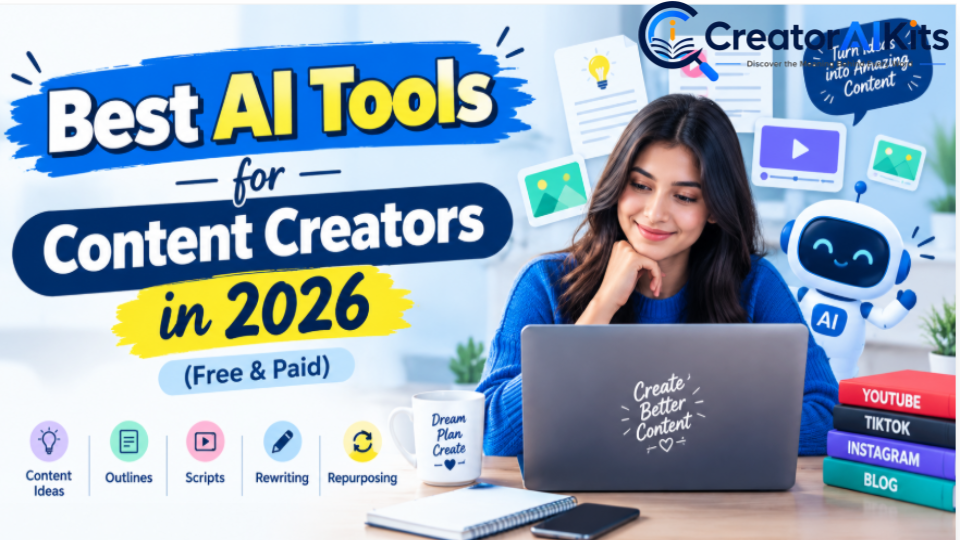
ChatGPT is a versatile starting point for creators who need help across multiple stages of content production.
You can use it to brainstorm topics, develop YouTube scripts, create social captions, structure articles, generate interview questions, rewrite drafts, and turn one piece of content into several formats.
Practical uses
- Brainstorm blog and video ideas
- Create content briefs
- Develop YouTube scripts
- Write social media captions
- Generate headline variations
- Repurpose articles into newsletters
- Simplify complex explanations
- Create content calendars
- Improve existing drafts
How to use it effectively
Don’t simply ask AI to “write an article” and publish the first response.
Give it:
- Your target audience
- The purpose of the content
- Your preferred tone
- Important facts and sources
- Examples of your own work
- Your personal observations
- The exact format you need
Then review and fact-check the result yourself.
Free access: Yes. Additional plans provide expanded access and features.
Best use: A general-purpose assistant for creators who want one tool that can support many different tasks.
Claude
Best for: Long-form writing, editing, and content refinement
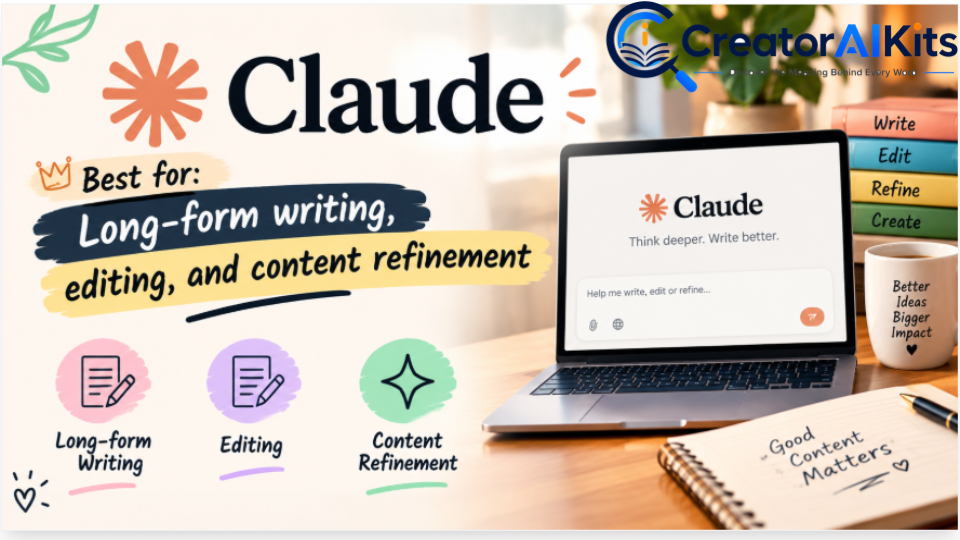
Claude is useful for creators who work with long documents, detailed drafts, notes, and editorial projects.
It can help organize ideas, improve clarity, reduce repetition, and rewrite content while preserving the intended meaning.
Practical uses
- Blog outlines
- Long-form drafts
- Newsletter writing
- Editing
- Tone adjustment
- Summarizing documents
- Content restructuring
- Brainstorming
Creator tip
Give Claude your actual draft and explain what you want improved rather than asking for generic content. Specific instructions generally produce more useful editing feedback.
Free access: Yes, with usage limits.
Best use: Long-form drafting and thoughtful editing.
Canva
Best for: Thumbnails, social graphics, blog images, and presentations
Canva is particularly useful for creators who need professional-looking visuals without advanced graphic-design skills.
The current Free plan is $0 and includes a substantial collection of templates and assets, while AI usage and premium content have limits.
What you can create
- YouTube thumbnails
- Blog featured images
- Instagram posts
- Pinterest graphics
- Presentations
- Social media graphics
- Simple videos
- Brand assets
Thumbnail tip
Keep your thumbnail simple:
- One main visual idea
- Short readable text
- Strong visual contrast
- Enough empty space
- Mobile-friendly typography
Best use: Beginner-friendly visual content creation.
CapCut
Best for: YouTube Shorts, TikTok, Reels, captions, and quick editing
CapCut is useful for creators who need to edit short-form videos quickly.
Useful features
- Video trimming
- Captions
- Text overlays
- Transitions
- Templates
- Background removal
- AI-assisted editing
- Social-media formats
Best workflow
Record your video → remove unnecessary sections → generate captions → add text or B-roll → review the pacing → export.
Best use: Fast short-form video production.
Perplexity
Best for: Web research and discovering sources
Perplexity is useful when you need to explore a topic and locate supporting sources.
Its current Standard plan is free and provides basic searches with citations, while advanced searches and features are more limited.
A reliable research workflow
- Ask a specific question.
- Read the answer.
- Open the cited sources.
- Prefer official documentation and primary sources.
- Compare important claims.
- Check publication dates.
- Write the final explanation in your own words.
Important: An AI answer is not automatically proof. Verify important claims against the original source.
Best use: Research discovery and source finding.
Google Gemini
Best for: Brainstorming, summaries, and Google-related workflows
Gemini can help with:
- Content ideas
- Summaries
- Drafts
- Headline variations
- Research assistance
- Interview questions
- Productivity tasks
Features and availability can vary by account, country, and Google plan.
Best use: Creators already working heavily within Google’s ecosystem.
Grammarly
Best for: Grammar, clarity, and proofreading
Grammarly works best as an editing layer after you have created your draft.
It can help identify:
- Grammar errors
- Spelling mistakes
- Awkward wording
- Clarity problems
- Certain style issues
Grammarly currently offers a Free plan, while Pro provides additional writing and AI features. The current Pro annual price is listed as $144 per member per year, equivalent to $12/month when averaged across the year.
Important limitation
Grammarly cannot determine whether your article is genuinely useful, factually correct, original, or based on real experience.
Best use: Final proofreading and clarity checks.
Notion
Best for: Content calendars, planning, and creator workflows
Notion can turn scattered content ideas into an organized publishing system.
A useful content database can include:
- Topic
- Audience
- Search intent
- Primary keyword
- Content format
- Status
- Publishing date
- Update date
- Source links
- Internal-link opportunities
Notion’s current Free plan is $0 for individuals, but AI access on Free is limited to trial/complimentary usage rather than unlimited AI.
Best use: Organizing your entire content workflow.
Adobe Express
Best for: Fast branded content and social graphics
Adobe Express is useful for creating:
- Social posts
- Promotional graphics
- Simple videos
- Banners
- Brand templates
- Resized content
Adobe currently provides a Free plan with templates, standard editing tools, stock assets, and 5GB of storage.
Best use: Quick branded content without a complicated design workflow.
Descript
Best for: Podcasts, interviews, captions, and talking-head videos
Descript uses a transcript-based editing workflow, which means you can edit spoken content by working with the transcript instead of relying entirely on a traditional timeline.
Useful for
- Podcasts
- Interviews
- Tutorials
- Screen recordings
- Talking-head videos
- Captions
- Short clips
The free plan has usage restrictions, so check the current plan before depending on it for high-volume production.
Best use: Creators working heavily with spoken audio and video.
Gemini Notebook
Best for: Researching and working with your own sources
Google renamed NotebookLM to Gemini Notebook in July 2026. Google describes it as a standalone research product that works with notebooks and user-provided sources.
It can be useful for creators working with:
- Research documents
- PDFs
- Notes
- Reference material
- Interviews
- Educational material
- Long source collections
Creator workflow
Upload your source material → ask focused questions → identify useful information → verify important claims → turn the findings into your own content.
Best use: Source-grounded research and information organization.
Runway
Best for: AI-generated video and creative visual experiments
Runway is designed for creators who want to generate and edit AI-assisted visual content.
Its current Free plan includes a one-time allocation of 125 credits, while paid plans provide recurring monthly credits.
Good uses
- AI video experiments
- Visual concepts
- Short creative clips
- Image generation
- Video effects
Important: Generative video can consume credits quickly, so free access is better suited to experimentation than high-volume production.
Best use: Creators exploring generative video.
Adobe Firefly
Best for: AI-generated images and creative assets
Adobe Firefly provides AI-powered image, video, audio, and creative-generation features.
Adobe currently offers a Free tier with limited daily generations, while paid plans provide larger generative-credit allowances.
Useful for
- Concept images
- Creative variations
- Visual backgrounds
- Image editing
- Generative design
- Creative experimentation
Best use: Creators already using Adobe’s ecosystem or looking for an integrated generative-creative workflow.
ElevenLabs
Best for: AI voiceovers and narration
ElevenLabs is useful for creators who need spoken audio for:
- YouTube videos
- Explainer videos
- Narration
- Short-form videos
- Audio content
- Multilingual projects
Free access is available, but usage limits and commercial rights depend on the current plan and terms.
Best use: AI-assisted voice production.
Gamma
Best for: AI presentations and visual documents
Gamma helps creators turn ideas into structured presentations and visual documents.
You can use it for:
- Presentations
- Educational material
- Pitch decks
- Content outlines
- Visual reports
- Simple documents
Free access is available, but AI generation and export capabilities can be limited.
Best use: Quickly turning an idea or outline into a visual presentation.
Buffer
Best for: Social media planning and scheduling
Buffer can help creators organize and schedule social content across supported platforms.
Useful workflow
Create content → prepare captions → schedule posts → monitor performance → refine future content.
Its Free plan is designed for smaller-scale use, while paid plans provide additional capacity and features.
Best use: Creators who want a more organized social publishing workflow.
VEED
Best for: Browser-based video editing
VEED provides online tools for video creation and editing.
Useful tasks include:
- Cutting videos
- Captions
- Text overlays
- Social videos
- Screen recordings
- Basic AI-assisted video workflows
The free option is useful for experimenting, while some export and advanced features may require an upgrade.
Best use: Beginners who prefer browser-based video editing.
Photoroom
Best for: Product images and background editing
Photoroom is particularly useful for creators who work with products, online stores, or promotional images.
Good uses
- Background removal
- Product-image cleanup
- Social graphics
- Product backgrounds
- Simple promotional visuals
Best use: E-commerce creators and small businesses producing product content.
Leonardo AI
Best for: AI image generation and creative visuals
Leonardo AI can help creators generate visual concepts and creative assets.
Potential uses include:
- Social media visuals
- Concept art
- Blog illustrations
- Character concepts
- Creative experiments
Free access is available with usage limits.
Best use: Creators who need more control over AI-generated visual concepts.
Ideogram
Best for: AI-generated graphics with text
Ideogram is particularly useful when the image itself needs readable text.
That can make it useful for:
- Posters
- Social graphics
- Promotional designs
- Thumbnail concepts
- Typography-focused visuals
It offers free access with generation limits.
Best use: Text-heavy AI image concepts.
Suno
Best for: AI-assisted music creation
Suno can help creators experiment with AI-generated music.
Possible uses include:
- Music concepts
- Background tracks
- Creative experiments
- Song demos
- Short-form content
However, commercial-use rights and licensing should always be checked against the current plan and terms before using generated music commercially.
Best use: Rapid music ideation and experimentation.
Riverside
Best for: Remote interviews, podcasts, and recordings
Riverside is designed for recording conversations and creator content remotely.
Useful for:
- Podcasts
- Interviews
- Video conversations
- Educational sessions
- Remote recordings
The Free plan provides a way to test the platform, while higher-volume production may require a paid plan.
Best use: Interview-based creators and podcasters.
OpusClip
Best for: Turning long videos into short clips
OpusClip is designed around repurposing longer videos into short-form content.
A typical workflow is:
Long video → identify useful sections → create short clips → add captions → review → publish.
Free access is available with usage limits.
Best use: YouTubers, podcasters, and creators who want to repurpose existing long-form content.
Microsoft Designer
Best for: Quick AI-assisted visual design
Microsoft Designer can help users create visual content without needing advanced design skills.
Possible uses include:
- Social posts
- Posters
- Simple graphics
- Invitations
- Promotional visuals
- Image-generation experiments
Access and features can change as Microsoft’s AI products evolve.
Best use: Beginners who want quick AI-assisted graphic creation.
Pictory
Best for: Turning written content into video
Pictory is aimed at creators who want to convert written content and other source material into video-based content.
It can be useful for:
- Blog-to-video workflows
- Social videos
- Educational content
- Marketing videos
- Content repurposing
Availability of free access and trial features can change, so check the current plan before building a production workflow around it.
Best use: Creators who want to repurpose written content into video.
Best Free AI Tools by Content Type
| If you create… | Start with |
| Blog posts | ChatGPT + Claude + Grammarly |
| YouTube videos | ChatGPT + Canva + CapCut |
| YouTube Shorts | ChatGPT + CapCut + OpusClip |
| Social media posts | ChatGPT + Canva + Buffer |
| Podcasts | Descript + Riverside |
| AI voiceovers | ElevenLabs |
| AI images | Firefly + Leonardo AI + Ideogram |
| Product images | Photoroom |
| Presentations | Gamma + Canva |
| Research-heavy content | Perplexity + Gemini Notebook |
| Educational content | Gemini Notebook + Canva |
| Video repurposing | OpusClip + Descript |
| Music experiments | Suno |
| Branded graphics | Canva + Adobe Express |
What Does “Free” Actually Mean?
One of the biggest mistakes creators make is assuming that a free AI tool means unlimited AI generation.
It usually doesn’t.
Before choosing a tool, check:
- Is the free plan permanent?
- Does it require a credit card?
- How many generations are included?
- Are there monthly or daily credits?
- Are exports watermarked?
- Is the output resolution restricted?
- Are premium models unavailable?
- Is commercial use permitted?
- Are there restrictions on generated voices or music?
- What happens to uploaded files?
- Can your country access the same features?
- Do the terms change after a free trial?
Pro tip: A tool with a smaller but genuinely useful free tier can be more valuable than a “free” tool that becomes unusable after a few generations.
A Practical Free AI Content-Creation Workflow
You do not need 25 tools.
In fact, using too many tools can make your workflow slower.
A beginner can start with a simple four-tool stack.
Step 1: Research the topic
Use Perplexity or Gemini Notebook to explore the subject and identify reliable sources.
Do not copy AI answers directly.
Open the original sources and verify important facts.
Step 2: Build the content brief
Use ChatGPT or Claude to organize:
- Audience
- Search intent
- Main question
- Content angle
- Headings
- Supporting points
- Sources
- Internal links
Step 3: Create the first draft
Use AI to accelerate the first version, but provide your own information and examples.
The goal is not to make AI “sound human.”
The goal is to make the final content useful, accurate, specific, and genuinely helpful.
Step 4: Add your own experience
This is where a generic AI article can become much more valuable.
Add:
- What you actually tried
- What worked
- What didn’t work
- Where you encountered limitations
- How long a task took
- Which features were useful
- Which features were frustrating
- Screenshots from your own workflow
Do not claim you tested a tool if you did not.
Step 5: Create the visuals
Use Canva, Adobe Express, Firefly, Leonardo AI, Ideogram, or another suitable visual tool.
Make sure the visuals actually support the content rather than simply decorating the page.
Step 6: Edit and fact-check
Use Grammarly as an additional editing layer.
Then manually check:
- Prices
- Features
- Free-plan restrictions
- Licensing
- Commercial-use terms
- Product names
- Dates
- Statistics
- External links
Step 7: Repurpose
Turn the finished article into:
- LinkedIn posts
- X posts
- Instagram captions
- Pinterest graphics
- YouTube scripts
- Short videos
- Newsletter content
Tools such as Buffer, CapCut, OpusClip, and Descript can help with this stage.
Human Experience: What Makes an AI Tools Article More Trustworthy?
A large list of tools is not automatically useful.
The strongest creator-tool articles explain how the tools behave in a real workflow.
For example:
“I used the free version to create three thumbnail concepts. The first two needed manual text adjustments, but the third provided a stronger starting point. The biggest limitation was the number of AI generations available on the free plan.”
That type of statement is much more useful than:
“This is the world’s best AI design tool.”
However, only publish statements like the first example when you have actually performed the test.
Recommended testing framework
If you want to add genuine first-hand experience to this article, test each tool using the same basic criteria:
| Test | What to record |
| Ease of use | How quickly a beginner can start |
| Output quality | Quality of the first useful result |
| Speed | Approximate time to complete a task |
| Free limits | Messages, credits, exports, or storage |
| Editing | How much manual work is required |
| Reliability | Errors or failed generations |
| Commercial use | What the current terms allow |
| Best use | The task where the tool performed best |
This creates a much stronger first-hand methodology than simply copying feature lists from product pages.
E-E-A-T: How to Make This Article More Trustworthy
Google’s guidance emphasizes helpful, reliable, people-first content and explains E-E-A-T through experience, expertise, authoritativeness, and trustworthiness. Trust is particularly important.
For this article, add genuine trust signals such as:
- Author name
- Short author bio
- Published date
- Last reviewed date
- Official product links
- Original screenshots
- Actual testing notes
- Clear pricing sources
- Affiliate disclosure, if applicable
- Editorial policy
- Contact page
- AI-use disclosure, if appropriate
Important
Do not add fake testing claims just to make an article look more authoritative.
If you have tested only 8 of the 25 tools, say so.
That is more credible than claiming to have tested all 25.
AEO: Optimize for Quick Answers
People often search AI-related questions in conversational language.
Answer the question first, then explain it.
For example:
What are the best free AI tools for content creators?
A practical free stack includes ChatGPT or Claude for writing, Canva for graphics, CapCut for short-form video, Perplexity for research, Grammarly for editing, and Descript for spoken-content editing. Additional tools can handle AI images, voice, presentations, music, and content repurposing.
Then provide the detailed comparison.
Other question-based headings
- What are the best free AI tools for content creators?
- Which AI tool is best for writing?
- What is the best free AI video editor?
- Which AI tool is best for YouTube creators?
- What is the best free AI image generator?
- Can I create content using only free AI tools?
- Are free AI tools safe for commercial use?
- How many AI tools does a beginner actually need?
GEO and AI Search Optimization
Generative search systems need information that is easy to understand, verify, and extract.
To make the article more machine-readable:
- Put the direct answer near the top.
- Use descriptive headings.
- Keep paragraphs short.
- Use comparison tables.
- Define unfamiliar terms.
- Include specific limitations.
- Link to original sources.
- Avoid unsupported superlatives.
- Include real examples.
- Keep product names consistent.
- Update changed pricing and features.
- Add original observations where you genuinely have them.
No structure can guarantee that Google or an AI search system will cite a page. The objective is to make the information clear, useful, trustworthy, and easy to verify.
Frequently Asked Questions
What are the best free AI tools for content creators in 2026?
A practical starting stack is ChatGPT or Claude for writing, Canva for graphics, CapCut for video editing, Perplexity for research, Grammarly for proofreading, and Descript for audio and transcript-based video editing.
Can I create content using only free AI tools?
Yes. A creator can build a useful workflow around free tiers, but free plans commonly have limits on usage, credits, exports, storage, models, or advanced features.
Are free AI tools unlimited?
Usually not. Many services limit messages, generations, credits, storage, exports, or premium features.
Which AI tool is best for YouTube creators?
There is no single tool for every YouTube workflow. ChatGPT or Claude can help with ideas and scripts, Canva can help with thumbnails, CapCut can handle short-form editing, Descript can help with spoken content, and OpusClip can help repurpose longer videos into shorts.
Which free AI tool is best for research?
Perplexity is useful for web research and source discovery, while Gemini Notebook is particularly useful when you want to work from a collection of your own sources.
Can I use AI-generated content commercially?
Sometimes, but it depends on the tool, plan, output type, and current terms. Always check the current licensing and commercial-use conditions before using generated images, music, voices, or video in paid work.
Can AI replace content creators?
AI can automate or accelerate repetitive tasks, but it does not replace audience understanding, personal experience, editorial judgment, originality, fact-checking, or responsibility for the final work.
How many AI tools should a beginner use?
Start with three or four tools.
A simple combination is:
Writing + research + design + video
Add more tools only when they solve a specific workflow problem.
Final Recommendations
You do not need all 25 tools.
For a beginner creator, a practical starting stack is:
ChatGPT or Claude → writing and ideas
Perplexity → research
Canva → graphics
CapCut → short-form video
Then add specialized tools only when needed.
If you create podcasts, consider Descript or Riverside.
If you need AI voices, explore ElevenLabs.
If you need AI images, consider Firefly, Leonardo AI, or Ideogram.
If you need presentations, try Gamma.
If you need content repurposing, explore OpusClip.
The goal is not to collect the largest number of AI tools. The goal is to build a workflow that helps you create better content with less repetitive work.
Final SEO Package
H1:
25 Best Free AI Tools for Content Creators in 2026
Primary keyword:
free AI tools for content creators
Supporting keywords:
- best free AI tools for creators
- free AI content creation tools
- AI tools for content creators
- free AI writing tools
- free AI video tools
- free AI image tools
- AI tools for YouTubers
- AI tools for bloggers
- AI tools for social media creators
- free AI tools for YouTube
SEO title:
25 Best Free AI Tools for Content Creators in 2026
Meta description:
Discover 25 free AI tools for content creators in 2026 for writing, research, design, video, audio, and social media.
Suggested slug:
/free-ai-tools-for-content-creators/
Recommended Internal Links
Where relevant, link naturally to related CreatorAIKits.com articles such as:
- Best AI Tools for Content Creators
- Best AI Video Generators for YouTube
- Best AI Productivity Tools
- Best AI Tools for Social Media
- Best AI Presentation Tools
- Best AI Writing Tools
- Best AI SEO Tools
- Best AI Image Generators
- How to Build an AI Content Strategy in 2026
Do not force every internal link into the article. Add each link where it genuinely helps the reader continue their research.
Editorial Note
AI-tool pricing, free-plan limits, features, and licensing can change quickly. Before publishing or updating this article, recheck important pricing and feature claims on each tool’s official website.
Most importantly, do not claim that you personally tested a tool unless you actually did. Original screenshots, genuine testing notes, and specific observations are much stronger E-E-A-T signals than generic statements such as “tested,” “world’s best,” or “#1.”

Welcome to CreatorAIKits! I’m passionate about learning and exploring AI tools, creativity, and technology.
I’m continuously researching and gaining hands-on experience with different AI tools and technologies.
My goal is to share simple, useful, and practical AI information for beginners and everyday users.
Thanks for visiting CreatorAIKits!