
The most valuable AI tools are not necessarily the ones with the most expensive subscriptions. Some of the most useful platforms for writing, research, visual design, video editing, and content creation offer free access to features that can save hours of work.
For independent creators, freelancers, students, marketers, and small business owners, this creates an opportunity to build useful workflows without paying for multiple subscriptions.
In this guide, we look at 10 free AI tools that can help you work more efficiently in 2026. You will learn what each tool does best, where its free version has limitations, and how you can combine different platforms to create a practical workflow.
Quick answer: ChatGPT, Claude, and Gemini can help with writing and brainstorming. Perplexity and NotebookLM support research. Canva helps with visual design, CapCut with video editing, ElevenLabs with AI voiceovers, Ideogram with image generation, and Gamma with presentations.
Important: Free access does not mean unlimited access. Features, usage limits, commercial permissions, and regional availability can change. Always check the provider’s current terms before using a tool for professional projects.
How We Selected These Free AI Tools
This guide focuses on tools that serve different stages of a creator’s workflow, including writing, research, design, audio, video, and presentations.
We considered their main use cases, publicly available free access, practical usefulness, and the limitations users should understand before relying on them.
The descriptions are based on publicly available product information and official provider resources. This article does not claim that every tool has been independently tested through hands-on experiments. Readers should verify current features and terms using the linked official resources.
What Makes These Free AI Tools So Useful in 2026?
AI tools have developed beyond basic text generation. Many now support workflows where research can become an article, an article can become a video script, and that script can become a voiceover or social media asset.
The real benefit is not simply automation. It is reducing the time between having an idea and producing something useful.
For example, a solo creator could:
- Discover relevant sources using Perplexity.
- Organize research materials in NotebookLM.
- Develop a draft with ChatGPT or Claude.
- Create graphics in Canva.
- Edit a short-form video in CapCut.
This workflow can reduce repetitive work, but it does not remove the need for human judgment. Accuracy, originality, storytelling, and audience understanding still matter.
10 Free AI Tools That Feel Illegal to Know in 2026
ChatGPT — A Versatile Assistant for Writing, Research, and Ideation
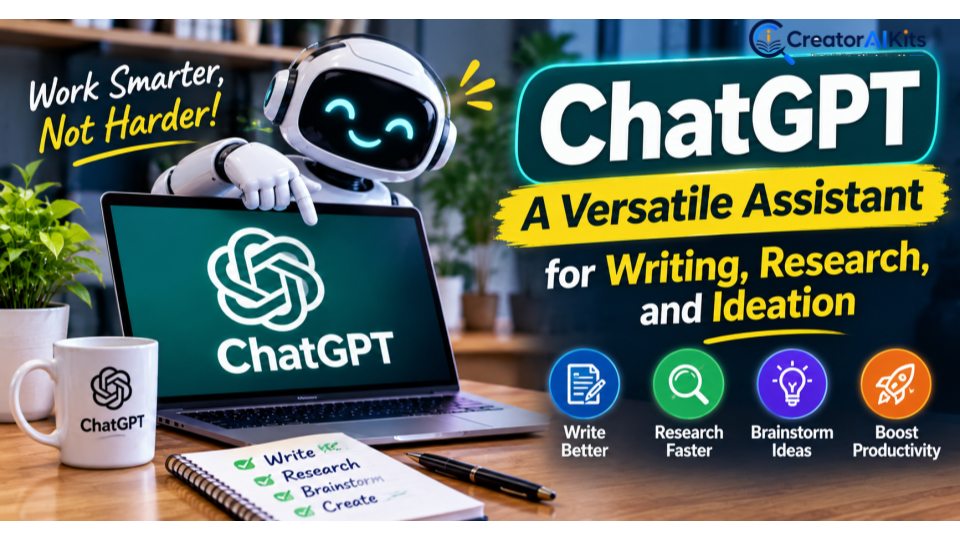
Best for: Content planning, brainstorming, drafting, summarization, and everyday productivity.
ChatGPT is a flexible starting point for creators who need assistance with different stages of content production. You can use conversational instructions to develop ideas, refine messaging, structure articles, and explore alternative approaches.
Its usefulness often depends on the instructions you provide. For example, asking for an article outline that considers a specific audience, search intent, and reader questions gives you a more useful starting point than simply requesting an article about AI tools.
What you can do with it:
- Develop article outlines, video scripts, newsletters, and social media captions.
- Brainstorm content angles and campaign concepts.
- Summarize supplied documents and extract relevant information.
- Improve drafts for clarity, tone, structure, and readability.
- Use available web search and file-analysis features where supported.
Free-plan limitations: ChatGPT’s free tier has usage limits for certain models and tools, including file uploads, image generation, and data analysis. Available features and limits can change.
Creator tip: Treat the first draft as raw material. Add your own analysis, verify factual claims, and revise generic passages before publishing.
Official resource: https://help.openai.com/en/articles/9275245-chatgpt-free-tier-faq
Google Gemini — An AI Companion for Research and Creative Work
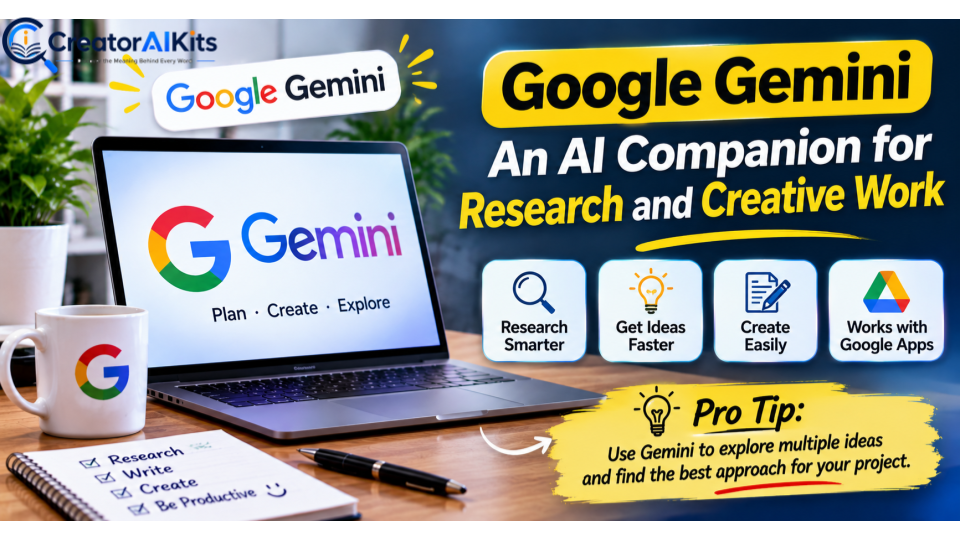
Best for: Brainstorming, information synthesis, writing assistance, and workflows connected to Google’s ecosystem.
Google Gemini can help creators explore topics, organize ideas, draft content, and work through complex questions. It can be particularly convenient if you already use Google services and want AI assistance alongside your existing productivity habits.
One practical use is content planning. You can ask Gemini to suggest article angles, identify questions an audience might ask, or propose a structure for a tutorial.
However, suggestions about current product features, prices, or statistics should be checked against reliable sources before publication.
What you can do with it:
- Generate topic ideas and alternative headlines.
- Summarize information and explain unfamiliar concepts.
- Draft outlines, email campaigns, and educational content.
- Explore available image-generation and multimodal features.
- Support research and productivity tasks through eligible integrations.
Free-plan limitations: Access to advanced models, research features, and creative capabilities can be restricted by account, region, and usage allowance.
Creator tip: Ask Gemini for several possible approaches to a topic. Then choose the one that provides the clearest benefit to your intended audience.
Official resource: https://gemini.google.com/
Perplexity AI — Research With Source-Linked Answers
Best for: Preliminary research, source discovery, and investigating unfamiliar topics.
Research can take considerable time, especially when you need information from multiple websites. Perplexity can help by generating synthesized answers with links to sources that you can investigate further.
This makes it useful during the early stages of an article, when you need to understand a subject, discover relevant documentation, or identify claims that deserve closer examination.
However, a linked source does not automatically mean an answer is accurate. Sources may be outdated, incomplete, or unrelated to the specific claim being made.
What you can do with it:
- Explore a topic before drafting an article.
- Discover relevant reports, documentation, and reference pages.
- Compare explanations from different sources.
- Identify questions for a research checklist.
- Find primary sources for further verification.
Free-plan limitations: Access to advanced search modes and other premium capabilities may be limited. Check the current plan details before depending on a particular feature.
Creator tip: Whenever possible, use official documentation, original research, and directly relevant evidence instead of relying on articles that simply repeat the same information.
Official resource: https://www.perplexity.ai/
Claude — Refine Complex Writing and Long-Form Content
Best for: Editorial refinement, structured writing, document analysis, and nuanced explanations.
Claude can assist creators working on substantial writing projects. It can help organize complicated ideas, improve transitions, clarify arguments, and identify passages that feel repetitive or underdeveloped.
Its value is often greatest when you ask it to solve a specific editorial problem rather than simply make a passage sound more sophisticated.
For example, you can provide a draft and ask for a clearer explanation of a technical concept, a more logical comparison between products, or a stronger argument using evidence you have already collected.
What you can do with it:
- Improve the structure and flow of long-form drafts.
- Rewrite awkward passages while preserving their meaning.
- Summarize documents and identify important distinctions.
- Generate alternative explanations for different audiences.
- Review an article for repetition and logical gaps.
Free-plan limitations: Claude’s free plan has limited usage. Access to additional capacity and advanced features depends on the subscription tier.
Creator tip: Give Claude your original research, intended audience, and editorial requirements. Ask it to preserve factual meaning rather than introduce unsupported details.
Official resource: https://www.anthropic.com/pricing
Canva AI — Create Professional Visuals Without a Design Team
Best for: Blog graphics, social media assets, thumbnails, presentations, and branded visuals.
A well-written article also needs an effective visual presentation. Canva helps creators design graphics without requiring advanced knowledge of professional design software.
Its design environment includes templates and AI-assisted features, although availability depends on the specific feature and plan. This can be useful for creators who need consistent visual assets across blog posts, Pinterest pins, presentations, and social media.
What you can do with it:
- Design blog featured images and social media graphics.
- Create presentation slides and branded layouts.
- Adapt designs for different publishing formats.
- Use available AI-assisted design and editing features.
- Develop reusable templates for consistent branding.
Free-plan limitations: Some premium templates, assets, AI features, and advanced brand capabilities require a paid plan.
Creator tip: Establish a consistent visual system using a limited color palette, readable typography, and a recognizable layout. Consistency is often more valuable than adding decorative elements to every design.
Official resource: https://www.canva.com/
CapCut — Edit Short-Form Videos More Efficiently
Best for: Reels, YouTube Shorts, TikTok videos, captions, and short promotional content.
Video creation can become time-consuming when every clip requires manual editing. CapCut offers an accessible editing environment with automated and AI-assisted capabilities, depending on the version and region.
For bloggers and independent publishers, it can also support content repurposing. A useful insight from an article can become a short explainer, tutorial, or series of social media videos.
What you can do with it:
- Edit and arrange short-form video clips.
- Add captions and text overlays.
- Improve pacing and structure for social platforms.
- Use available AI-assisted editing and audio features.
- Adapt existing footage into different formats.
Free-plan limitations: Certain features, effects, exports, or AI capabilities may require payment or may not be available in every region.
Creator tip: Start with a clear hook, deliver one useful takeaway, and end with a relevant next step. Automated effects cannot compensate for a weak message.
Official resource: https://www.capcut.com/
ElevenLabs — Generate Natural-Sounding AI Voiceovers
Best for: Narration, explainer videos, audio content, and voiceovers for faceless channels.
Recording narration can be a challenge for creators who prefer not to use their own voice. ElevenLabs offers AI voice-generation capabilities that can turn written scripts into spoken audio.
It can be useful for educational videos, product explainers, and narrated content where clear delivery matters.
Still, voice quality alone does not make a script engaging. Sentence rhythm, pronunciation, pacing, and the quality of the explanation remain important.
What you can do with it:
- Convert scripts into generated speech.
- Create narration for educational and promotional videos.
- Experiment with supported voices and delivery styles.
- Produce audio for content prototypes and demonstrations.
Free-plan limitations: Usage allowances and commercial rights depend on the current plan and applicable terms. Do not assume that every output generated on a free account can be used commercially.
Creator tip: Edit your script for spoken delivery before generating audio. Shorter sentences and clear transitions often sound more natural than dense written paragraphs.
Official resource: https://elevenlabs.io/pricing
Ideogram — Create AI Images With a Focus on Typography
Best for: Promotional graphics, visual concepts, poster-style designs, and text-focused imagery.
AI image generation can speed up visual ideation, but readable text inside an image can be difficult to produce accurately. Ideogram is worth exploring when a design depends on typography, a headline, or a specific visual arrangement.
Creators can use it to experiment with visual directions before developing a final design in a conventional editor.
What you can do with it:
- Generate concepts for promotional graphics.
- Explore different compositions and visual styles.
- Create text-oriented poster concepts.
- Develop initial visual directions for campaigns.
- Produce draft imagery for further editing.
Free-plan limitations: Generation allowances, privacy settings, download options, and commercial-use rights depend on the current plan.
Creator tip: Review every generated image carefully. Incorrect spelling, distorted letters, and misleading visual details can undermine an otherwise attractive graphic.
Official resource: https://ideogram.ai/
Gamma — Turn Ideas Into Presentations
Best for: Business presentations, educational slides, proposals, and visual summaries.
Gamma helps creators turn a subject or outline into a structured visual presentation. It can be useful when you need to communicate a concept without designing every slide individually.
Freelancers and small businesses can use it to develop pitch decks, service explanations, training material, and presentation-based lead magnets.
The generated structure should still be reviewed for accuracy, narrative coherence, and visual consistency.
What you can do with it:
- Generate an initial presentation from a topic or outline.
- Organize ideas into a sequence of slides or cards.
- Develop educational and business presentations.
- Create a starting point for visual storytelling.
- Refine the presentation’s structure before sharing it.
Free-plan limitations: AI credits, export options, branding controls, and advanced features may be restricted by the current plan.
Creator tip: Build the narrative before polishing the slides. Every slide should contribute to a clear argument rather than simply repeat the presentation title.
Official resource: https://gamma.app/
Google NotebookLM — Turn Your Own Sources Into Useful Insights
Best for: Source-based research, document analysis, study material, and organizing information.
NotebookLM is particularly useful when your work depends on a collection of source materials rather than general knowledge alone. Depending on supported formats and current features, you can provide documents and other sources, then use the tool to explore and synthesize their contents.
For content creators, this can help organize research gathered from product documentation, reports, interviews, and reference material.
It is important to distinguish between summarizing supplied sources and independently verifying whether those sources are accurate.
What you can do with it:
- Organize research materials around a specific project.
- Ask questions about supplied sources.
- Summarize lengthy documents.
- Identify recurring themes and important distinctions.
- Generate supported study or review material using available features.
Free-plan limitations: Source counts, notebook capacity, and access to certain features can vary by account and may change over time.
Creator tip: Provide reliable primary sources and ask for supporting passages when developing factual claims. This makes it easier to review the evidence before publication.
Official resource: https://notebooklm.google.com/
Free AI Tools Comparison: Features, Limitations, and Best Uses
The following table summarizes each tool’s primary role. It avoids fixed numerical quotas because free-plan limits can change.
| Tool | Best use case | Main advantage | What to check |
| ChatGPT | Writing and brainstorming | Versatile conversational assistance | Usage limits and data controls |
| Google Gemini | Research and productivity | Broad AI assistance and Google ecosystem integration | Feature availability and model limits |
| Perplexity AI | Source discovery | Answers with links to sources | Search allowances and source quality |
| Claude | Long-form writing | Draft refinement and document analysis | Usage capacity |
| Canva AI | Graphic design | Accessible visual creation | Premium assets and AI limits |
| CapCut | Video editing | Short-form content workflows | Export and regional restrictions |
| ElevenLabs | Voiceovers | AI speech generation | Commercial rights and usage allowance |
| Ideogram | Image generation | Typography-oriented visual concepts | Credits and licensing |
| Gamma | Presentations | Rapid presentation development | Credits and export options |
| NotebookLM | Source-based research | Organizing and querying supplied material | Source and notebook limits |
What Can You Do With These AI Tools for Free?
A practical approach is to combine tools according to the stages of your workflow instead of trying to use all ten for every project.
For a blog article:
- Use Perplexity to discover relevant sources and investigate the topic.
- Organize primary documents and research notes in NotebookLM.
- Use ChatGPT or Claude to develop an outline and refine your draft.
- Create a featured graphic in Canva.
- Verify important claims against the original sources before publishing.
For a YouTube Short:
- Develop a concise script with ChatGPT or Gemini.
- Refine the narrative and remove unnecessary wording.
- Generate narration with ElevenLabs if its usage terms suit your project.
- Edit the video and captions in CapCut.
- Create a complementary thumbnail or promotional graphic in Canva.
These workflows are examples, not guarantees of a completely free production process. Some features may require credits, paid access, additional software, or manual work.
Free AI Tools: What Are the Limitations?
Free access can be genuinely useful, but it is not the same as unrestricted access. Understanding the trade-offs helps you choose tools realistically.
Usage Limits and Premium Features
A tool may be free to access while restricting the number of generations, advanced models, exports, or other capabilities available to an account. Check the current plan before building an important workflow around a particular feature.
Accuracy and Verification
AI-generated text can contain fabricated facts, outdated information, or misleading summaries. For research-intensive content, consult original documentation and credible evidence instead of treating generated answers as authoritative.
Privacy and Confidential Information
Before uploading customer records, unpublished business documents, personal information, or confidential client material, review the provider’s privacy policy and available data controls. Avoid sharing sensitive information unless you have an appropriate basis and authorization.
Commercial Usage and Licensing
Free access does not automatically establish commercial permission. Review the applicable terms for generated images, audio, video, and other outputs. Also consider third-party rights, voice permissions, trademarks, and platform-specific requirements.
Quality Still Requires Human Judgment
AI can accelerate production, but it cannot guarantee originality, usefulness, or editorial accuracy. Human review remains necessary for factual validation, contextual understanding, and meaningful differentiation.
Which Free AI Tool Is Best for Content Creators?
The right choice depends on the problem you are trying to solve.
- For writing and brainstorming: Start with ChatGPT or Claude.
- For research and source discovery: Explore Perplexity and NotebookLM.
- For graphics and visual assets: Consider Canva and Ideogram.
- For short-form video editing: Try CapCut.
- For AI narration: Evaluate ElevenLabs and its current licensing terms.
- For presentations: Use Gamma to develop an initial structure.
- For a broad productivity assistant: Explore Google Gemini.
You do not need every tool on this list. Choose one tool for your most frequent task, learn its limitations, and add another only when it solves a distinct problem.
How to Choose the Right Free AI Tool Without Wasting Time
Before committing to a platform, evaluate it against five practical criteria:
- Task fit: Does the tool solve a real problem in your workflow?
- Output quality: Can it produce results that meet your professional standards?
- Free access: Are the features you actually need available without payment?
- Usage rights: Can you use the resulting work for your intended purpose?
- Privacy and reliability: Are the data controls and limitations acceptable?
A short, structured trial is often more informative than reading dozens of promotional lists. Test a representative task, inspect the result, and document any limitations before adopting the tool for regular work.
💡 Pro Tip: Finding useful AI tools is just the beginning. The real advantage comes from knowing how to use them effectively in your daily workflow. Explore our guide, How to Use AI Tools Effectively in 2026: 10 Practical Steps, to learn how to choose the right tools, write better prompts, and get more value from AI without wasting time.
Frequently Asked Questions
What are the best free AI tools in 2026?
Useful options include ChatGPT, Gemini, Perplexity, Claude, Canva, CapCut, ElevenLabs, Ideogram, Gamma, and NotebookLM. The best choice depends on your task, the features available to your account, and the quality of the output you need.
Are these AI tools completely free?
Not necessarily. Several provide free access to core features but impose usage limits or reserve advanced capabilities for paid plans. Review current pricing and plan details before relying on a specific feature.
Which free AI tools are best for content creators?
ChatGPT and Claude can assist with writing, Perplexity and NotebookLM with research, Canva with design, and CapCut with video editing. Combining a small number of tools is often more effective than managing a large collection.
Can I use free AI tools for commercial projects?
Sometimes, but permission varies by provider, plan, and type of output. Review the applicable licensing and usage terms, including attribution requirements and restrictions on commercial use.
Do free AI tools have daily usage limits?
Some have daily, monthly, or rolling usage limits; others restrict particular models or features. The exact allowance can change, so consult the current provider documentation.
Can AI tools replace human content creators?
AI tools can automate parts of research, drafting, editing, and production, but they do not remove the need for human judgment. Original analysis, credible evidence, audience understanding, and editorial responsibility remain essential to producing valuable content.
Final Verdict: Build a Smarter Creator Workflow Without Overspending
The strongest advantage of free AI tools is not that they make professional work effortless. It is that they lower the barrier to experimentation, allowing creators to test ideas and develop more efficient workflows before investing in paid software.
Start with the task that consumes the most time. Choose a suitable tool, evaluate its output, verify its limitations, and refine the process until it becomes genuinely useful.
For most independent creators, a carefully selected combination of writing, research, design, and editing tools is a more practical starting point than subscribing to every new AI platform.
The goal is not to use more AI. It is to create better work, make informed decisions, and spend your time where human judgment matters most.

Welcome to CreatorAIKits! I’m passionate about learning and exploring AI tools, creativity, and technology.
I’m continuously researching and gaining hands-on experience with different AI tools and technologies.
My goal is to share simple, useful, and practical AI information for beginners and everyday users.
Thanks for visiting CreatorAIKits!