
Creating a polished video used to mean cameras, actors, lighting, editing software, and hours of work. Today, AI can handle much of that process from a simple prompt, script, image, or existing clip. If you want to save time without sacrificing creativity, the right 10 Best Video AI Tools in 2026: Create Professional Videos Faster With AI can help you turn an idea into an engaging video much faster.
In this guide, I’ll compare 10 popular AI video platforms and explain what each one does best. You’ll also learn how AI video generation works, which features matter, where these tools can fall short, and how to choose the right option for YouTube, social media, marketing, training, or professional production.
What Are Video AI Tools?
Video AI tools are software platforms that use artificial intelligence to help you create, edit, enhance, or transform videos. Instead of performing every task manually, you can give the software a prompt, script, image, or video and let its AI handle part of the production process.
Modern AI video creation can include text-to-video, image-to-video, automated editing, AI voiceover, avatars, captions, B-roll, translations, and visual effects. Some platforms focus on generative video, while others work more like traditional editors with AI features added to the workflow.
These tools are useful for creators, marketers, teachers, businesses, and beginners. For example, a marketer can turn a product description into an explainer video, while a YouTuber can generate B-roll and captions without spending hours searching for assets.
How Do Video AI Tools Work?
Most video AI software starts by interpreting your input. You might provide a written prompt such as “a cinematic drone shot of a mountain at sunrise,” upload an image, paste a script, or import existing footage. The AI then analyzes the instructions and generates or modifies visual and audio elements.
Behind the scenes, video generation models learn patterns from large amounts of visual and audio data. Depending on the platform, the system can create new frames, predict motion, synchronize speech with an avatar, generate voiceovers, remove unwanted elements, or automatically arrange scenes.
The quality of your input still matters. A clear prompt usually gives you more predictable results than a vague instruction. Runway, for example, recommends describing motion, camera movement, timing, and other visual details when creating image-to-video content.
Why Use AI Tools to Create Videos in 2026?
The biggest advantage is speed. Traditional AI video production still requires creative judgment, but automated video creation can reduce repetitive tasks such as captioning, resizing, scripting, voice generation, and basic editing.
AI can also make video production more accessible. You don’t need a large production team to create an AI marketing video, tutorial, social clip, or product presentation. A small business owner can start with a script and build a usable first draft without hiring a full video crew.
Another benefit is experimentation. You can test different hooks, visual styles, voices, languages, and formats without recreating everything from scratch. Platforms such as Synthesia now support text-to-video workflows, AI B-roll, avatars, voiceovers, captions, and translation across many languages.
However, AI isn’t a replacement for creative judgment. The strongest results usually come from combining AI-powered video creation with human editing, fact-checking, storytelling, and brand direction.
Runway – Best for Professional AI Video Creation
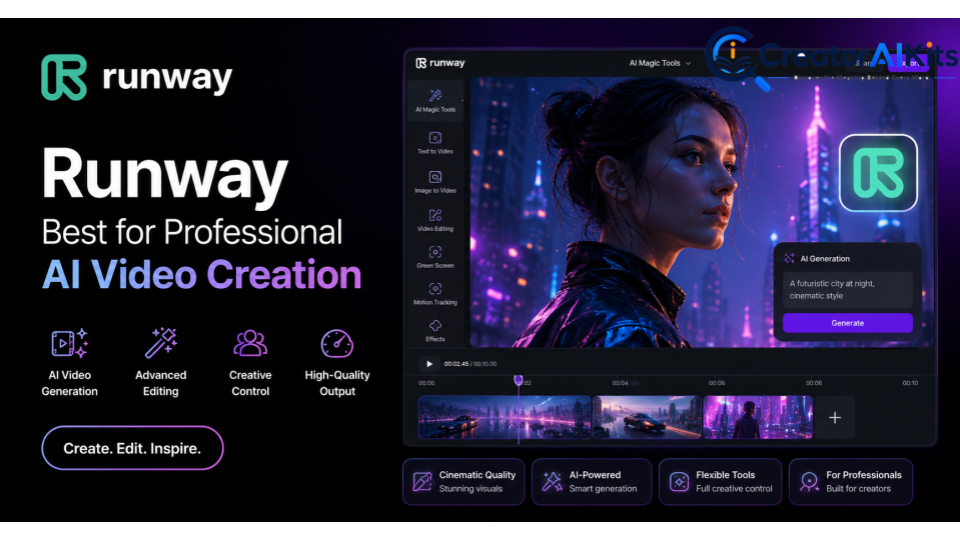
Runway is a strong choice for creators who want advanced generative video and more control over visual direction. It supports workflows such as text-to-video and image-to-video, making it useful for cinematic scenes, concept videos, creative storytelling, and experimental visuals.
Its image-to-video workflow is particularly useful when you already have a visual starting point. You can use an image to establish the subject, composition, lighting, and style, then use a prompt to describe movement and camera action.
Best for: Professional creators, filmmakers, cinematic AI video, and creative experiments.
Kling AI – Best for Realistic AI Videos
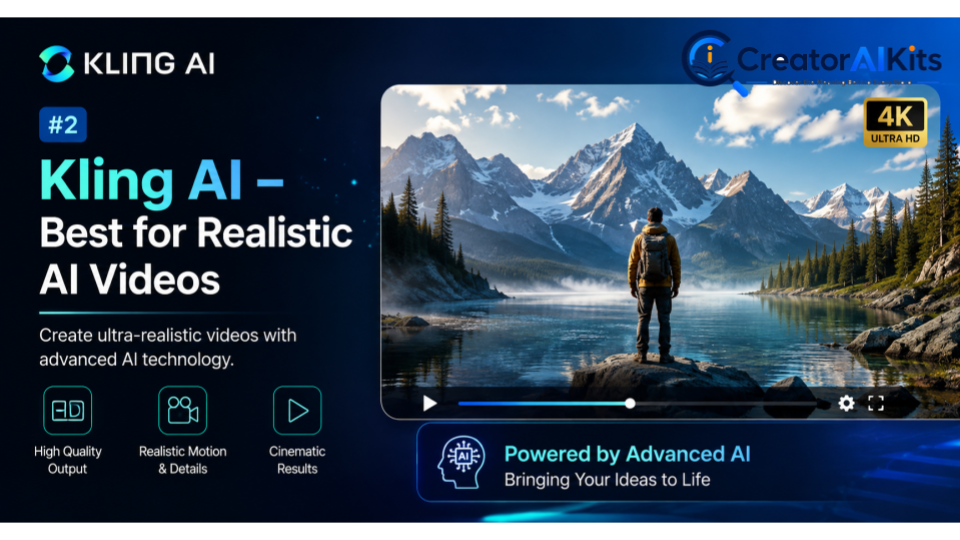
Kling AI is designed for generative video creation from prompts and images. It is especially interesting for creators who want realistic movement, detailed scenes, and visually rich AI-generated content without traditional filming.
You can use it for short cinematic sequences, concept scenes, product visuals, social content, and creative storytelling. As with any generative video platform, results can vary depending on the prompt, subject, motion, and model available to you.
Best for: Realistic generative video, cinematic concepts, and visual storytelling.
HeyGen – Best for AI Avatar Videos
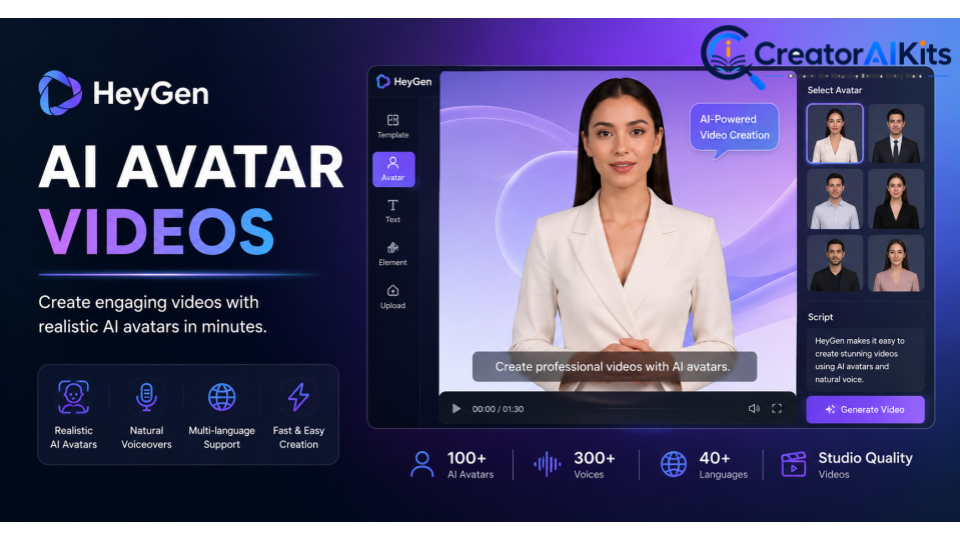
HeyGen is a strong option when you need a digital presenter rather than purely generated scenery. Its AI avatar video generator can create videos from text, scripts, or uploaded images, while its platform supports AI voice cloning and a large range of languages and dialects.
This makes it useful for marketing videos, educational content, presentations, onboarding, sales videos, and social media. Instead of setting up a camera every time, you can create a presenter-led video from a prepared script.
Best for: AI avatars, business presentations, marketing videos, and multilingual content.
Synthesia – Best for AI Presenter Videos
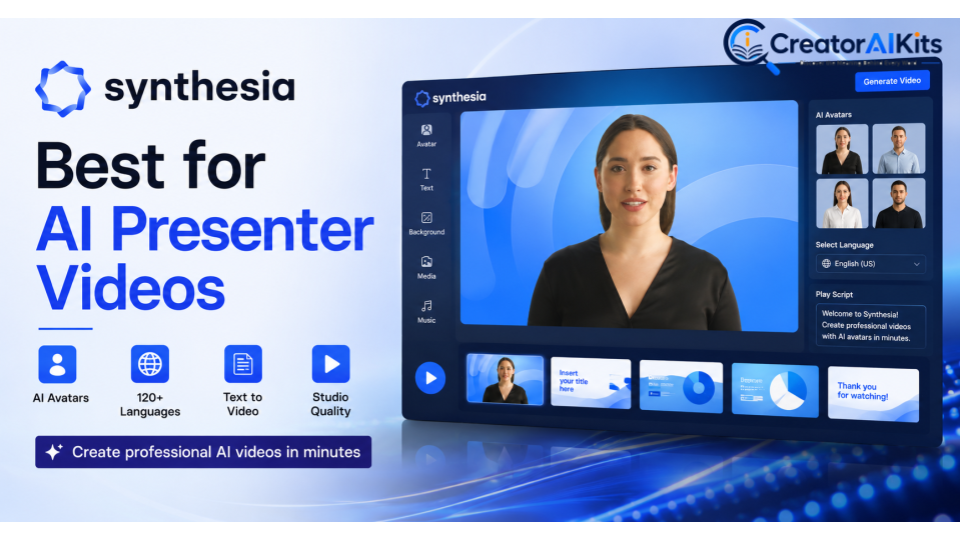
Synthesia is built around professional AI presenter videos and is particularly useful for companies, educators, and teams. Its platform provides stock and custom avatars, voice options, templates, and text-to-video workflows.
The platform currently supports a large avatar library and can create videos in 160+ languages. Its AI avatars are designed to deliver scripts with natural expressions and lip synchronization.
Synthesia is also useful when you need to create training videos or internal communications repeatedly. You can update a script and generate a new version without organizing another recording session.
Best for: Training, corporate communication, education, and professional AI presenter videos.
InVideo AI – Best for Text-to-Video Creation
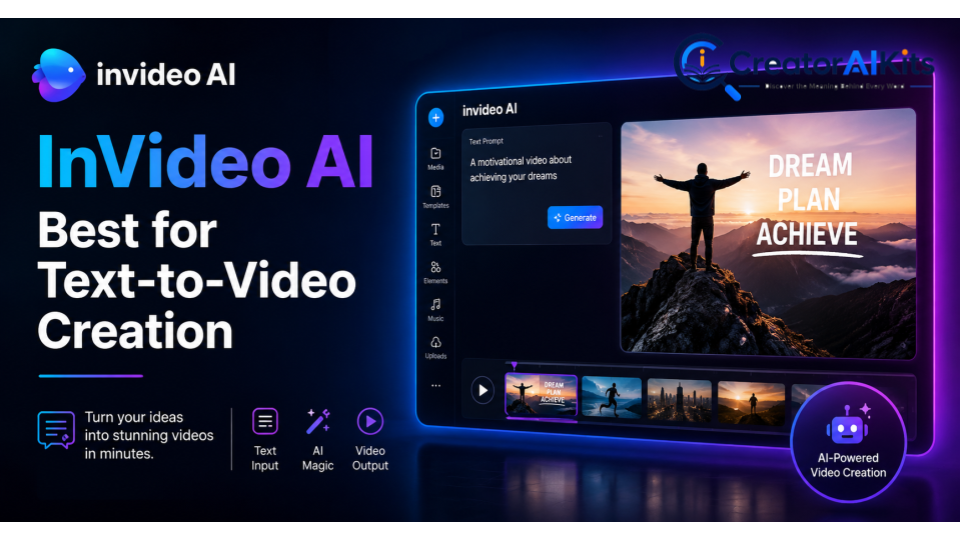
InVideo AI is aimed at people who want to move from an idea or written prompt to a complete video quickly. It can be useful when you don’t want to manually assemble every scene, voiceover, visual, and transition.
This type of workflow is especially helpful for YouTube videos, social content, marketing campaigns, and explainer videos. You can start with a concept and then refine the generated draft rather than building the entire timeline manually.
Best for: Beginners, YouTube creators, marketing videos, and fast text-to-video workflows.
Pika – Best for Creative AI Video Effects
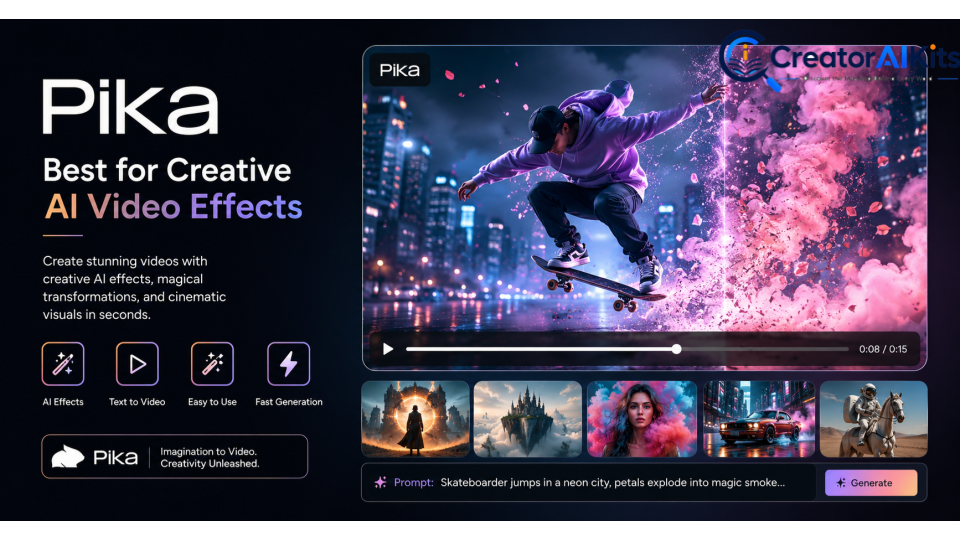
Pika is a good fit for creators who enjoy experimenting with AI video effects and imaginative visual transformations. Rather than focusing only on conventional business videos, it can help turn simple ideas and images into more playful or unusual clips.
Creative effects can be valuable for social media because unusual visuals often grab attention quickly. You can use this type of AI video software for short clips, visual experiments, memes, promotional concepts, and creative storytelling.
Best for: Creative effects, short-form content, social media, and visual experimentation.
Canva – Best for Easy AI Video Editing
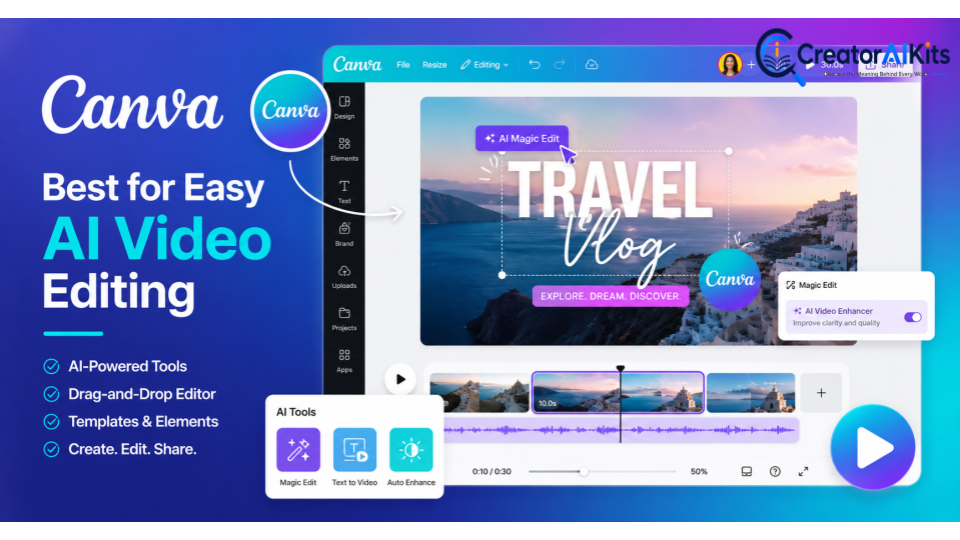
Canva is a practical choice for beginners because it combines design, templates, editing, and AI-powered features in one environment. If you’re already familiar with Canva, the learning curve can feel much smaller than starting with professional editing software.
It’s useful for social media videos, presentations, advertisements, product content, educational clips, and branded posts. The biggest advantage is convenience: you can work with existing designs and visual assets while adding AI-assisted video features.
Best for: Beginners, branded content, social media videos, presentations, and simple AI video editing.
CapCut – Best for AI Video Editing and Social Media Content
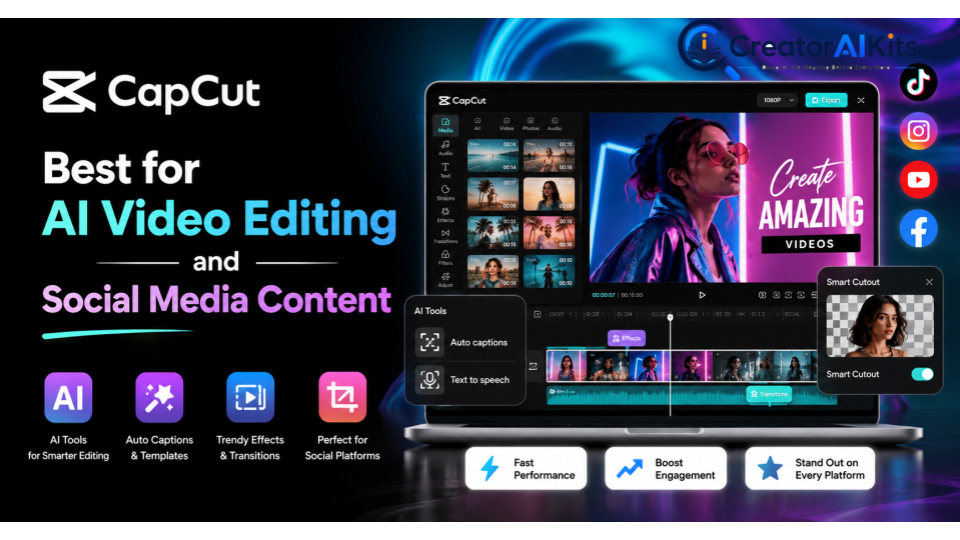
CapCut is particularly popular for short-form content and social media workflows. Its AI video editor can help with scripts, avatars, voiceovers, captions, music, and automated video creation.
This makes it practical when your main goal is producing engaging TikTok-style clips, Reels, Shorts, or promotional social content. You can also adjust the aspect ratio and export settings for different platforms.
Best for: Social media creators, short videos, captions, AI editing, and fast content production.
VEED – Best for Online AI Video Editing
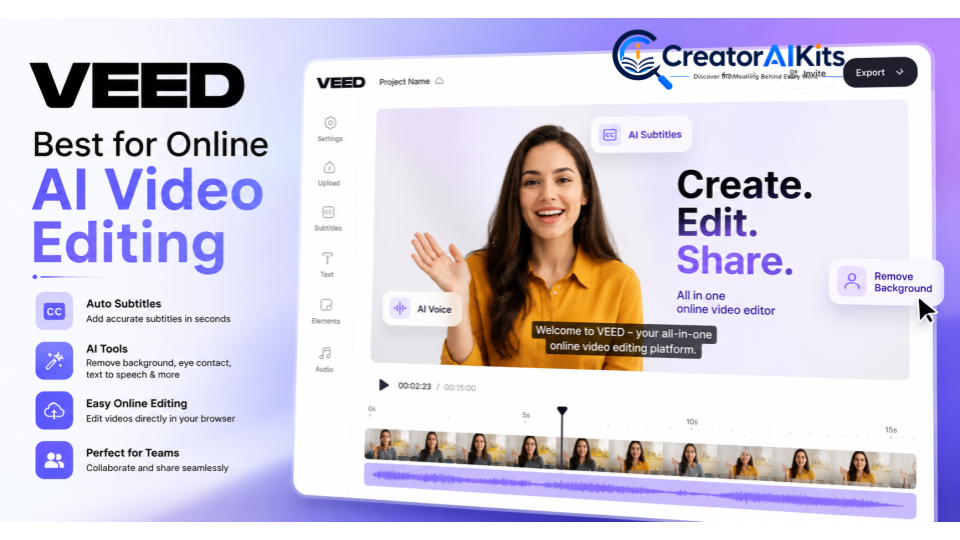
VEED combines online video editing with AI-powered creation and enhancement. One useful feature is its natural-language editing approach, where you can give commands such as resizing a video or adding subtitles.
It can also generate video drafts with narration and B-roll, while supporting use cases such as training videos, marketing content, dubbing, and voice cloning.
Best for: Online editing, marketing teams, training videos, captions, and quick content production.
Adobe Firefly – Best for Creative AI Video Generation
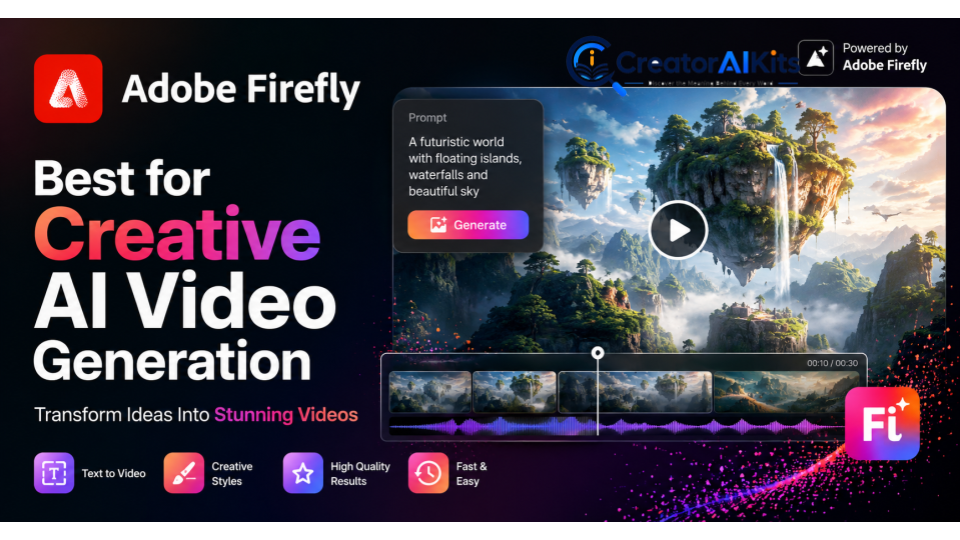
Adobe Firefly is a strong option for creators who want generative AI features within Adobe’s broader creative ecosystem. It is particularly relevant for people who already use Adobe tools and want AI-generated visual content as part of a larger production workflow.
Firefly can be useful for creating or experimenting with generative video concepts, visual assets, and creative effects. For professional projects, the ability to combine AI generation with human-directed editing can be more valuable than relying on a single-click video maker.
Best for: Creative professionals, Adobe users, generative visuals, and professional design workflows.
How to Choose the Best Video AI Tool for Your Needs?
Choosing between AI video tools isn’t simply about finding the platform with the longest feature list. Start by identifying the type of video you create most often, then compare the tools based on generation quality, editing capabilities, ease of use, pricing, export options, and commercial requirements.
Think about your workflow too. If you need talking presenters, choose an avatar-focused platform. If you need cinematic scenes, prioritize generative video models. If you’re producing daily social clips, an editor with automation and captions may be more useful.
| Your Main Goal | Tool to Consider | Why |
| Beginner video creation | Canva | Simple editing and design workflow |
| AI avatars | HeyGen | Strong presenter and avatar workflow |
| Corporate training | Synthesia | Professional presenter videos |
| Cinematic generation | Runway | Advanced generative workflows |
| Social media | CapCut | Fast editing and social-focused tools |
| Online editing | VEED | Browser-based AI editing |
| Creative effects | Pika | Experimental visual effects |
| Text-to-video | InVideo AI | Fast idea-to-video workflow |
| Generative visuals | Adobe Firefly | Creative AI ecosystem |
| Realistic AI scenes | Kling AI | Generative video focus |
Best Video AI Tool for Beginners
If you’re new to AI video creation, choose a tool that doesn’t overwhelm you with technical settings. Canva and CapCut are good starting points because their editing workflows feel familiar and offer many ready-made features.
Your first goal shouldn’t be producing a Hollywood-level video. Start with a short project, learn how prompts and AI editing work, then gradually add more advanced techniques.
Best AI Video Tool for YouTube
For YouTube, look for a tool that supports scripting, narration, B-roll, captions, editing, and flexible exports. InVideo AI, VEED, CapCut, and Synthesia can all fit different YouTube workflows depending on whether you’re making faceless videos, tutorials, presentations, or short-form content.
For cinematic channels, Runway or Kling AI may be more attractive because visual generation becomes a central part of the production process.
Best AI Video Tool for Social Media
Social media videos need speed, strong hooks, captions, and platform-friendly formats. CapCut is a natural choice for this workflow because it combines AI editing, captions, voiceover, avatars, templates, and export controls.
Pika can also be useful when your strategy depends on unusual visual effects. The best choice ultimately depends on whether your content is educational, promotional, entertaining, or trend-driven.
Best AI Video Tool for Professional Videos
For professional videos, don’t judge a tool only by how quickly it generates a clip. Look for consistency, editing control, export quality, brand customization, voice quality, and the ability to revise content.
Runway is worth considering for cinematic creative work, while Synthesia and HeyGen are more suitable for professional presenter-led content. Your final choice should match the type of production you need.
Best AI Video Tool for AI Avatars
If your main requirement is an AI talking avatar, HeyGen and Synthesia are two strong choices. Both are designed around digital presenters and can reduce the need for traditional camera recording.
Synthesia offers stock and custom avatar workflows, including personal avatars created from images or video. Its documentation also emphasizes consent requirements for personal avatars.
Key Features to Look for in Video AI Tools
The best AI video generator isn’t necessarily the one with the most features. Look for capabilities that actually solve your production problems.
Before choosing a platform, consider generation quality, editing control, voice options, avatar realism, templates, subtitles, translation, export resolution, commercial usage rights, and ease of use. A tool that saves you two hours per video can be more valuable than one that has dozens of features you never use.
Text-to-Video Generation
Text-to-video lets you describe a scene and have the AI generate visual content from your instructions. This is one of the most exciting parts of generative AI video because it can turn an idea into a visual sequence without traditional filming.
For better results, describe the subject, environment, movement, camera action, lighting, and style. Avoid stuffing unrelated ideas into one prompt.
AI Video Editing
AI video editing can automate repetitive tasks such as trimming, captioning, resizing, background removal, and basic enhancements. Some platforms also let you edit videos using natural-language instructions.
This is particularly useful for creators who publish frequently. Instead of spending 20 minutes making small edits, you can use AI to handle the repetitive parts and focus on the story.
AI Avatars and Voiceovers
AI avatars can present scripts without requiring a person to appear on camera. AI voiceover tools can also narrate videos using synthetic voices or, where supported and properly authorized, voice cloning.
This feature is valuable for training videos, product demonstrations, educational content, and multilingual marketing. However, always make sure you have permission before cloning someone’s voice or likeness.
Templates and Creative Effects
Templates make video production faster because they provide a ready-made structure for scenes, transitions, text, and visual elements. Creative effects can help short-form videos stand out.
However, don’t rely too heavily on templates. If every video looks identical, your content may lose its personality.
Video Quality and Export Options
Always check the available resolution, frame rate, aspect ratios, watermark rules, file formats, and export restrictions before committing to a platform.
A beautiful AI-generated clip isn’t very useful if the final export doesn’t meet your platform or client requirements. Professional users should also check commercial licensing and usage terms.
Are Video AI Tools Easy to Use?
For most beginners, modern AI video tools are easier than traditional professional editing software. Many platforms use prompts, templates, drag-and-drop editors, automated captions, and guided workflows to reduce technical complexity.
Still, easy doesn’t mean effortless. You may need several attempts to create a good result. AI can misunderstand prompts, generate awkward movements, mispronounce words, or produce visual inconsistencies.
The learning curve is mostly about learning how to give better instructions and how to edit the output. Once you understand that process, you can create videos much faster.
Are AI-Generated Videos Good Enough for Professional Use?
Yes, AI-generated videos can be suitable for many professional applications, but quality depends heavily on the tool, project, and level of human review. AI works especially well for training videos, product explainers, social content, presentations, concept visuals, and marketing drafts.
For high-stakes projects, human review remains essential. Check facts, pronunciation, visuals, branding, timing, copyright considerations, and overall storytelling before publishing.
AI should be treated as a production assistant rather than an automatic replacement for creative direction. The best professional results usually combine AI-generated content with human judgment.
Benefits and Limitations of Using Video AI Tools
AI video technology can dramatically shorten the path from idea to finished content. However, every platform has limitations, and understanding them helps you use AI more effectively.
Benefits of AI Video Creation
- Faster video production
- Lower production requirements
- Easy text-to-video workflows
- Automated captions and subtitles
- AI voiceover and avatar options
- Faster social media content creation
- Easier video localization
- Rapid creative experimentation
- Automated B-roll generation
- Useful templates for beginners
- Easier creation of training and explainer videos
The biggest benefit is flexibility. You can test an idea quickly before investing significant time or money into a full production.
Limitations of AI-Generated Videos
- AI can produce visual inconsistencies
- Human-like movement isn’t always perfect
- Voice pronunciation can sometimes be wrong
- Complex prompts may produce unpredictable results
- Some platforms limit free generations
- Premium features can become expensive
- Commercial licensing varies by platform
- AI output still needs human review
- Generated content may require additional editing
These limitations don’t make AI video tools useless. They simply mean you should use them strategically and review every important output before publishing.
Tips for Creating High-Quality Videos With AI
Good AI videos start with a good production process. Don’t expect one prompt to create a perfect final video every time.
Instead, treat AI as a collaborator. Start with a clear objective, create a draft, review the result, improve weak sections, and add your own creative direction.
Write Clear and Detailed Prompts
A vague prompt gives the AI too much room to guess. Instead of writing “make a beautiful beach video,” provide useful details about the scene, movement, mood, lighting, and camera.
For example, you could describe a peaceful tropical beach at sunset with gentle waves, warm natural light, a slow camera movement, and a cinematic documentary style.
Choose the Right Video Style
Decide whether your project needs realistic footage, animation, cinematic visuals, an AI presenter, product demonstrations, or social-media-style editing.
The style should match your audience. A corporate training video may need a clean professional look, while a short social clip can benefit from faster cuts and more energetic visuals.
Edit and Review AI-Generated Content
Never publish important AI-generated content without reviewing it. Watch the entire video and check the script, visuals, voiceover, captions, transitions, and timing.
Look closely at hands, faces, text, logos, and small background details. These areas can sometimes reveal generation errors that aren’t obvious in a quick preview.
Add Your Own Creative Touch
This is where your content can move from “AI-generated” to genuinely useful. Add your own examples, brand style, storytelling, opinions, footage, music choices, and editing decisions.
AI can provide the raw material, but your creative judgment gives the video a reason to exist. That’s especially important when many creators are using similar AI tools.
FAQs
What is the best AI video tool in 2026?
There isn’t one universal winner. Runway is a strong choice for generative and cinematic work, while HeyGen and Synthesia are better suited to AI avatar videos.
Can I create videos from text with AI?
Yes. Many platforms support text-to-video workflows where you provide a prompt, script, or document and the AI creates a video draft. The exact capabilities vary by tool.
Are there free AI video generators?
Several platforms offer free plans, trials, or limited free generations. Free access usually comes with restrictions such as watermarks, credits, lower limits, or fewer premium features.
Can AI create YouTube videos?
Yes. AI can help with scripts, voiceovers, B-roll, captions, editing, avatars, and video generation. You should still review the content and add original value before publishing.
Are AI-generated videos copyright-free?
Not automatically. Copyright and commercial-use rules depend on the platform, the source material, the generated content, and applicable laws. Always review the tool’s current licensing terms before using AI-generated content commercially.
Conclusion
The Best 10 Best Video AI Tools in 2026: Create Professional Videos Faster With AI can make video production faster, more accessible, and easier to experiment with. Runway and Kling AI stand out for generative visuals, HeyGen and Synthesia are strong for avatars, CapCut and Canva work well for accessible editing, while VEED, InVideo AI, Pika, and Adobe Firefly cover other creative and production needs.
The smartest approach isn’t to choose a tool simply because it is popular. Choose the platform that matches your actual workflow, test its output with a small project, and keep human creativity in the final process. AI can generate the video, but your ideas, editing, fact-checking, and storytelling are what make the finished content worth watching
Discover the 10 best video AI tools in 2026 to create professional videos faster. Compare features, benefits, and pricing to find the right tool.

Welcome to CreatorAIKits! I’m passionate about learning and exploring AI tools, creativity, and technology.
I’m continuously researching and gaining hands-on experience with different AI tools and technologies.
My goal is to share simple, useful, and practical AI information for beginners and everyday users.
Thanks for visiting CreatorAIKits!