

Studying from textbooks, research papers, lecture slides, PDFs, and lengthy class notes can be overwhelming. Students often spend hours searching through documents to find one important definition, explanation, or piece of evidence.
What if you could upload your study materials and ask an AI assistant to explain them, create quizzes, generate flashcards, build study guides, and even turn your material into an engaging audio discussion?
That is where Google NotebookLM, now called Gemini Notebook, comes in.
Gemini Notebook is Google’s AI-powered research and learning assistant designed to help you understand information using your own sources. It can analyze documents, answer questions with citations, generate study materials, and create audio and video overviews based on the information in your notebook.
Unlike a general-purpose chatbot, Gemini Notebook is designed around your selected sources. This makes it particularly useful for students who want to study from their own textbooks, lecture notes, research papers, presentations, and other educational materials.
Quick answer: Gemini Notebook is one of the most useful AI study tools for students because it can turn your existing study materials into interactive explanations, quizzes, flashcards, summaries, mind maps, and Audio Overviews. However, AI-generated answers should still be checked against the original sources.
What Is Google NotebookLM (Gemini Notebook)?
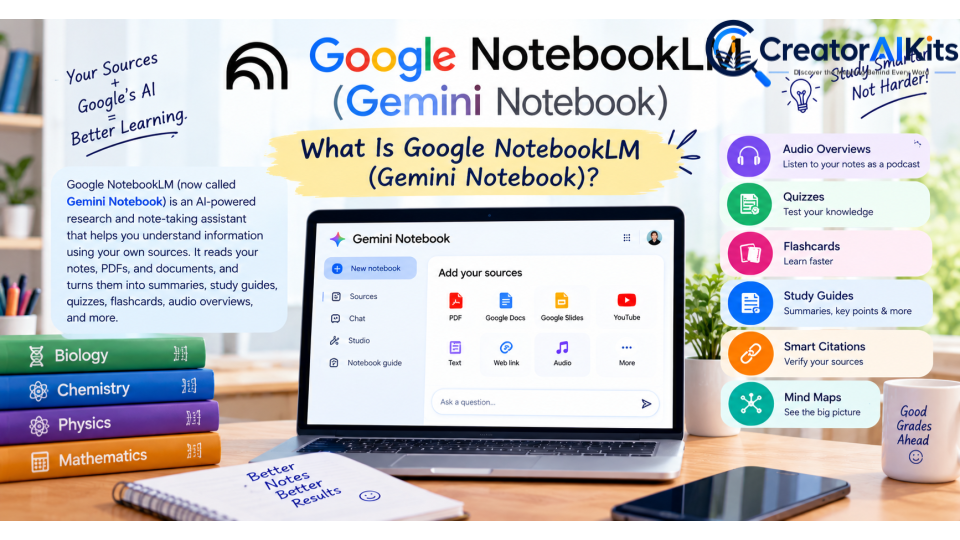
Google NotebookLM, renamed Gemini Notebook in July 2026, is an AI-powered research and learning tool from Google.
Google originally introduced NotebookLM in 2023 as an AI-first notebook designed to help people understand and work with their own information. The product has since expanded significantly, adding features for students, researchers, professionals, and educators.
The key idea is source grounding.
Instead of simply asking an AI chatbot a question and receiving a general response, you can provide Gemini Notebook with specific sources. These may include:
- PDF files
- Google Docs
- Google Slides
- Google Sheets
- Word documents
- Images
- Text files
- Markdown files
- CSV files
- PowerPoint presentations
- Websites
- Public YouTube videos
- Audio files
- ePub files
- Other supported sources
Google currently allows a source to contain up to 500,000 words or 200 MB for local uploads, while standard users can have up to 50 sources in a notebook. Usage limits can change over time.
Does Source Grounding Make Gemini Notebook 100% Accurate?
No.
This is an important distinction.
Source grounding can reduce the risk of unsupported answers because the AI is working with the material you provide, and responses can include citations pointing back to your sources. However, Google itself warns that AI systems can still generate inaccurate information.
Therefore, students should always verify important facts, quotations, calculations, and academic claims against the original material.
Top Gemini Notebook Features for Students
Gemini Notebook has evolved considerably beyond basic AI summarization. Here are some of the most useful features for students.
Audio Overview: Turn Your Notes Into an AI Discussion
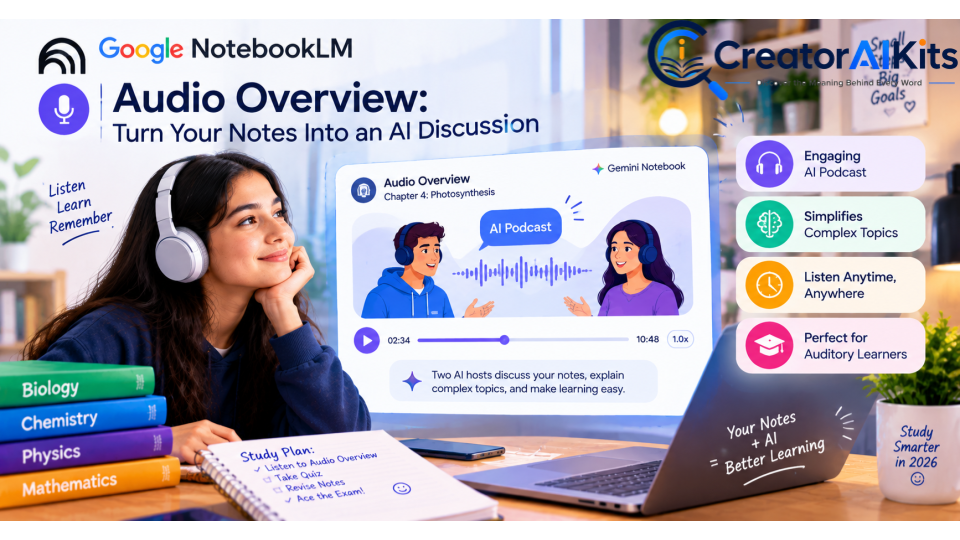
One of the most recognizable NotebookLM features is Audio Overview.
It can transform your sources into an AI-generated audio conversation designed to help you understand the material in a more engaging way.
This can be especially useful when reviewing:
- Lecture notes
- Research papers
- Textbook chapters
- Class recordings
- Study guides
- Multiple sources about the same topic
Google has also expanded Audio Overviews with different formats and interactive capabilities. Students can use them as an additional way to review material instead of relying entirely on traditional reading.
Best use: Listen to an Audio Overview after studying a chapter to reinforce the main concepts.
AI-Generated Quizzes
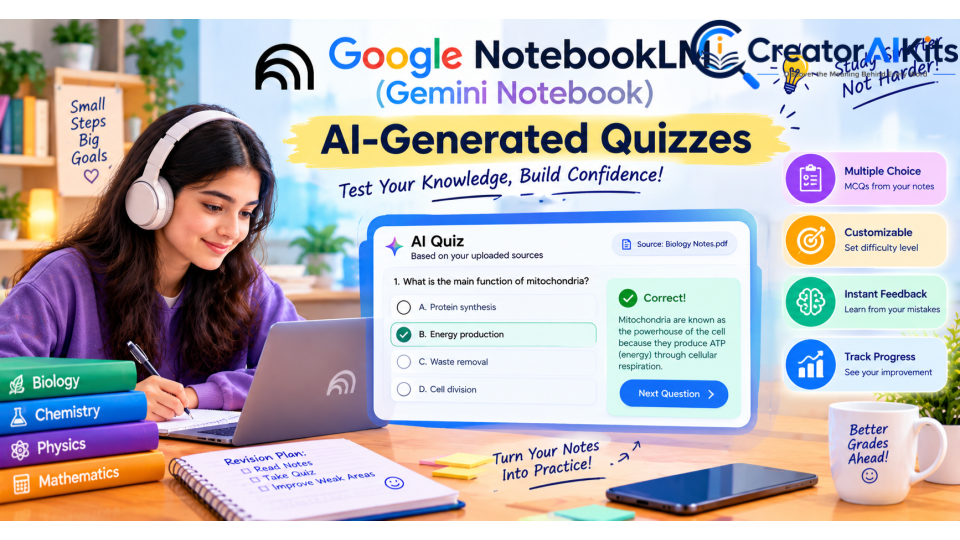
Preparing for an exam often requires active recall rather than simply rereading notes.
Gemini Notebook can generate interactive quizzes based on your sources.
You can use quizzes to:
- Test your understanding
- Identify weak areas
- Review important concepts
- Practice before an exam
- Turn lecture notes into MCQ-style practice
Google introduced quizzes as part of its student-focused learning features, allowing users to customize study materials and receive explanations connected to the original sources.
Example Prompt
“Create a 20-question multiple-choice quiz from these biology notes. Make the questions difficult enough for a university-level exam and explain why each answer is correct.”
Flashcards for Active Recall
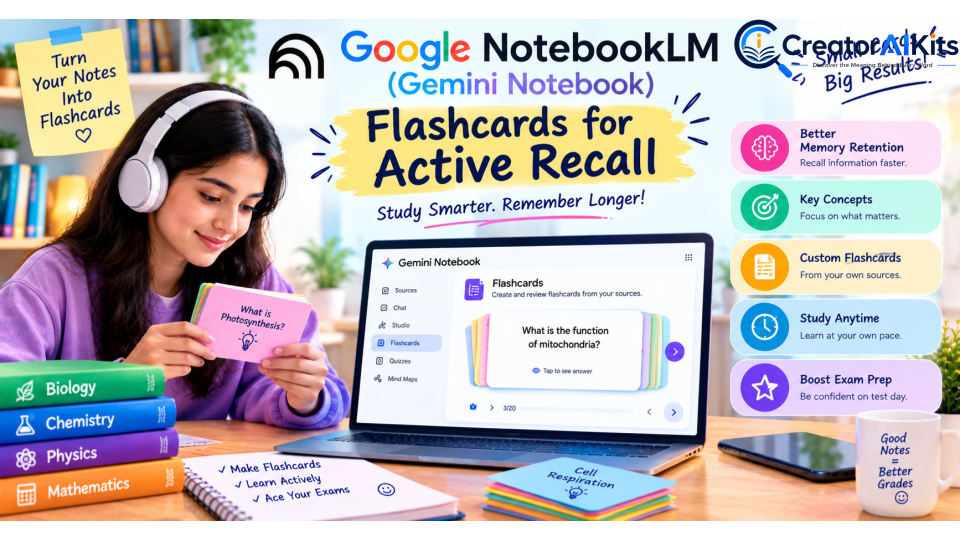
Flashcards are another useful study feature.
Instead of manually creating dozens of cards from your notes, Gemini Notebook can generate flashcards based on your uploaded sources.
You can use them for:
- Definitions
- Vocabulary
- Formulas
- Historical dates
- Scientific concepts
- Medical terminology
- Important theories
Google specifically introduced source-grounded flashcards and quizzes to help students move from passive reading toward active learning.
Study Guides and Reports
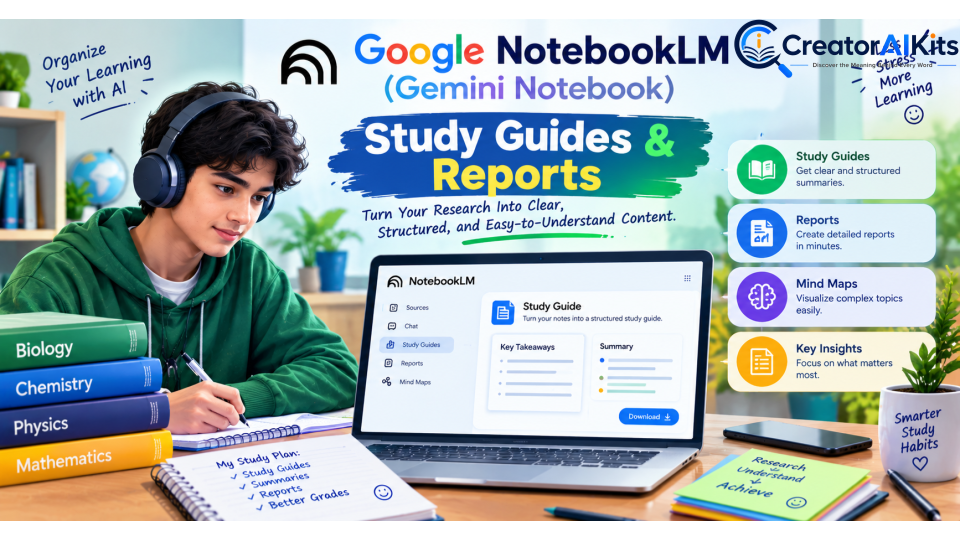
Gemini Notebook can turn complicated source material into more organized study resources.
Depending on the available features and your account, you can generate formats such as:
- Study guides
- Briefing documents
- Reports
- Worksheets
- Tables
- Slide decks
- Infographics
- Charts
- Other structured outputs
Google’s 2026 updates significantly expanded NotebookLM’s output capabilities, including documents, spreadsheets, charts, images, PowerPoint presentations, and other formats.
For students, this means a collection of messy notes can become a much more organized revision resource.
Smart Citations and Source Verification
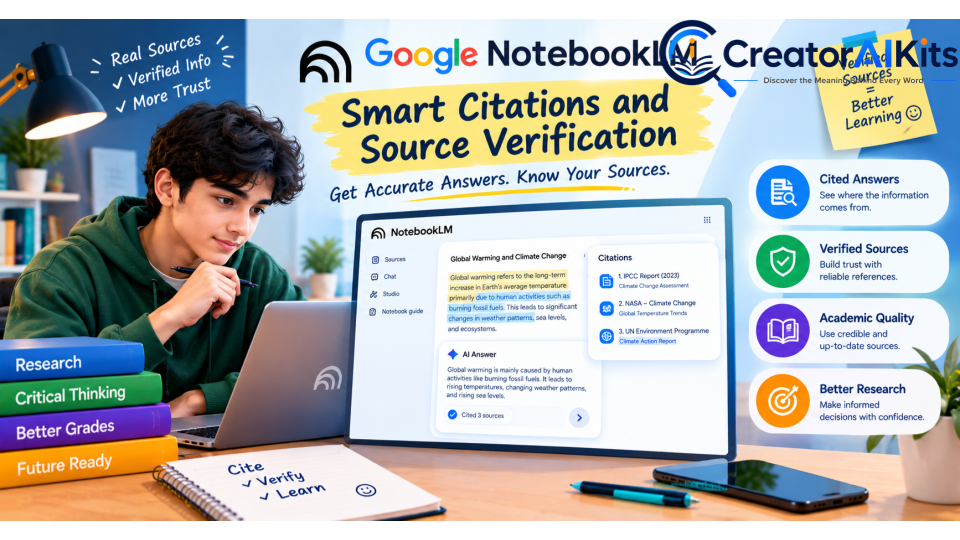
One of Gemini Notebook’s strongest features is its ability to connect answers back to the sources in your notebook.
When an answer contains information from your uploaded material, citations can help you locate the relevant source content.
This is particularly valuable for students because it allows you to ask:
“Where did this answer come from?”
You can then return to the original source and verify the information rather than blindly trusting the AI.
Google has emphasized source-grounded responses and citations as a core part of NotebookLM since its original launch.
Mind Maps for Understanding Complex Topics
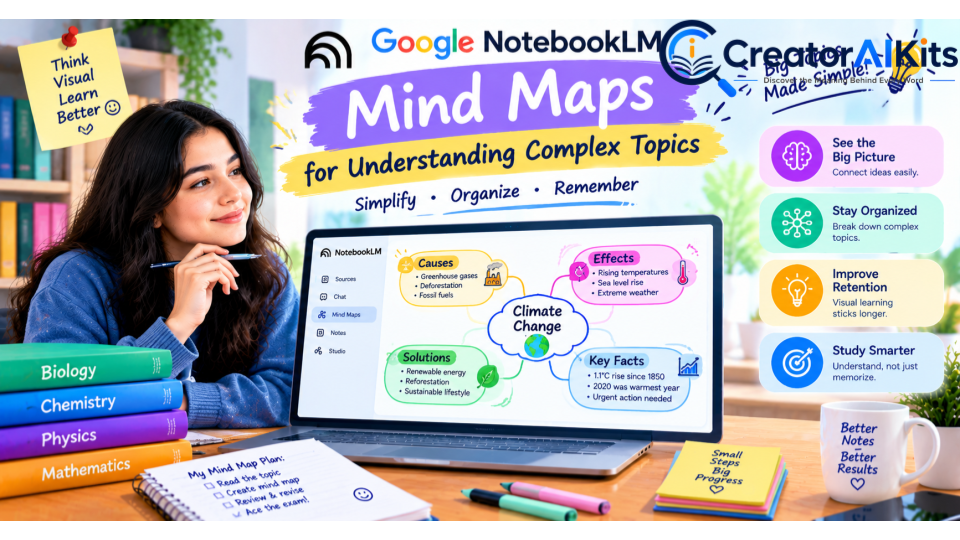
Some subjects are difficult because the information is interconnected.
Mind Maps can help students visualize relationships between concepts, topics, and ideas contained within their sources.
For example, a biology student could organize:
Cell → Organelles → Functions → Processes → Examples
This can make complex subjects easier to review before an exam. Google currently lists Mind Maps among Gemini Notebook’s available study and research features.
YouTube and Web Sources
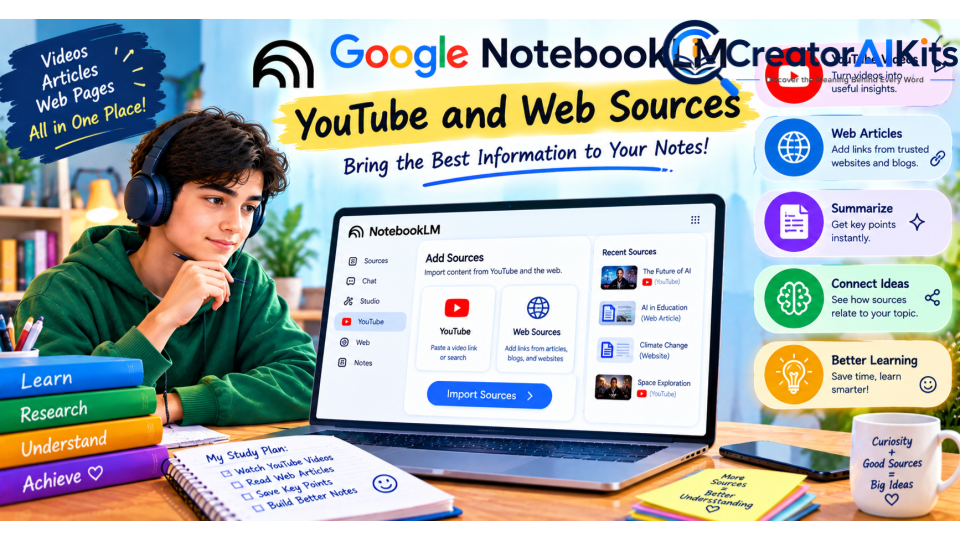
Gemini Notebook is no longer limited to documents that you manually upload.
Supported sources include public YouTube URLs and web URLs, while Google’s newer research features can also help users discover and import relevant web sources.
This makes the workflow much more flexible.
For example, you could build a notebook containing:
- Your professor’s lecture PDF
- A research paper
- Your class notes
- A relevant YouTube lecture
- A trusted educational websiteYou can then ask questions across those sources.
Google NotebookLM vs. ChatPDF vs. Humata AI
Students often compare NotebookLM with other AI document tools such as ChatPDF and Humata.
The main difference is that Gemini Notebook has developed into a broader research and learning environment, rather than simply being a PDF question-answering tool.
| Feature | Gemini Notebook | ChatPDF | Humata AI |
| Document Q&A | Yes | Yes | Yes |
| Source-based answers | Yes | Yes | Yes |
| Citations | Yes | Yes | Yes |
| Audio learning | Yes | Varies by plan/features | Varies |
| Flashcards | Yes | Varies | Varies |
| Quizzes | Yes | Varies | Varies |
| Mind Maps | Yes | Limited/varies | Limited/varies |
| YouTube sources | Yes | Varies | Varies |
| Web research | Yes, with supported research features | Varies | Varies |
| Best for students | Excellent | Good | Good |
Our takeaway: If your primary goal is studying from multiple sources and creating different types of learning materials, Gemini Notebook is a particularly strong option.
Is Gemini Notebook Free?
Yes, Gemini Notebook has a free standard access tier, but it is important not to describe it as completely unlimited.
Google’s current documentation lists standard limits for users without a paid AI plan. For example, standard access currently includes up to:
- 100 notebooks per user
- 50 sources per notebook
- 50 chat queries per day
- 3 Audio Overviews per day
- 3 Video Overviews per day
- 10 quizzes per day
- 10 flashcard generations per day
- 10 reports per day
- 10 mind maps per day
- 10 Deep Research uses per month
Google notes that these limits are subject to change. Paid Google AI plans provide higher limits and additional capabilities.
Important:
So, instead of saying:
“NotebookLM is 100% free with unlimited features.”
A more accurate statement is:
“Gemini Notebook offers a free standard tier, while paid Google AI plans provide higher usage limits and additional capabilities.”
This is more trustworthy and safer for an up-to-date 2026 article.
Pros and Cons of Gemini Notebook
Pros
1. Strong Source Grounding
The tool is designed around the sources you provide, making it useful for document-based research and study.
2. Excellent Study Features
Quizzes, flashcards, Audio Overviews, reports, and Mind Maps can turn ordinary notes into interactive study resources.
3. Useful Citations
Citations make it easier to verify where information came from.
4. Supports Many Source Types
Students can work with PDFs, documents, presentations, websites, YouTube videos, audio files, images, and more.
5. Free Standard Access
Students can get started without purchasing a paid Google AI subscription.
Cons
1. AI Can Still Make Mistakes
Source grounding does not guarantee 100% accuracy. Important academic information should always be checked against the original source.
2. Free Usage Has Limits
The standard tier has daily and monthly limits, so heavy users may need to wait for quotas to reset or consider a paid plan.
3. Some Advanced Features Require Higher Access
Certain advanced research, generation, and analysis capabilities are available with higher Google AI or Workspace access levels.
4. Source Quality Matters
If you provide incomplete, outdated, poorly scanned, or incorrect material, the quality of the resulting answers can also be affected.
How Students Can Use Gemini Notebook Step by Step
Step 1: Create a Notebook
Open Gemini Notebook and create a new notebook for a specific subject.
For example:
Biology – Semester 1
Keeping each subject in its own notebook makes your research easier to organize.
Step 2: Add Your Study Materials
Upload or import relevant materials such as:
- Textbooks
- PDFs
- Lecture notes
- Slides
- Research papers
- Audio recordings
- YouTube lectures
- Websites
Google currently supports a wide range of source formats.
Step 3: Ask Specific Questions
Instead of asking:
“Explain this.”
Try something more specific:
“Explain Chapter 4 in simple language and identify the five concepts most likely to appear on an exam.”
Specific prompts generally make it easier to get useful results.
Step 4: Create Study Materials
Ask Gemini Notebook to create:
- Flashcards
- Quizzes
- Study guides
- Mind Maps
- Summaries
- Reports
Step 5: Verify the Answers
This is one of the most important steps.
Open the citations and compare important information with your original textbook, lecture notes, or research paper.
Do not treat AI output as a replacement for your teacher, textbook, or academic sources.
Step 6: Use Audio for Revision
Generate an Audio Overview after completing your first study session.
Listening to the material again can provide another way to review and reinforce important concepts.
Best Gemini Notebook Prompts for Students
Here are some practical prompts you can copy:
For Summarization
“Summarize this chapter in simple language. Highlight the most important concepts, definitions, formulas, and examples.”
For Exam Preparation
“Create a 30-question exam based only on these sources. Mix easy, medium, and difficult questions.”
For Weak Areas
“Identify the topics I am most likely to misunderstand based on these study materials and explain them simply.”
For Flashcards
“Create 40 flashcards from these notes. Focus on important definitions, concepts, dates, and exam-relevant facts.”
For Active Recall
“Quiz me one question at a time. Do not reveal the answer until I respond.”
For Research
“Compare the main arguments in these sources and identify where the authors agree and disagree. Cite the relevant sources.”
Is Gemini Notebook Good for Students?
Yes.
For students who regularly work with PDFs, lecture notes, textbooks, research papers, presentations, and online educational material, Gemini Notebook can save significant time.
Its biggest advantage is not simply that it can summarize documents. The real value comes from combining source-grounded research with active-learning tools, including quizzes, flashcards, Audio Overviews, reports, and Mind Maps.
However, students should use it as a study assistant rather than an unquestionable authority.
The most effective workflow is:
Study the source → Ask Gemini Notebook → Test yourself → Check citations → Review weak areas → Repeat.
E-E-A-T Editorial & Review Methodology
To make this guide more trustworthy, we reviewed the information against Google’s official Gemini Notebook/NotebookLM documentation and product announcements.
We prioritized:
- Official Google documentation
- Current feature availability
- Current usage limits
- Google’s own product announcements
- Student-focused use cases
- Practical study workflows
- Clear disclosure of limitations
Because AI products change rapidly, features, names, availability, and usage limits may change after publication.
Pricing and usage limits should always be checked on Google’s official documentation before making purchasing decisions.
| AI Tool | Free Plan | Paid Plan | Best For |
| Gemini Notebook | Free with standard usage limits | Google AI Plus: $9.99/mo; Google AI Pro: $19.99/mo | AI studying, research, quizzes, flashcards, Audio Overviews & source-based learning |
| ChatPDF | Free — 2 documents/day | ChatPDF Plus — paid plan with unlimited document analysis | PDF Q&A, document research & citations |
| Humata AI | Free — up to 60 pages | Expert: $9.99/mo; Team: $49/user/mo | PDF analysis, research & document Q&A |
Frequently Asked Questions
Is Google NotebookLM still called NotebookLM?
Google renamed NotebookLM to Gemini Notebook in July 2026. It remains a standalone research and learning product, while becoming more closely integrated with Google’s broader Gemini ecosystem.
Is Gemini Notebook free for students?
Yes. There is a free standard access tier, but it has usage limits. Paid Google AI plans offer higher limits and additional capabilities.
Can Gemini Notebook create quizzes?
Yes. Quiz generation is one of its student-focused learning features.
Can Gemini Notebook create flashcards?
Yes. Gemini Notebook can generate source-grounded flashcards from your study materials.
Can Gemini Notebook analyze YouTube videos?
It supports public YouTube URLs as sources, allowing the tool to work with the video’s available transcript/content.
Can Gemini Notebook read PDFs?
Yes. PDF files are among the supported source types. Google currently lists a maximum of 500,000 words or 200 MB for an individual source, subject to current limits.
Does Gemini Notebook guarantee accurate answers?
No. Source grounding and citations can make answers easier to verify, but AI can still make mistakes. Important academic information should be checked against the original source.
Is Gemini Notebook better than ChatGPT for studying?
It depends on the task. Gemini Notebook is particularly useful when you want to study from a defined collection of sources and create source-grounded learning materials. General-purpose AI assistants may be better for broader brainstorming, writing, coding, or open-ended conversations.
Final Verdict: Is Gemini Notebook Worth Using in 2026?
Absolutely—especially for students who study from large collections of documents.
Google’s transformation of NotebookLM into Gemini Notebook has expanded the product beyond simple document summarization. Students can now use it to understand sources, generate quizzes and flashcards, create study guides, build Mind Maps, listen to Audio Overviews, and perform more advanced research and analysis.
Its biggest strength is the connection between your study material and AI-powered learning tools.
Just remember one rule:
Use AI to accelerate learning, not to replace learning.
Read the original material, question the AI, verify important answers, and use quizzes and flashcards to test what you actually remember.
For students looking for an AI-powered study assistant in 2026, Gemini Notebook is one of the strongest tools worth trying—particularly if your studies involve PDFs, research papers, lecture notes, presentations, or multiple sources.

Welcome to CreatorAIKits! I’m passionate about learning and exploring AI tools, creativity, and technology.
I’m continuously researching and gaining hands-on experience with different AI tools and technologies.
My goal is to share simple, useful, and practical AI information for beginners and everyday users.
Thanks for visiting CreatorAIKits!