
Keeping up with emails, meetings, research, writing, and daily tasks can quickly become overwhelming. If you feel like there aren’t enough hours in the day, the 10 Best AI Tools for Work in 2026 to Boost Productivity can help you save time, reduce repetitive work, and focus on what really matters.
In this guide, we’ll explore 10 practical AI tools that can make everyday work faster and easier. You’ll learn what each tool does, who it’s best for, and how you can use it to improve productivity without making your workflow more complicated.
ChatGPT – Best Overall AI Tool for Work Productivity
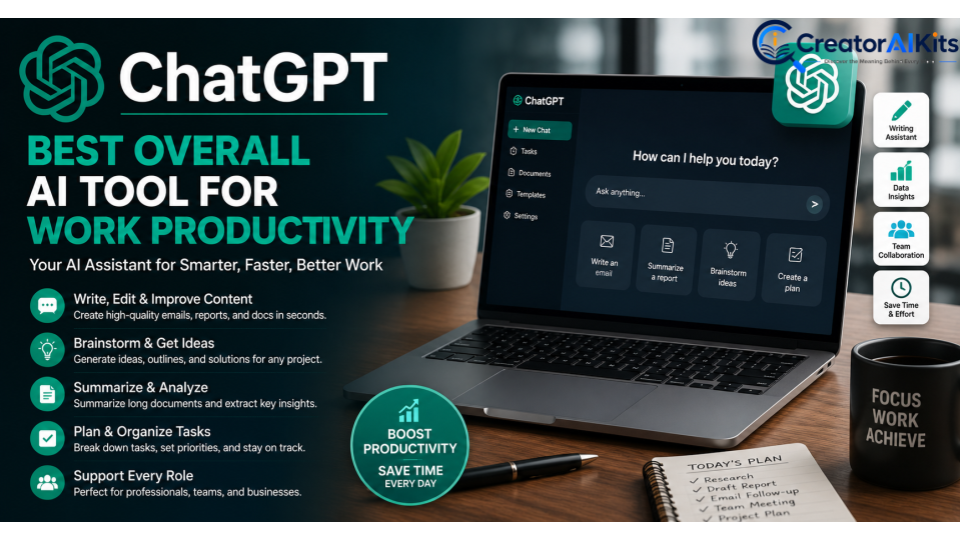
ChatGPT is one of the most flexible AI assistants for everyday professional tasks. You can use it to generate ideas, draft emails, summarize documents, improve writing, create outlines, explain complex topics, and support research. Instead of switching between several apps for simple tasks, you can handle many of them in one conversation.
For professionals, this makes ChatGPT a useful addition to a daily workflow. Whether you’re preparing a report, planning a project, writing customer communication, or looking for fresh ideas, it can help you get started faster. However, you should still review important information and add your own judgment before using AI-generated work.
How ChatGPT Helps Professionals Work Faster
ChatGPT can reduce the time you spend on repetitive writing and information-based tasks. For example, you can provide a long document and ask for a clear summary, turn rough notes into a professional email, or ask for several ideas for a presentation. It can also help you organize information and break a large task into smaller steps. These capabilities make it a practical choice for professionals who want to save time at work while keeping control over the final result.
Best Ways to Use ChatGPT for Daily Work Tasks
You can use ChatGPT for many routine activities throughout the workday. Try it for brainstorming, drafting emails, creating content outlines, preparing meeting questions, summarizing information, or explaining technical concepts in simple language. It can also help you generate content with AI, improve writing, and create first drafts that you can refine with your own experience and expertise.
Google Gemini – Best AI Tool for Google Workspace Users
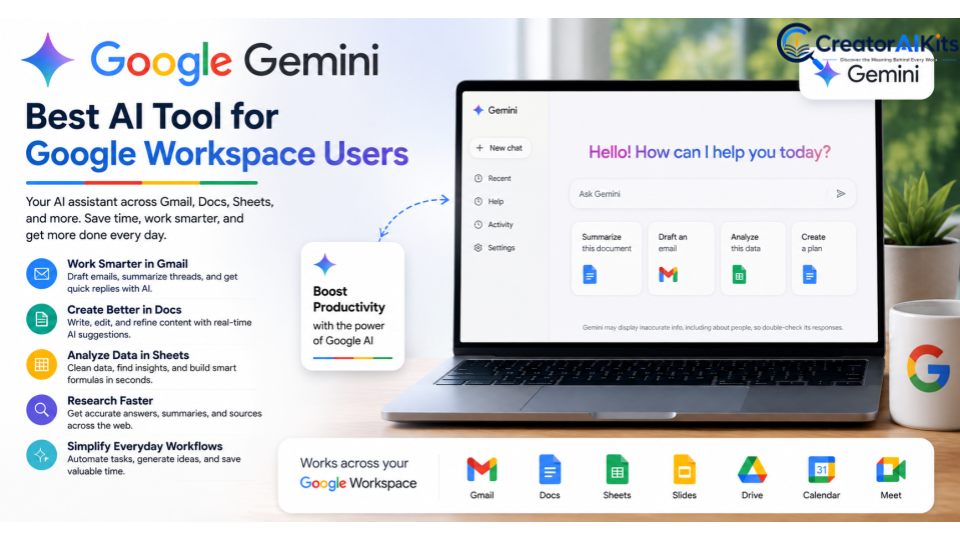
Google Gemini is a strong option for people who already rely on Google’s productivity ecosystem. It can support tasks involving email, documents, spreadsheets, research, and other everyday work activities. Its biggest advantage is the way AI assistance can fit into workflows that professionals already use rather than requiring them to completely change their routine.
For teams and individuals working heavily with Google Workspace, Gemini can help streamline daily tasks and reduce the time spent moving information between different tools. It can be useful when you need to summarize information, develop ideas, prepare written content, or work with data. As with any AI assistant, checking outputs is important when accuracy matters.
Use Gemini for Gmail, Docs, Sheets, and Research
Gemini can be useful across common workplace activities such as drafting or improving emails, working with documents, and getting help with information. Professionals can use AI assistance to organize ideas, summarize material, and prepare content before completing the final version. For people who spend much of their day inside Google’s ecosystem, this can make everyday work feel more connected.
How Gemini Can Simplify Everyday Workflows
A good AI assistant should remove friction rather than create another complicated process. Gemini can help with tasks such as organizing information, generating ideas, summarizing content, and supporting research. Used properly, it can help you work smarter by handling parts of routine work while you focus on decisions that require human judgment.
Microsoft Copilot – Best AI Assistant for Microsoft 365
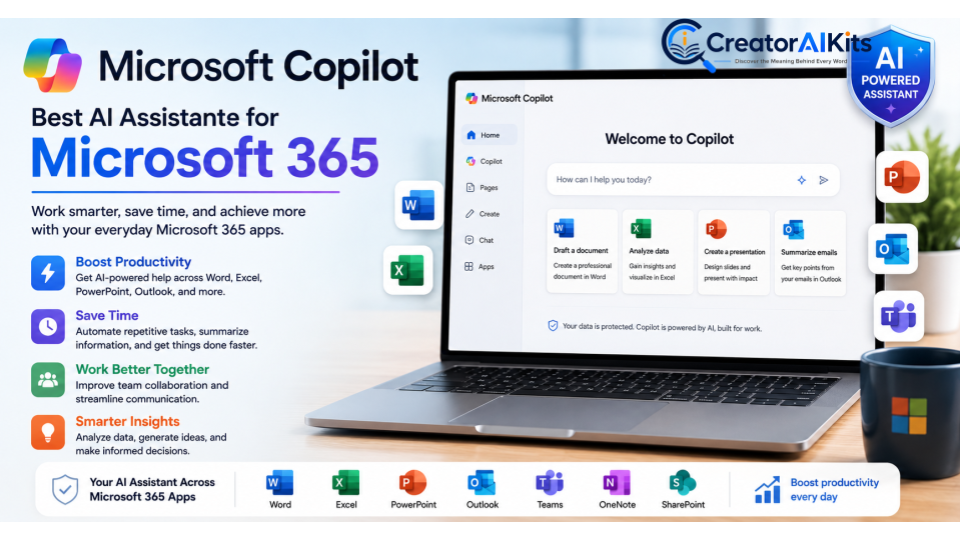
Microsoft Copilot is designed for professionals who spend much of their working day with Microsoft 365 applications. It can assist with common tasks involving documents, spreadsheets, presentations, email, and workplace information. This makes it especially relevant for businesses that already depend on Microsoft’s software ecosystem.
The main benefit is convenience. Instead of starting every task from scratch, you can use AI assistance to create a first draft, summarize information, develop ideas, or work through data. For employees and teams, this can help reduce manual work and make familiar office tasks more efficient.
Boost Productivity in Word, Excel, PowerPoint, and Outlook
Copilot can support different stages of everyday office work. You might use it to draft content in Word, analyze information in Excel, prepare presentation material in PowerPoint, or manage email-related tasks in Outlook. These capabilities can help professionals spend less time on routine preparation and more time reviewing, editing, and making decisions.
How Microsoft Copilot Helps Teams Save Time
Teams often lose valuable time creating documents, preparing meetings, reviewing information, and handling communication. AI assistance can speed up parts of these processes and help people get to a useful starting point faster. When teams use these AI assistants for work thoughtfully, they can improve collaboration while keeping important decisions and final approvals with people.
Claude – Best AI Tool for Writing and Complex Work
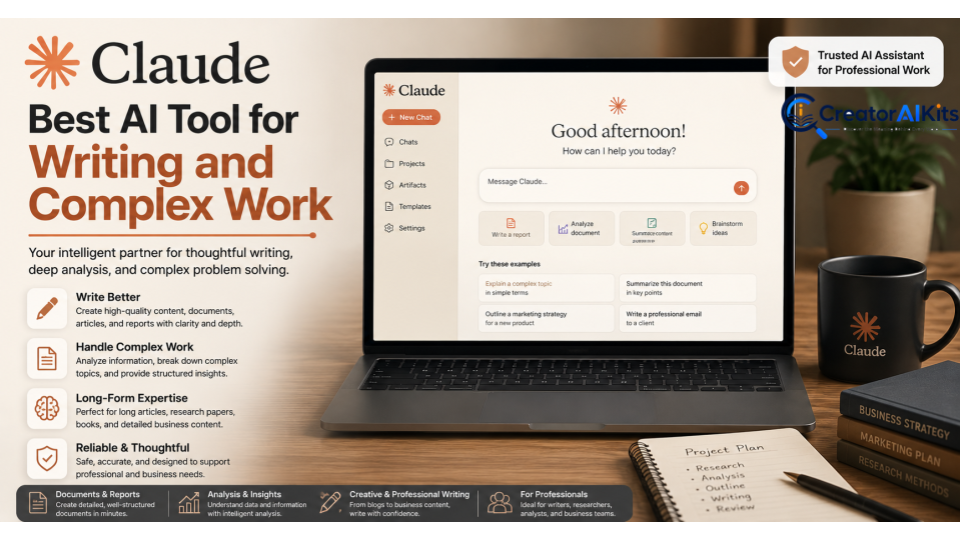
Claude is particularly useful when your work involves detailed writing, document analysis, brainstorming, or tasks that require careful reasoning. Professionals can use it to work through large amounts of information and turn complicated ideas into clearer content. This makes it a useful option for writers, researchers, marketers, consultants, and business professionals.
Rather than treating AI as a replacement for your expertise, think of Claude as a digital work partner. You can provide context, explain your goal, and ask it to help structure the task. This approach can improve workflow because you spend less time figuring out where to begin and more time refining the final result.
Create Better Documents, Reports, and Business Content
Claude can help create first drafts of reports, business documents, articles, proposals, and other professional content. It can also help reorganize existing material when your ideas are useful but the structure needs improvement. For example, you could provide rough notes and ask for a logical structure before reviewing and editing the result yourself.
Why Claude Is Useful for Long-Form Work
Long-form projects often become difficult because they contain many connected ideas. A capable AI assistant can help organize those ideas and maintain a clearer structure throughout the writing process. Claude can therefore be valuable when you need to create business reports, develop detailed documents, or work through complex written material without losing the main point.
Notion AI – Best for Notes, Knowledge Management, and Planning
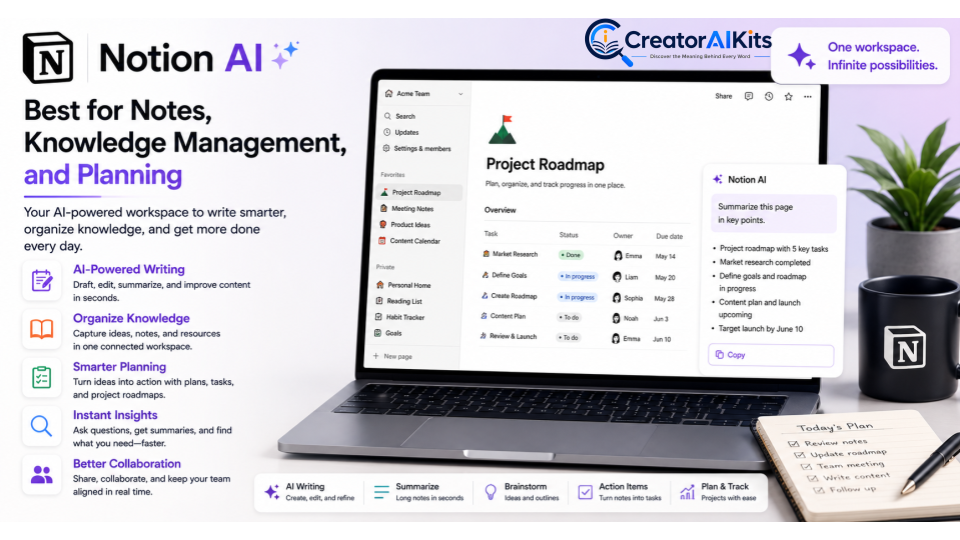
Notion AI is a useful choice for professionals who want to keep notes, projects, documents, and ideas organized in one workspace. It can help summarize information, improve written content, generate ideas, and turn scattered notes into more useful material. For individuals and teams, this can make it easier to organize information instead of searching through disconnected documents and conversations.
Notion AI can also support planning and knowledge management. You can use it to turn meeting notes into action items, refine project information, or create a clearer structure for your workspace. When used consistently, it becomes one of the practical AI productivity tools for people who want to manage their work and information more efficiently.
Zapier – Best AI Tool for Workflow Automation
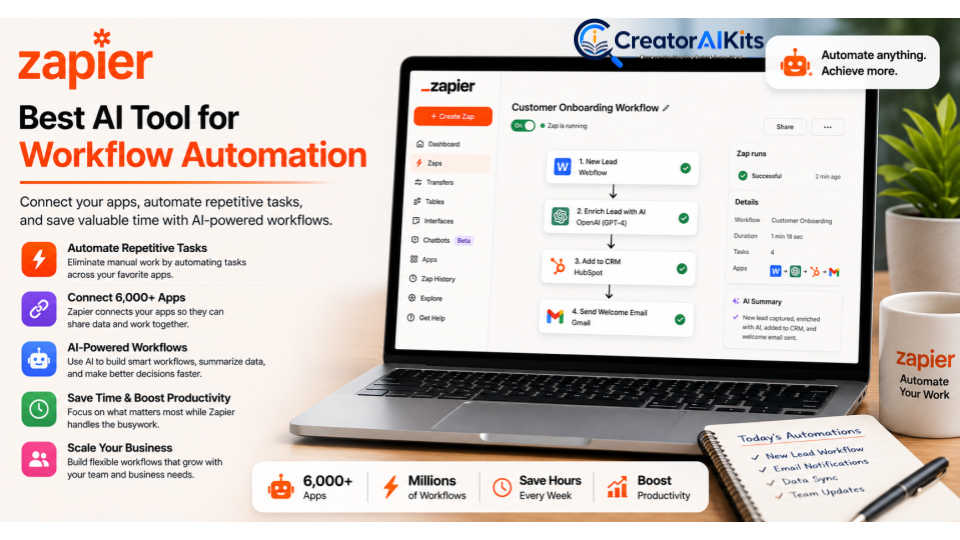
Zapier is designed for people and businesses that want to connect their favorite apps and automate repetitive processes. Instead of manually moving information between different platforms, you can create workflows that trigger actions automatically. This makes Zapier especially useful for AI automation tools and workplace automation where repetitive steps take up valuable time.
For example, a business could create a workflow that captures information from a form, sends it to another application, and notifies the right team member. Marketing, sales, customer service, and administrative teams can all benefit from this approach. By automating workflows that follow predictable patterns, you can save valuable time and focus on tasks that need human attention.
Grammarly – Best AI Tool for Professional Writing and Communication
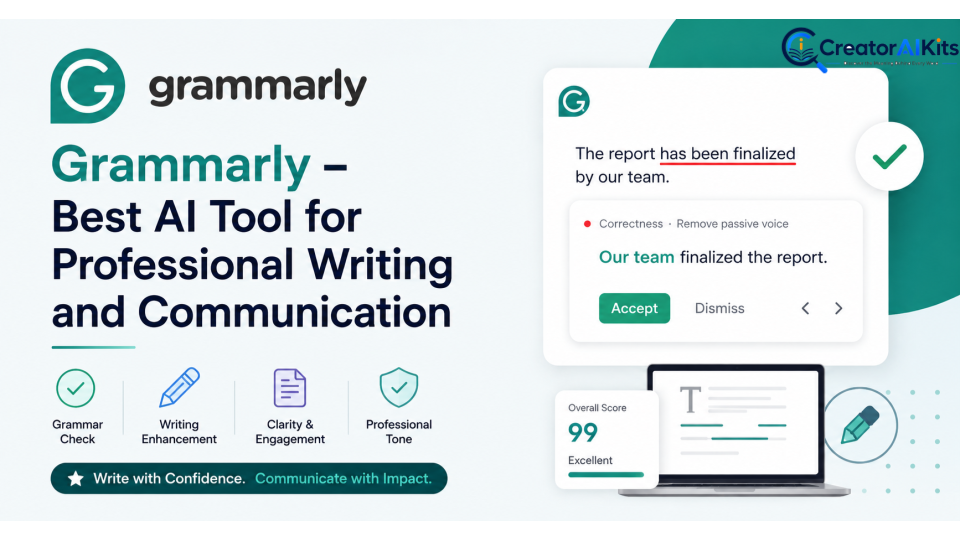
Grammarly is a popular AI-powered writing assistant that helps professionals improve the quality and clarity of their communication. It can assist with grammar, spelling, sentence structure, tone, and overall readability. Whether you’re writing an email, business proposal, report, or online content, it can help you produce cleaner and more professional writing.
Good workplace communication isn’t only about avoiding grammar mistakes. Your message also needs to be clear, appropriate, and easy to understand. Grammarly can help you write emails faster and adjust your writing for different situations. It’s particularly useful for professionals who communicate with customers, colleagues, clients, or international teams every day.
ClickUp AI – Best for Project Management and Team Productivity
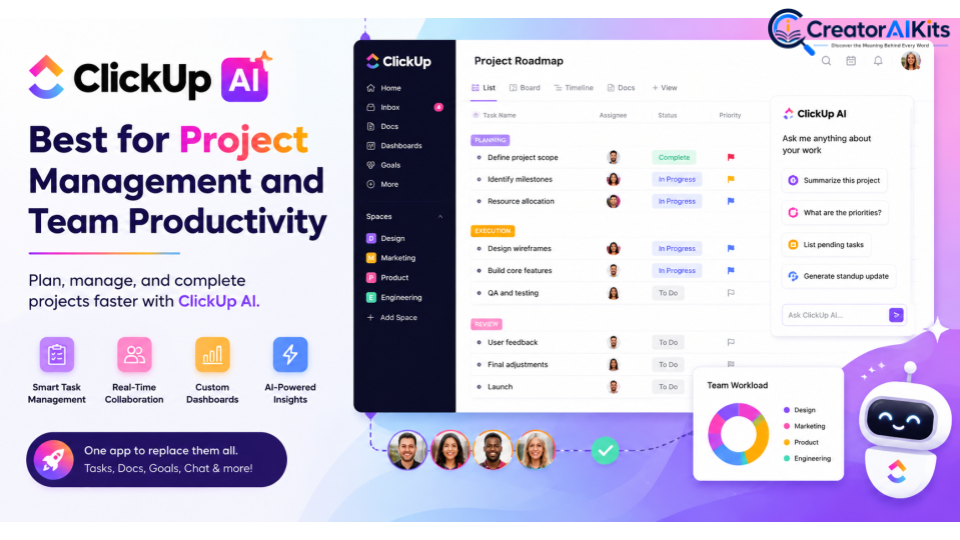
ClickUp AI combines project management features with AI assistance to help teams organize tasks and manage ongoing projects. Instead of keeping project information scattered across different places, teams can use a centralized workspace to plan work, track progress, and collaborate. Its AI capabilities can support tasks such as writing, summarizing information, and organizing project-related content.
For teams handling several projects at once, organization can make a huge difference. ClickUp AI can help you manage projects, structure tasks, and reduce some of the manual work involved in keeping projects updated. It can also support improve team collaboration by helping team members find and understand relevant information more easily.
Otter.ai – Best AI Tool for Meetings and Transcription
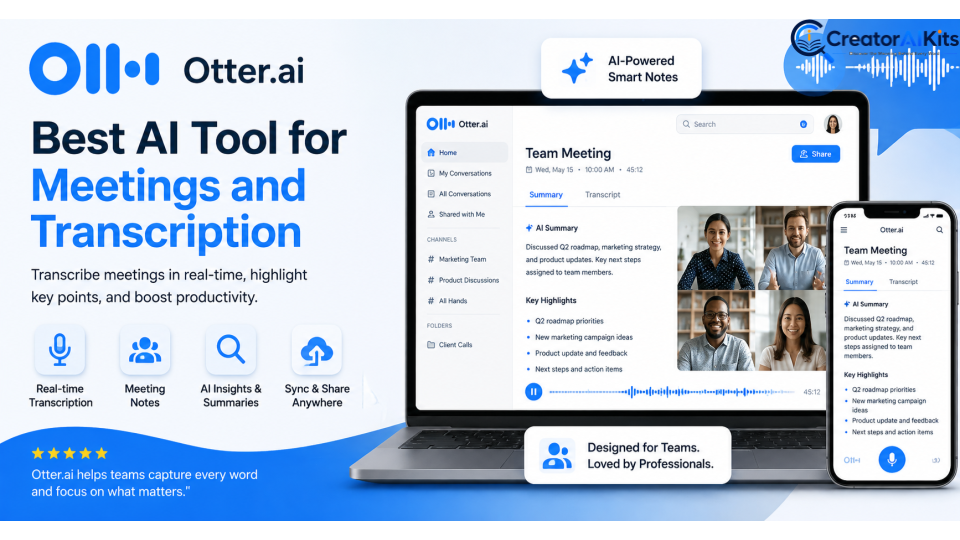
Meetings can produce valuable information, but remembering every detail isn’t easy. Otter.ai focuses on meeting transcription and can help turn conversations into searchable text and notes. This can be useful for professionals who regularly attend interviews, team meetings, client calls, or brainstorming sessions.
Instead of trying to write everything down while listening, you can focus more closely on the conversation. AI-assisted transcription can help you take meeting notes, review important points, and identify follow-up tasks afterward. For busy professionals, this can reduce the manual effort involved in documenting meetings and make important information easier to revisit.
Perplexity – Best AI Tool for Research and Information Discovery
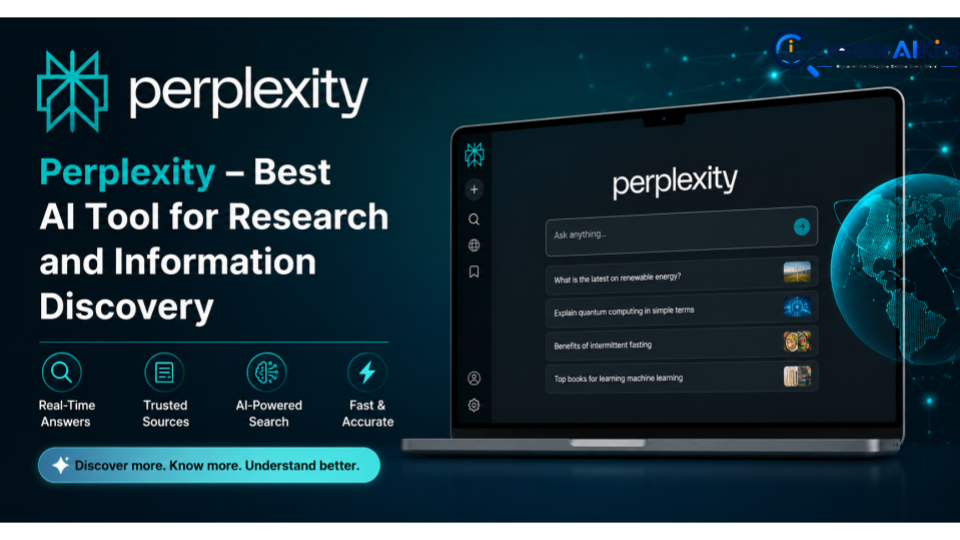
Perplexity is an AI-powered research and information discovery tool designed to help users find and understand information through conversational searches. It can be useful when you need to explore a topic, compare information, or quickly develop an understanding of a subject. For researchers, marketers, writers, and professionals, it can provide a faster starting point for information gathering.
Research still requires careful judgment, especially when information affects business decisions. You should verify important claims and review sources before relying on them. Used responsibly, Perplexity can help you conduct research, generate ideas, and analyze data or information more efficiently. It works particularly well when you want to explore a question before moving into deeper research.
How to Choose the Best AI Tools for Work in 2026
The right AI tool depends on the type of work you do rather than simply choosing the tool with the most features. A writer may benefit most from an AI writing assistant, while a project manager might need project management and collaboration features. Before choosing, consider how well the tool fits your existing workflow, whether it integrates with your current apps, and whether it can actually solve a problem you face regularly.
You should also consider privacy, pricing, ease of use, reliability, and scalability. Start with one or two tools that address your biggest productivity problems instead of filling your workflow with unnecessary apps. The best AI tools for work should make your day simpler, help you complete tasks faster, and support your existing skills rather than creating another complicated system.
Final Thoughts on the Best AI Tools for Work
The right AI tools can take a lot of pressure out of your workday. From writing emails and researching topics to managing projects, automating workflows, and handling meeting notes, these tools can help you boost productivity without replacing the skills and judgment you bring to your job. The key is to choose tools that solve real problems instead of using AI simply because it’s available.
The 10 Best AI Tools for Work in 2026 to Boost Productivity offer different solutions for different needs. ChatGPT and Claude are useful for writing and complex tasks, Gemini and Copilot fit naturally into major productivity ecosystems, while Zapier focuses on automation and Otter.ai helps with meetings. Start with the tool that matches your biggest challenge and expand your AI workflow as you become more comfortable.
FAQs
What are the best AI tools for work in 2026?
The best options depend on your needs. ChatGPT, Gemini, Microsoft Copilot, Claude, Notion AI, Zapier, Grammarly, ClickUp AI, Otter.ai, and Perplexity cover common workplace tasks such as writing, research, automation, project management, and meetings.
How can AI tools improve workplace productivity?
AI can help automate repetitive tasks, summarize information, generate ideas, improve writing, organize work, and reduce manual effort. This gives you more time to focus on important decisions and creative work.
Are AI productivity tools useful for small businesses?
Yes. Small businesses can use AI for writing, customer communication, research, workflow automation, project management, and administrative tasks without building complex systems from scratch.
Which AI tool is best for automating repetitive tasks?
Zapier is a strong option for workflow automation because it can connect different applications and automate recurring processes. The right choice depends on the apps and workflows your business already uses.
Can AI tools replace employees at work?
AI is generally most useful as a support tool rather than a complete replacement for employees. Human judgment, creativity, communication, expertise, and decision-making remain important in most professional roles.
Conclusion
AI is changing how people approach everyday work, but productivity isn’t about using as many tools as possible. It’s about finding the right AI tools for professionals and using them where they can genuinely save time, simplify work processes, and improve results. A simple workflow with the right tool can often be more effective than a complicated collection of AI apps.
Whether you need help with writing, research, meetings, project management, or automation, there’s an AI solution that can fit your workflow. Start small, test what works, and keep the tasks that genuinely help you work smarter.

Welcome to CreatorAIKits! I’m passionate about learning and exploring AI tools, creativity, and technology.
I’m continuously researching and gaining hands-on experience with different AI tools and technologies.
My goal is to share simple, useful, and practical AI information for beginners and everyday users.
Thanks for visiting CreatorAIKits!