
Creating high-quality content in 2026 is easier than ever, thanks to AI tools that can help with research, brainstorming, scriptwriting, voiceovers, images, video editing, and social media content. Whether you’re a YouTuber, TikTok creator, blogger, podcaster, or beginner building a faceless channel, the right AI tools can save time and make your content workflow more efficient.
However, choosing the right tool can be difficult because there are hundreds of AI platforms available. In this guide, we’ll compare some of the best AI tools for content creators, including ChatGPT, Descript, ElevenLabs, Runway, Midjourney, and Copy.ai, based on their main use cases, features, free options, and suitability for different types of creators. We’ll also explain how to combine these tools into a practical workflow while keeping your own experience, expertise, originality, and creativity at the center of your content.
Quick Comparison: Best AI Tools for Content Creators
| AI Tool | Best For | Free Option | Paid Starting Point* |
| ChatGPT | Ideas, research, scripts & content planning | Yes | Paid plans available |
| Descript | Video and podcast editing | Yes | From $16/month |
| ElevenLabs | AI voiceovers | Yes | From $6/month |
| Runway | AI video generation | Yes | Paid plans available |
| Midjourney | AI images and visual concepts | No regular free plan | From $10/month |
| Copy.ai | Marketing and AI-assisted writing | Yes | Paid plans available |
*Prices can vary by billing cycle, region, taxes, and plan changes.
ChatGPT – Best All-Around AI Tool for Content Creators
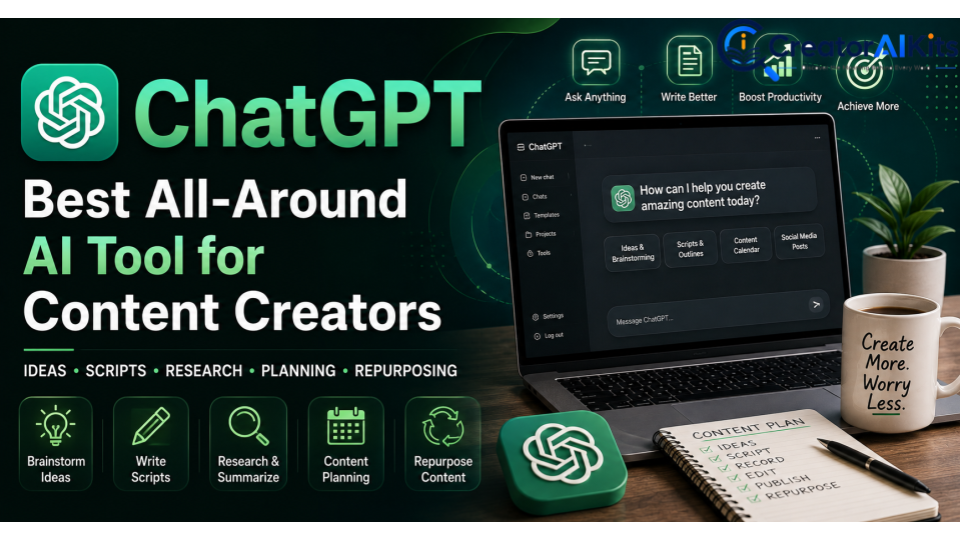
Best for: Brainstorming, research, scripts, content planning, and repurposing
If you want one AI tool that can support multiple parts of your content workflow, ChatGPT is one of the most versatile options.
Creators can use it to brainstorm YouTube topics, develop video ideas, create outlines, write first drafts, generate hooks, improve headlines, summarize research, and build content calendars.
One of its biggest advantages is content repurposing.
For example, you can turn one long-form video idea into:
- A YouTube script
- TikTok and YouTube Shorts ideas
- Instagram captions
- LinkedIn posts
- An email newsletter
- Blog post ideas
- Social media hooks
This can be especially useful for solo creators who need to produce content consistently without spending hours starting from scratch.
Best For
- YouTube creators
- Bloggers
- Social media creators
- Faceless channels
- Content planners
- Marketing teams
Standout Feature
Versatility. You can use one tool for brainstorming, writing, research assistance, planning, and content repurposing.
Free or Paid?
ChatGPT offers a free option, while paid plans provide additional capabilities and higher usage limits. Since plans can change, check the official pricing information before subscribing.
Pros
- Useful for many content tasks
- Fast brainstorming and outlining
- Good for repurposing content
- Helpful for beginners
Cons
- AI-generated content still needs human editing
- Output quality depends heavily on your instructions and context
Descript – Best AI Video Editor for Beginners
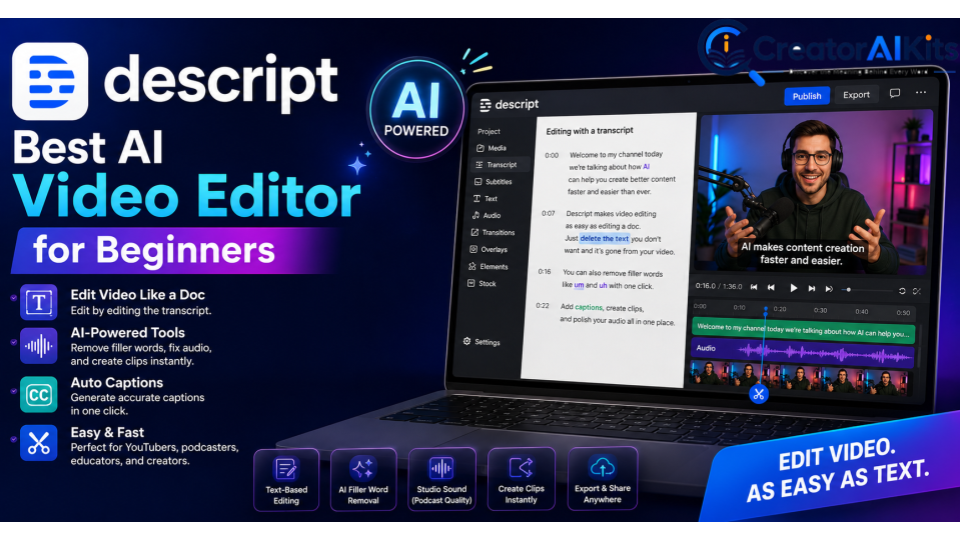
Best for: Video editing, podcasts, captions, and talking-head content
Video editing can be intimidating when you’re new to traditional timeline-based software.
Descript takes a different approach by allowing you to edit video and audio through a transcript.
After uploading a recording, Descript generates a transcript. You can then edit the transcript to remove sections of the recording.
It also provides AI-powered features for tasks such as removing filler words, improving audio, creating clips, and generating captions.
This makes it particularly useful for YouTubers, podcasters, educators, and creators who frequently work with spoken content.
Best For
- YouTube videos
- Podcasts
- Talking-head videos
- Online courses
- Educational content
- Beginner video editors
Standout Feature
Text-based video editing.
Pricing
Descript offers a free option, while paid plans provide additional usage and features. The pricing shown in this article can change, so verify the current plans before publishing or purchasing.
Pros
- Easy for beginners
- Transcript-based editing
- Useful AI editing features
- Good for podcasts and talking-head videos
Cons
- Advanced video editors may prefer traditional timeline software
- Free usage has limitations
ElevenLabs – Best AI Voice Generator for Creators
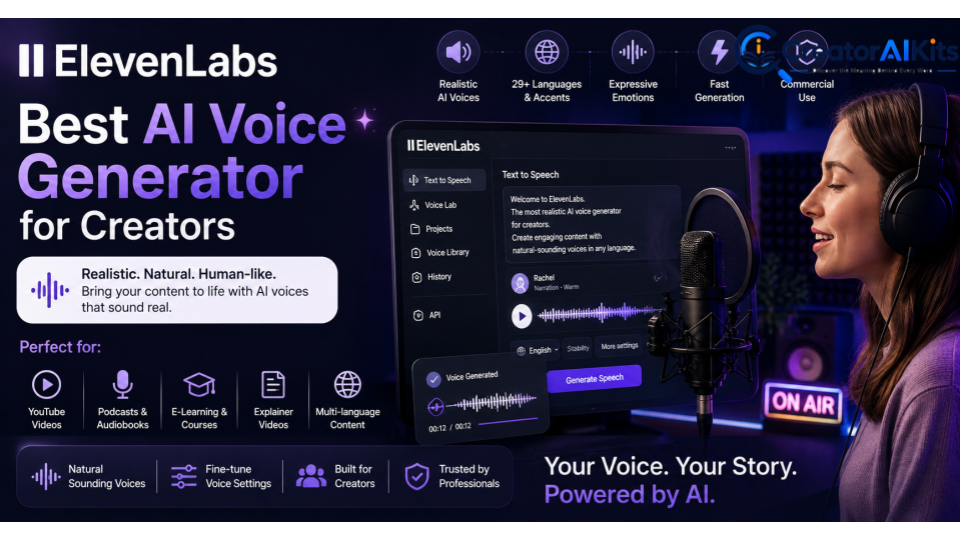
Best for: AI voiceovers, narration, faceless videos, and multilingual content
Recording a voiceover for every video can take time. ElevenLabs can help creators generate spoken narration from written scripts.
This makes it useful for faceless YouTube channels, educational videos, explainers, short-form videos, and other projects where you don’t want to record your own voice.
A typical workflow is simple:
- Write your script.
- Choose an available voice.
- Generate the narration.
- Add the voiceover to your video.
- Edit the timing and visuals.
The platform offers a free option, with paid plans providing additional generation capacity and features.
Best For
- Faceless YouTube channels
- Explainer videos
- Educational content
- TikTok and Shorts
- Voiceover-heavy content
Standout Feature
Natural-sounding AI speech.
Pricing
ElevenLabs offers a free plan and several paid tiers. Because credit limits and plan features can change, check the current official pricing before publishing exact figures.
Pros
- High-quality AI voice generation
- Useful for faceless content
- Supports multiple languages and voices
- Simple text-to-speech workflow
Cons
- Free usage is limited
- Heavy users may need a paid plan
Runway – Best for AI Video Generation
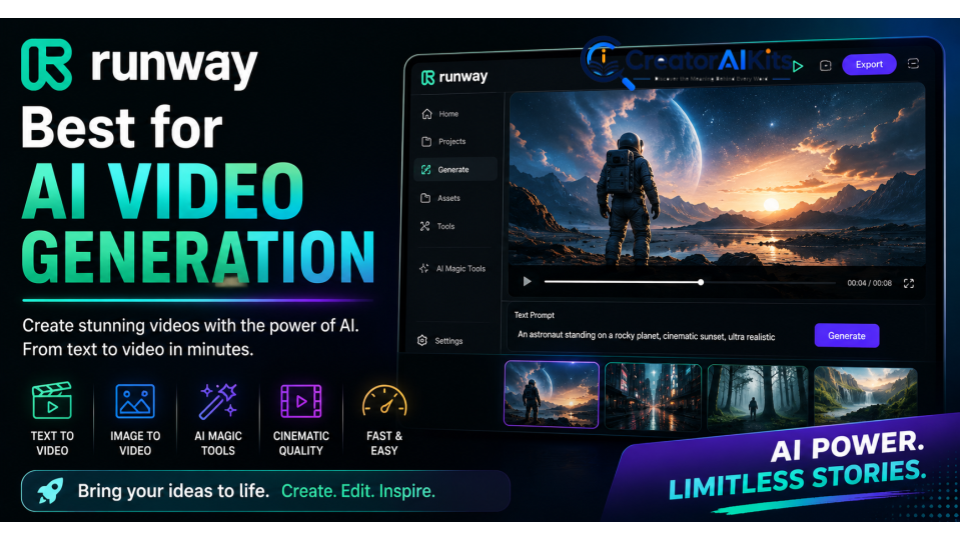
Best for: AI-generated video, B-roll, visual effects, and creative storytelling
Runway is designed for creators who want to generate or transform video using AI.
Instead of recording every visual yourself, you can use AI-generated clips for B-roll, creative concepts, cinematic scenes, transitions, and experimental content.
For example, a creator could combine a written script with AI narration and generated visual clips to produce a short-form video without filming every scene.
Best For
- AI-generated video
- B-roll
- Creative storytelling
- Cinematic concepts
- Experimental social media content
Standout Feature
AI-powered video generation and visual creation.
Pricing
Runway provides a free option with limited usage, while paid plans offer additional credits and features. Models, credits, and pricing can change, so verify the current plan before publishing exact pricing.
Pros
- Useful for creative video concepts
- Can generate visual content without traditional filming
- Helpful for B-roll and experiments
Cons
- AI-generated video can require multiple attempts
- Free usage is limited
Midjourney – Best for AI Images and Visual Concepts
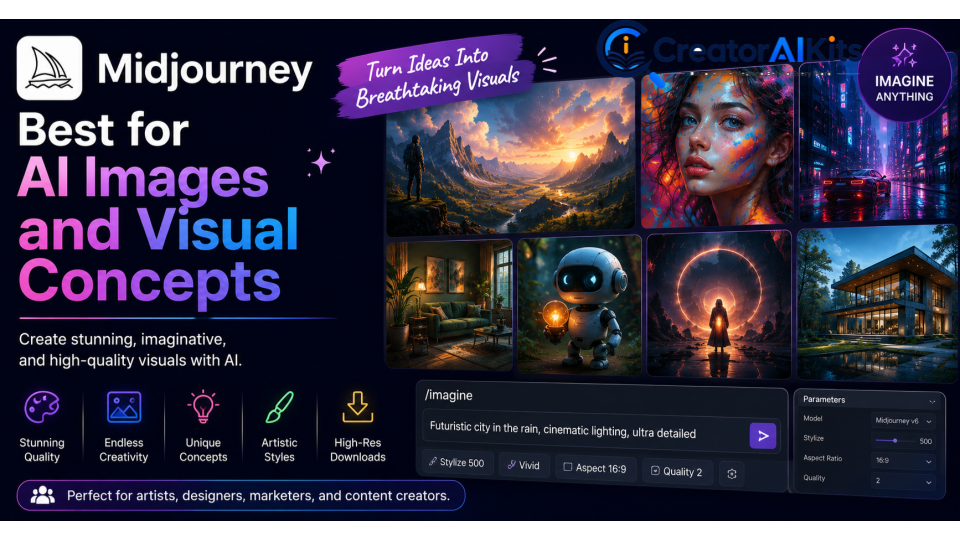
Best for: AI artwork, thumbnail concepts, illustrations, and visual storytelling
A strong visual can make content more attractive and memorable.
Midjourney is an AI image-generation platform that creators can use to develop artwork, illustrations, concepts, and visual ideas.
For YouTubers, it can also be useful during the thumbnail-planning stage. Instead of immediately designing a final thumbnail, you can generate different visual concepts and use the strongest idea as inspiration for the finished design.
Best For
- YouTube thumbnail concepts
- AI artwork
- Illustrations
- Creative images
- Visual storytelling
Standout Feature
High-quality AI-generated imagery.
Pricing
Midjourney’s paid plans start around the $10/month range, although pricing and available plans can change.
Unlike some AI image platforms, Midjourney is generally considered a paid option rather than a tool with a regular unlimited free plan.
Pros
- Strong visual quality
- Excellent for creative concepts
- Useful for artwork and thumbnails
Cons
- Not the best choice if you need a completely free image generator
- Beginners may need time to learn effective prompting
Copy.ai – Best for AI Writing and Marketing Content
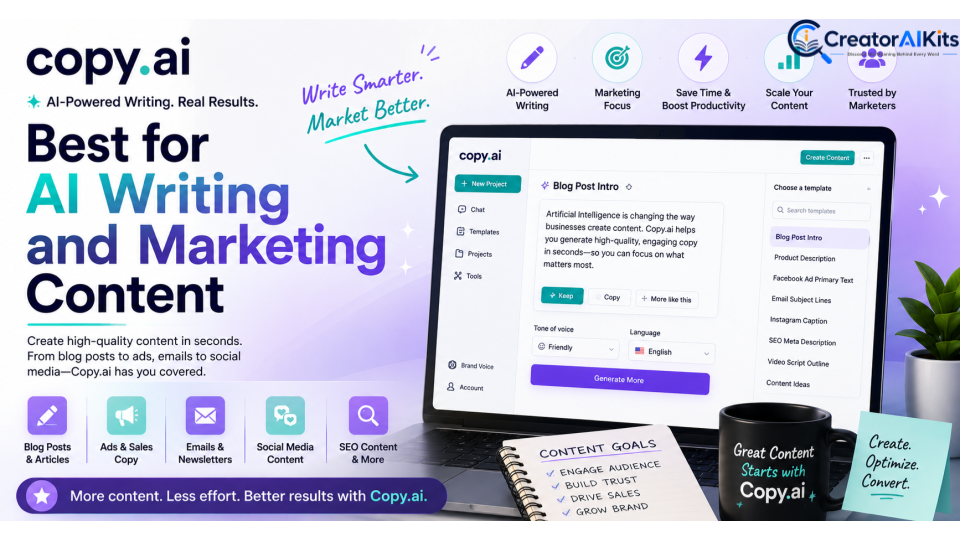
Best for: Marketing copy, content ideas, social media posts, and repurposing
Creating fresh content every day can be difficult, especially when you’re managing multiple social media channels.
Copy.ai can help creators brainstorm ideas, develop hooks, create outlines, write marketing copy, and repurpose existing content.
It works best when you treat AI output as a starting point rather than a finished article.
Add your own experiences, opinions, examples, statistics, and personality before publishing.
Best For
- Marketing copy
- Social media content
- Video scripts
- Content ideas
- Content repurposing
Standout Feature
AI-assisted writing and content workflows.
Pricing
Copy.ai offers a free option and paid plans with additional features and usage. Check the current pricing before subscribing because plans can change.
Pros
- Fast content ideation
- Useful for marketing workflows
- Helpful for repurposing content
- Beginner-friendly
Cons
- AI-generated copy still requires editing
- Advanced users may need more specialized tools
Best AI Tools by Content Creation Task
You don’t need every AI tool available.
Instead, choose tools according to the parts of your workflow that take the most time.
| Content Creation Task | Recommended Tool |
| Brainstorming & scripts | ChatGPT |
| Research & content planning | ChatGPT |
| Video editing | Descript |
| AI voiceovers | ElevenLabs |
| AI video generation | Runway |
| Images & visual concepts | Midjourney |
| Marketing copy | Copy.ai |
Which AI Tools Are Best for Different Creators?
The best combination depends on the type of content you create.
Best for YouTubers
ChatGPT + Descript + ElevenLabs
Use ChatGPT for ideas and scripts, Descript for editing, and ElevenLabs when you need AI narration.
Best for Faceless YouTube Channels
ChatGPT + ElevenLabs + Runway
This combination can help with research, scripts, voiceovers, and AI-generated visuals.
Best for TikTok and Shorts Creators
ChatGPT + ElevenLabs + Descript
Use ChatGPT for hooks and short scripts, ElevenLabs for narration, and Descript for editing and captions.
Best for Bloggers
ChatGPT + Copy.ai
Use AI to brainstorm topics, create outlines, develop content ideas, and repurpose articles into social media posts.
Best for Visual Creators
Midjourney + Runway
Midjourney can help with image concepts, while Runway can be useful for AI-generated video and visual experiments.
Best Free AI Tools for Beginners
If you’re just starting, you don’t need to pay for six different subscriptions.
Start with free options and learn the workflow first.
Best Free AI Tool for Writing and Planning
ChatGPT is a practical starting point for brainstorming, outlines, scripts, content calendars, and repurposing.
Best Free Video Editing Option
Descript is worth trying if you mainly create talking-head videos, podcasts, or educational content.
Best Free AI Voice Tool
ElevenLabs can be useful for experimenting with AI narration before committing to a paid plan.
Best Free AI Video Generator
Runway can be used to experiment with AI-generated video, although free usage is limited.
Best AI Image Generator
Midjourney is better viewed as a paid option because it does not provide the same type of regular free access offered by some competitors.
How to Build an AI Content Creation Workflow
The biggest mistake beginners make is trying to use too many tools at once.
A simple workflow is usually more effective.
Step 1: Research and Brainstorm
Start with ChatGPT to develop topics, titles, hooks, outlines, and content ideas.
Don’t simply ask AI to create everything. Give it your target audience, topic, tone, and goal.
Step 2: Write and Edit the Script
Create a structured first draft and then edit it so the content sounds natural and reflects your own voice.
Add personal experiences, examples, opinions, and original insights.
Step 3: Generate the Voiceover
For faceless videos, use ElevenLabs to create narration from your final script.
Review the audio before using it in the finished video.
Step 4: Create Visuals
Use Runway for AI-generated video clips and Midjourney for image concepts, artwork, or visual inspiration.
Step 5: Edit the Video
Bring your footage, narration, images, and generated clips together in Descript.
Add captions, transitions, music, and other editing elements.
Step 6: Repurpose the Content
Don’t let one piece of content become one piece of content.
Turn a long-form video into:
- YouTube Shorts
- TikTok videos
- Instagram Reels
- Social media captions
- LinkedIn posts
- Blog content
- Email newsletters
This is where AI can save creators a significant amount of time.
Are Paid AI Tools Worth It?
Not always.
If you’re a beginner, free plans may be enough to learn the basics and publish your first pieces of content.
A paid subscription becomes more valuable when you regularly hit free-plan limits or need advanced features such as:
- More AI credits
- Higher usage limits
- Longer videos
- Better export options
- Additional voice-generation capacity
- Faster generation
- Advanced editing features
- Commercial-use options
The smartest approach is simple:
Start free → learn the workflow → identify your limitations → upgrade only when necessary.
Don’t buy an AI subscription just because it is popular. Buy it because it solves a specific problem in your content workflow.
Tips for Using AI Without Losing Your Originality
AI can make content creation faster, but it shouldn’t replace your creativity.
To make AI-assisted content more valuable:
Add Your Own Experience
Share real examples, lessons, opinions, and observations that AI cannot provide from your personal experience.
Edit AI-Generated Content
Never assume the first AI output is ready to publish. Fact-check important information and rewrite sections that sound generic.
Focus on Your Audience
A useful piece of content should solve a real problem for your target audience.
Use AI as an Assistant
Think of AI as a production assistant—not the creator of your entire brand.
Your personality, expertise, storytelling, and perspective are what differentiate your content.
Final Verdict: Which AI Tool Should You Choose?
There isn’t one AI tool that is perfect for every creator.
ChatGPT is the strongest all-around option for brainstorming, research assistance, scripts, planning, and content repurposing.
Descript is a strong choice for creators who want simple, transcript-based video editing.
ElevenLabs is ideal for creators who need AI-generated voiceovers, especially for faceless content.
Runway is useful for AI-generated video and creative visual experiments.
Midjourney is a strong option for AI artwork, image concepts, and visual storytelling.
Copy.ai is useful for marketing copy, content ideas, and AI-assisted writing workflows.
The key isn’t to collect as many AI tools as possible.
Start with one or two tools, learn them properly, and build a workflow around the type of content you actually create.
AI can help you create faster—but your ideas, storytelling, personality, experience, and originality are what make people want to watch, read, and follow your content.
Frequently Asked Questions
What is the best AI tool for content creators in 2026?
There is no single best tool for everyone. ChatGPT is a strong all-around choice for brainstorming, planning, writing, and content repurposing, while Descript, ElevenLabs, Runway, Midjourney, and Copy.ai focus on more specific creator needs.
What is the best free AI tool for beginners?
ChatGPT is a good starting point for beginners who need help with ideas, scripts, outlines, and planning. Descript, ElevenLabs, and Runway can also be useful depending on whether you need video editing, voice generation, or AI video creation.
Can I create YouTube videos using AI?
Yes. AI can assist with research, brainstorming, scripts, voiceovers, images, video generation, captions, and editing.
However, creators should add their own ideas, commentary, storytelling, editing, and perspective to make the final content original and useful.
Are AI tools completely free?
No. Many AI platforms offer free plans, but these usually come with limitations on credits, usage, features, generation speed, or output quality.
Paid plans generally provide more capacity and additional features.
How many AI tools does a content creator actually need?
You can start with just two or three tools.
For example, you could use ChatGPT for planning and scripts, ElevenLabs for voiceovers, and Descript for editing.
Add other tools only when your workflow requires them.
Should beginners pay for AI tools?
Not necessarily.
Start with free plans and determine which limitations are slowing you down. Upgrade when a paid feature saves enough time or improves your workflow enough to justify the cost.
Can AI replace content creators?
AI can automate many repetitive tasks, but it doesn’t replace the need for creativity, judgment, storytelling, expertise, and human perspective.
Conclusion
AI tools have made content creation faster, easier, and more accessible in 2026. Whether you need help with brainstorming and scripts, video editing, voiceovers, AI-generated visuals, or marketing content, tools such as ChatGPT, Descript, ElevenLabs, Runway, Midjourney, and Copy.ai can support different stages of your workflow.
However, you don’t need every AI tool or multiple expensive subscriptions to become a successful creator. Start with one or two tools that solve your biggest challenges, use free plans when possible, and upgrade only when you need additional features or capacity. Most importantly, combine AI with your own experience, expertise, creativity, storytelling, and originality. AI can help you create faster, but your unique ideas and human perspective are what make your content valuable and memorable.

Welcome to CreatorAIKits! I’m passionate about learning and exploring AI tools, creativity, and technology.
I’m continuously researching and gaining hands-on experience with different AI tools and technologies.
My goal is to share simple, useful, and practical AI information for beginners and everyday users.
Thanks for visiting CreatorAIKits!